

Cloud video surveillance for the cameras you already own
Cloud video surveillance sends a site's cameras to a video management system in the cloud instead of a recorder on site: footage recorded and kept under a retention window set per camera, live view and playback from a browser, every site on one login, and on Camzify the AI detections and scheduled patrol rounds that turn recording into watching. Nothing new is mounted. The NVR is what goes. For a business weighing its cameras, see business security cameras.
- Any RTSP camera connects
- Retention set per camera
- Encrypted in transit and at rest
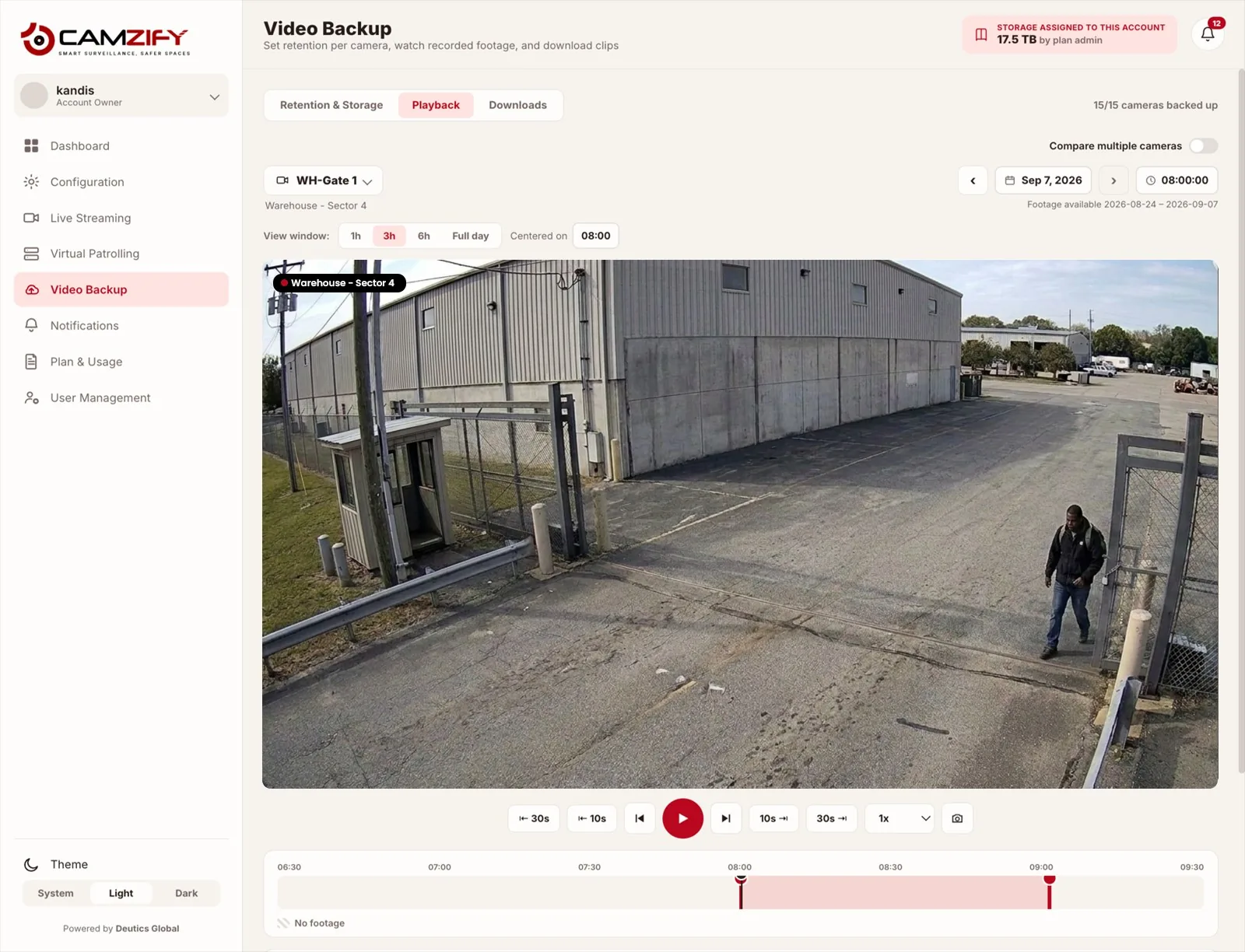
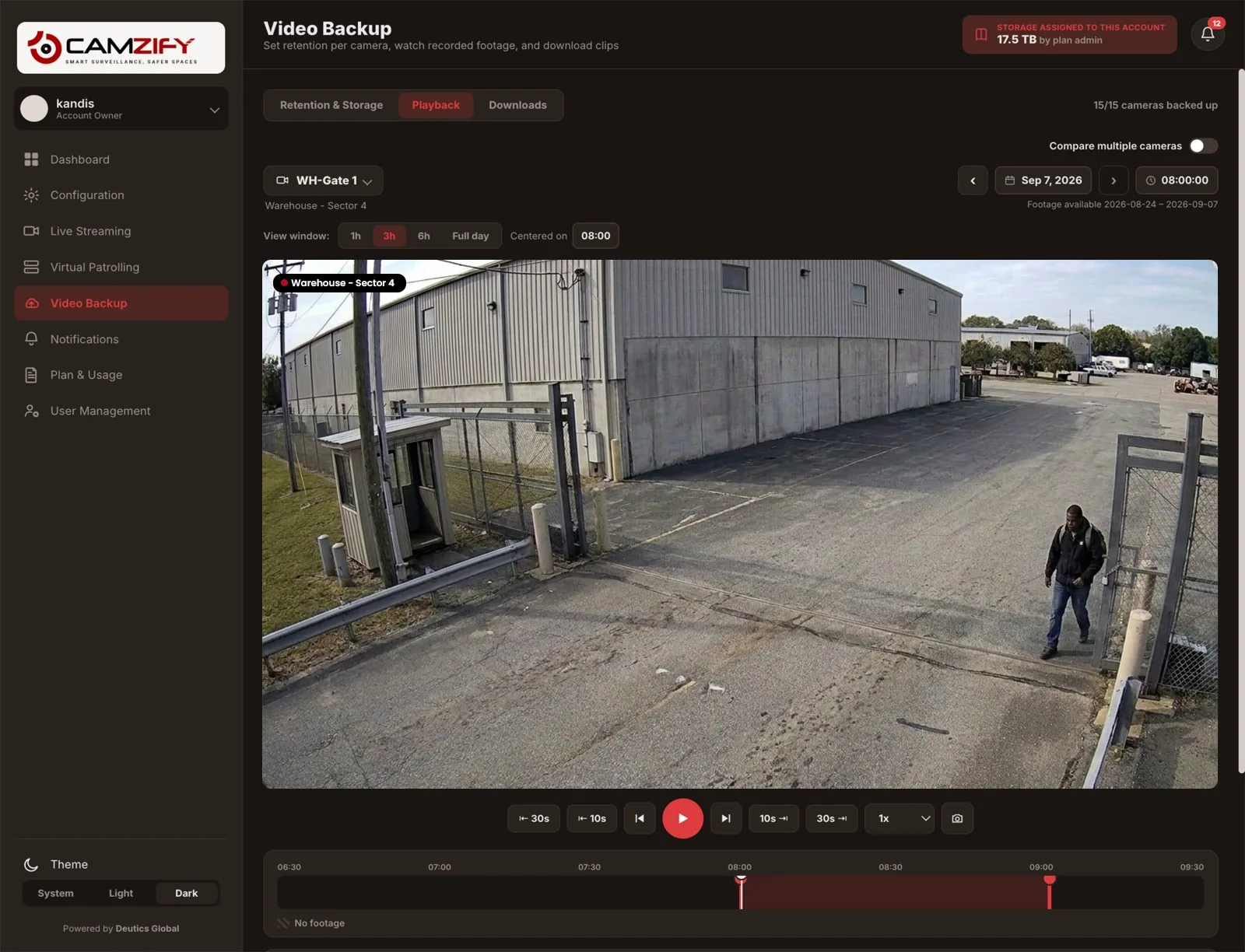
Camera to cloud in three steps
The whole model rests on one fact: almost every IP camera already speaks RTSP. Everything else is where that stream goes.
The camera streams
A camera reachable from the internet is added by its RTSP address. A camera on a private network is relayed by the Camzify Connector, a small application on a machine inside that network, so nothing is opened on the router.
Camera connectivityThe cloud records
Continuous or scheduled recording per camera, kept for a number of days or up to a storage cap you set for that camera. Playback and export from the browser, with the same permissions as live view.
Backup and retentionThe console does the rest
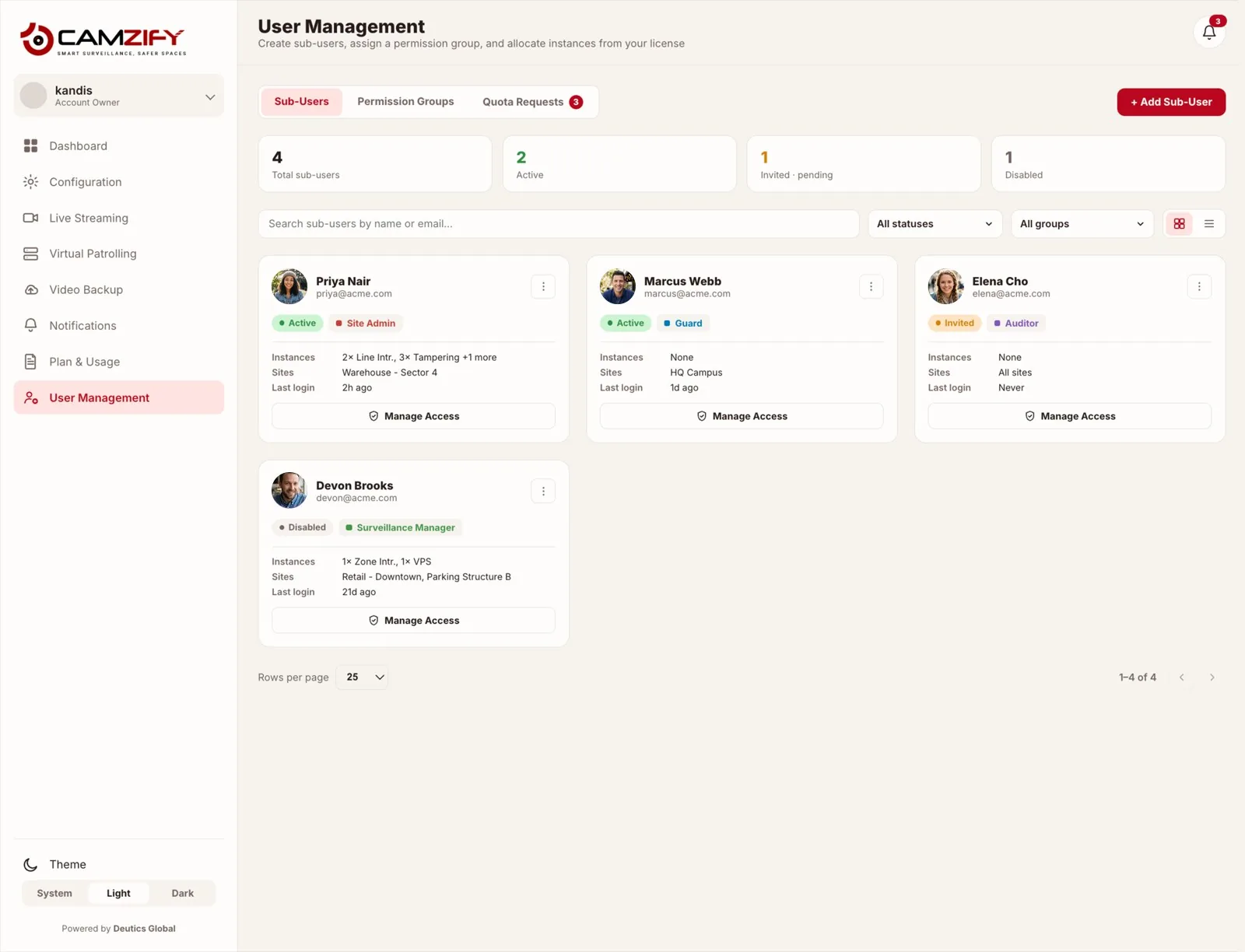
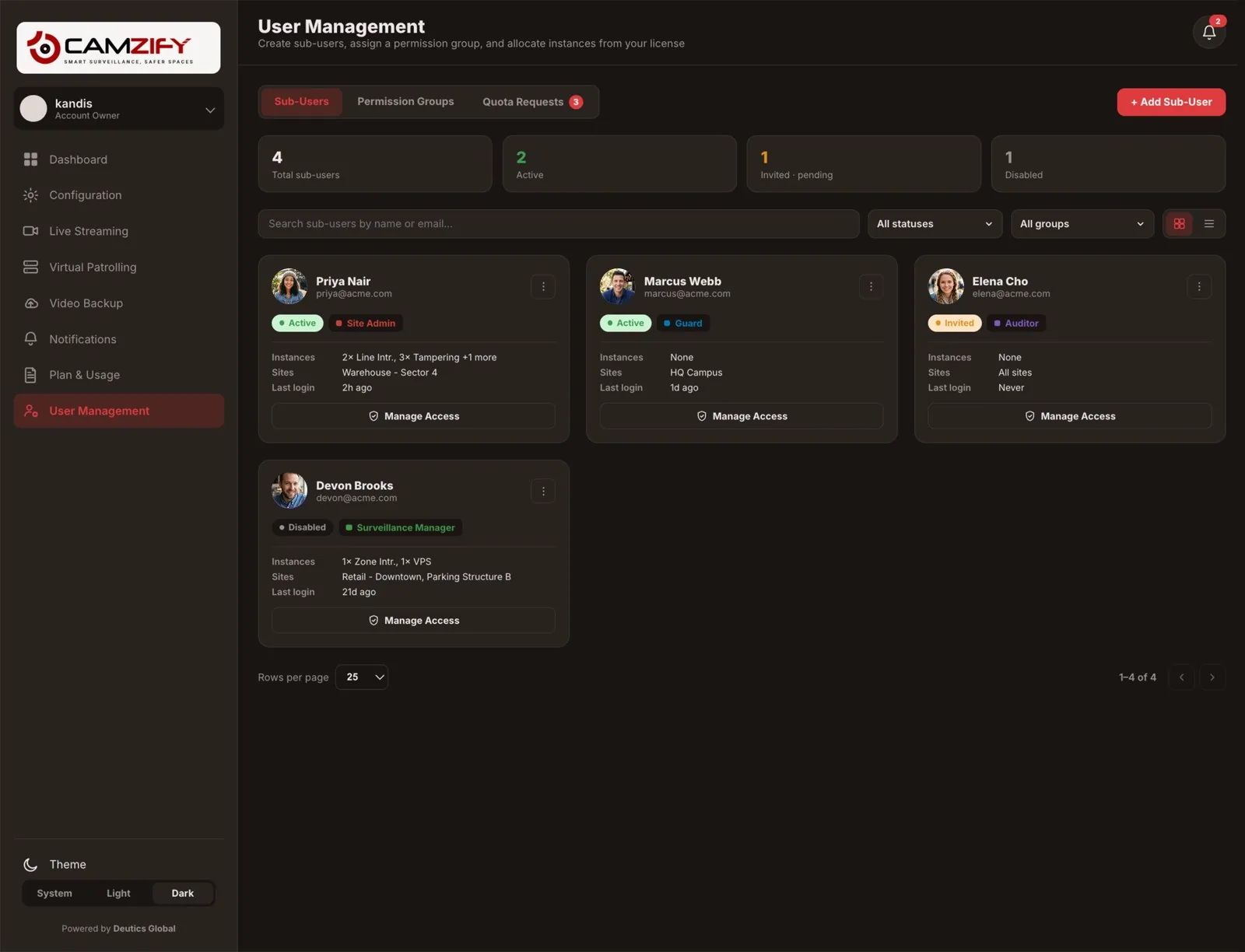
Live wall grouped by site, alerts in one queue, users and permission groups, license per camera and every site under one account, folded together or held separate.
Platform modulesRecording is the floor, not the point
A recorder keeps footage so that someone can review it after something has happened. Cloud video surveillance on Camzify puts two things on the same streams that a recorder cannot. AI detections watch each camera for a tracked person, vehicle, weapon, fire or the behavior you describe, and notify within the window you set for that camera. Virtual patrolling runs a scheduled round through the cameras, checks a list at each one from the frame, messages the guard on a failure and files a report.
Both are licensed as instances per camera and switched on where they earn their place. A corridor camera can record and nothing more; the gate camera can record, detect and be a stop on the round. The recording underneath is the same either way, which is what lets an alert or a failed check open the footage around it.
“Dock door left unsecured after delivery — confirm and lock.”
Unacknowledged alerts escalate to the backup contact after the configured window.
Against a recorder on site
The last two rows are where the recorder wins. A site with poor upstream bandwidth, or a policy that footage never leaves the building, should keep its NVR. The longer version is on cloud VMS vs on-premise. For a named alternative, see Camzify against Eagle Eye Networks, Verkada, Rhombus, Solink, Spot AI, Coram AI or Avigilon Alta.
| Aspect | Cloud video surveillance on Camzify | NVR on site |
|---|---|---|
| Where footage is stored | In the cloud, encrypted, under a retention window per camera | On a disk in the recorder on site |
| What fails when hardware fails | A camera going offline is shown as offline; recording of the others continues | The recorder is the single point of failure for every camera on it |
| Viewing from elsewhere | Browser on any device, same login, permissions per user | Port forwarding or a vendor app, per recorder |
| Several sites | One console, folded together or held separate per site | One recorder and one login per site |
| AI detections | Any of the detection features on any connected camera, licensed per camera | Whatever the recorder's firmware offers, if anything |
| Patrol rounds | Scheduled rounds with a checklist per camera and a report each | None |
| Bandwidth | Needs upstream bandwidth for every camera streamed | Needs none beyond the local network |
| Footage leaving the building | Yes, encrypted, to the cloud | No, unless exported |
| Cost basis | Per camera, quoted | Hardware, disks and replacement |
Footage off site, still yours
Streams are encrypted in transit over TLS 1.2 or higher and footage is encrypted at rest with AES-256. Who can see which camera, live or recorded, is decided by permission groups, and every action on the account is written to an audit trail the account holder can read.
Compliance certifications are in progress and none is claimed as held; the security and compliance page lists each one with its status, and the trust page lists the figures we do not publish at all.
Several sites, or several clients
The model pays off where recorders multiply: a company with several sites and one person responsible for all of them, a CCTV installer who would rather sell a monthly service than a box, a security agency putting a virtual guard on each client's existing cameras. One site with a recorder that works and nobody who needs to watch it remotely can keep the recorder.
Read next
What is a cloud VMS?
The definition, and how it differs from an on-premise VMS.
Best cloud VMS platforms
Eight platforms, including this one, compared on what their own pages say.
Cloud NVR explained
Recording without a recorder, and when the box should stay.
What is VSaaS?
Video surveillance as a service, and what the subscription covers.
Cloud VMS cost
What drives the price, and the hidden fees to ask about.
Bandwidth requirements
Whether your connection can carry your cameras.
Your existing cameras
Which cameras connect, and how to try one first.
Cloud VMS for multiple sites
Every location on one console, rolled out site by site.
Hybrid cloud video surveillance
Keep the recorder, add the cloud, site by site.
Cloud video surveillance, answered
See your cameras in a cloud VMS
A 15-minute demo of the live console: cloud recording with retention per camera, live view and AI detections on the cameras you already have. Pricing starts from $5 per camera per month.