Skip to content
NewNow in GermanAuf Deutsch
Camzify
The platform

A cloud VMS with one console for the whole video operation

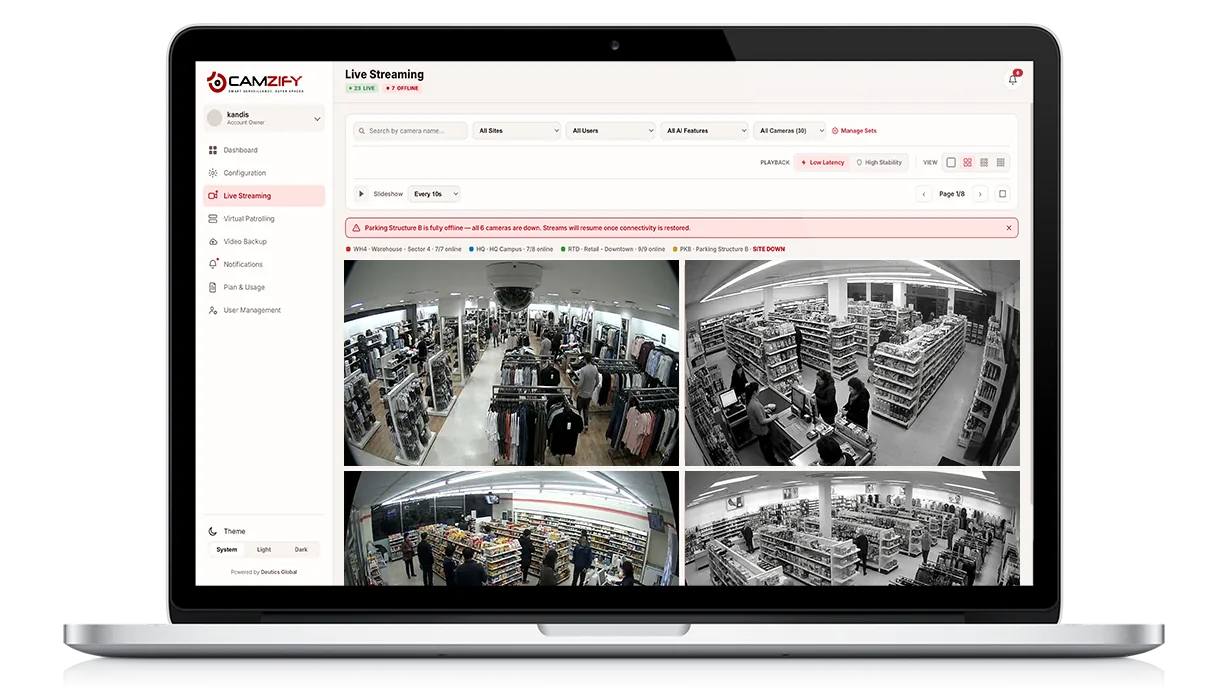
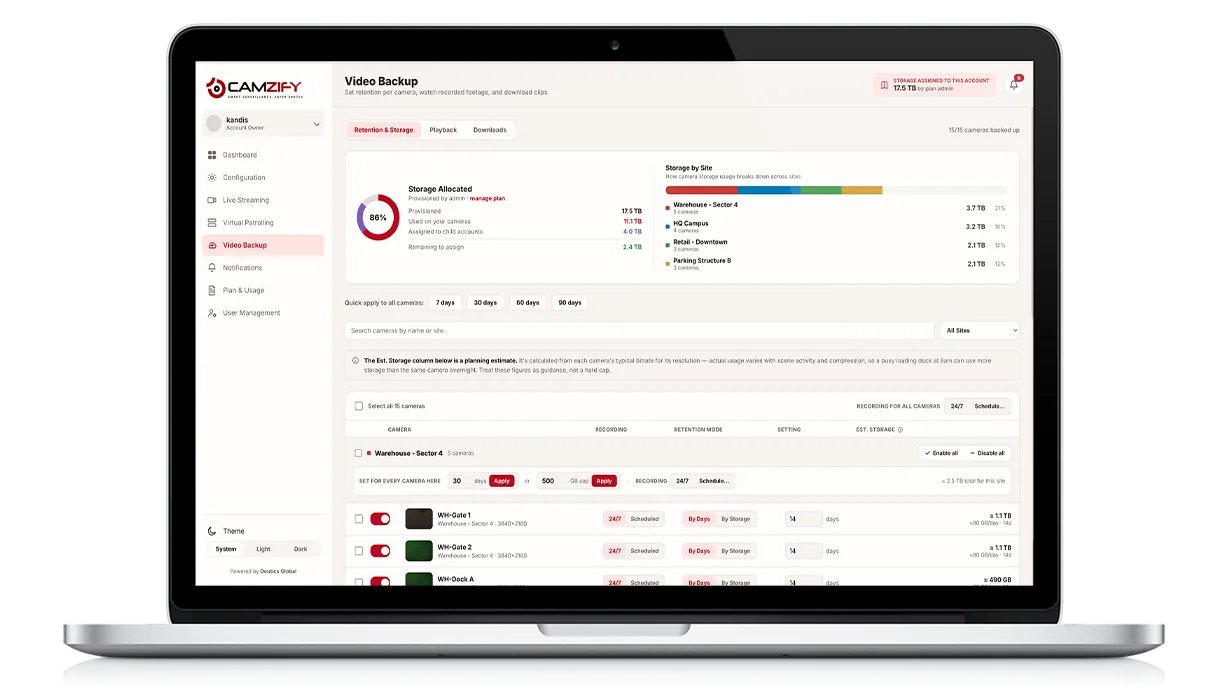
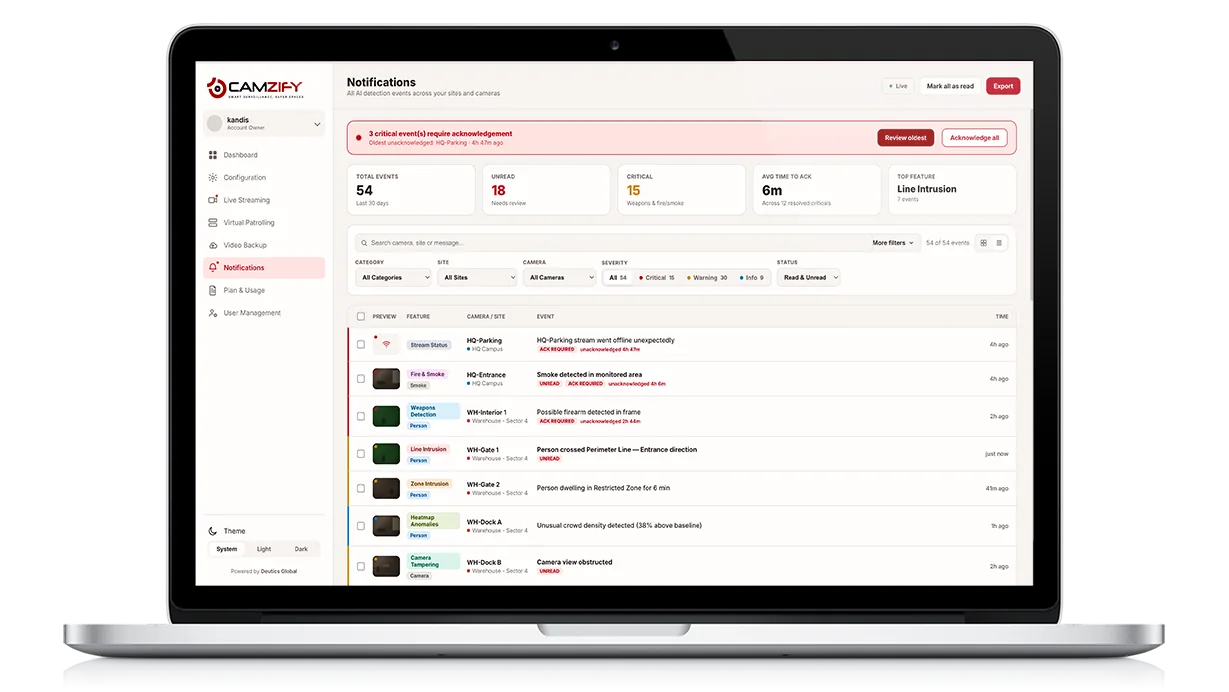
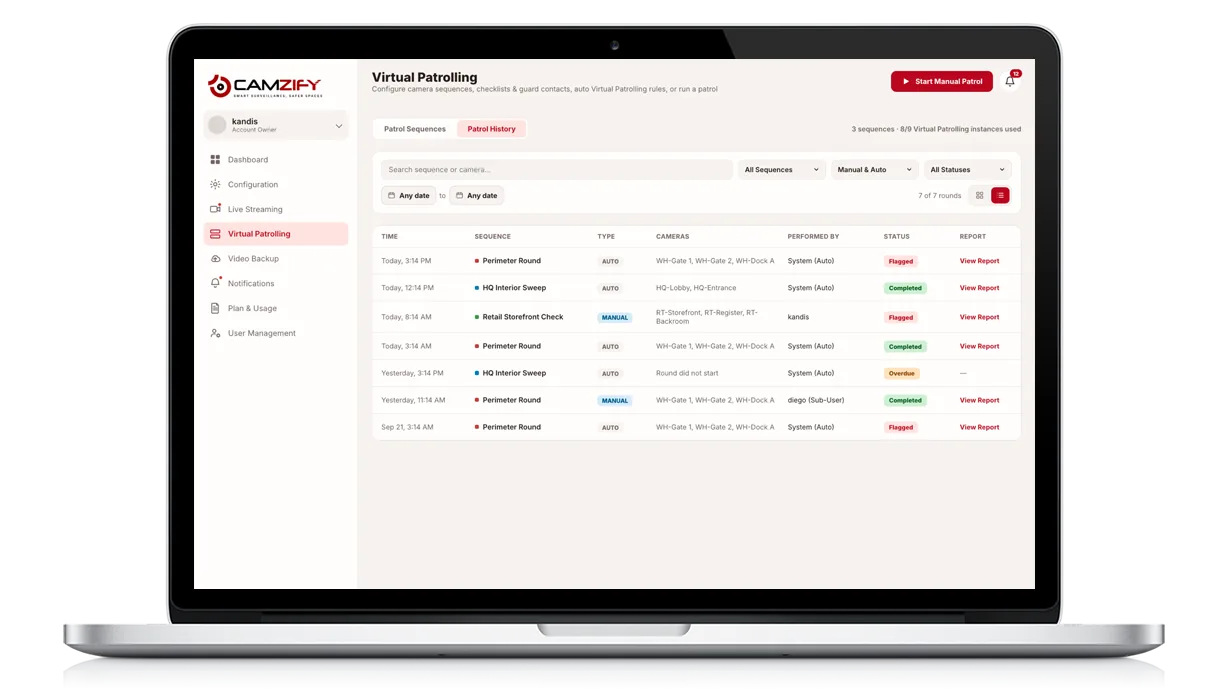
The Camzify platform is an AI-powered cloud video management system: live streaming, cloud backup and retention, alerts, analytics, user and license management and multi-site control on one login — with 23 detection models and virtual patrolling built in rather than bolted on. Every module below is shipping and reachable from the same dashboard.

  • Eleven modules, one login
  • Cloud, no NVR to install
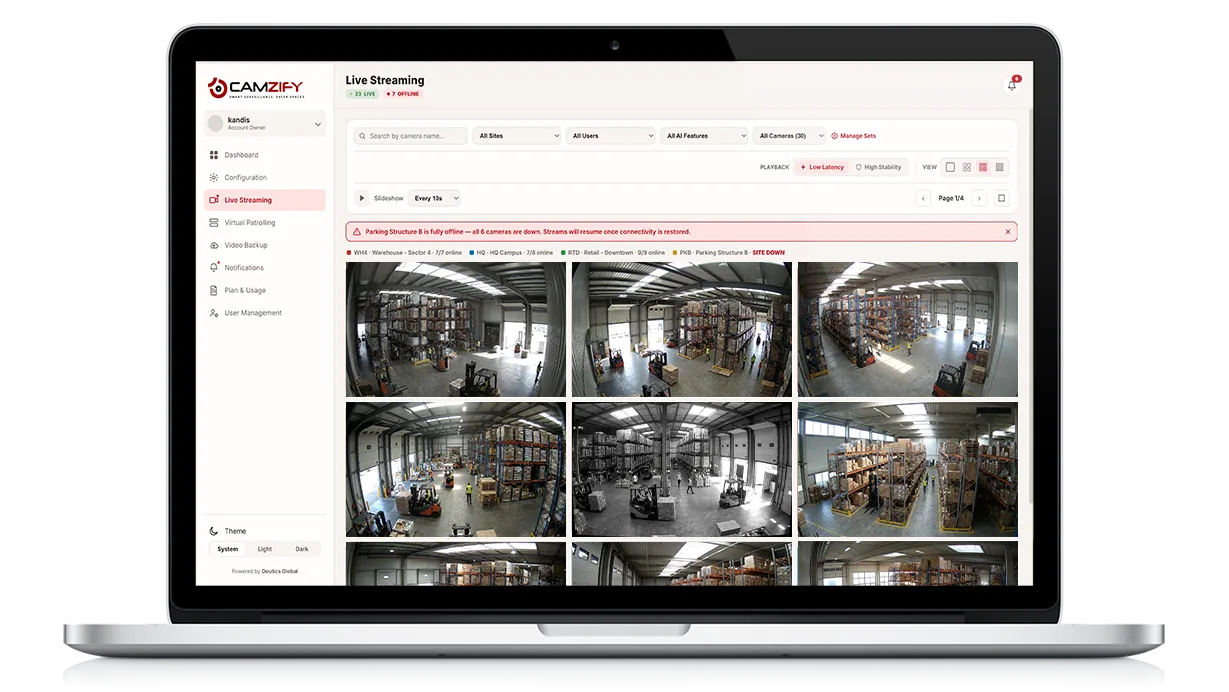
  • Real screens, both themes
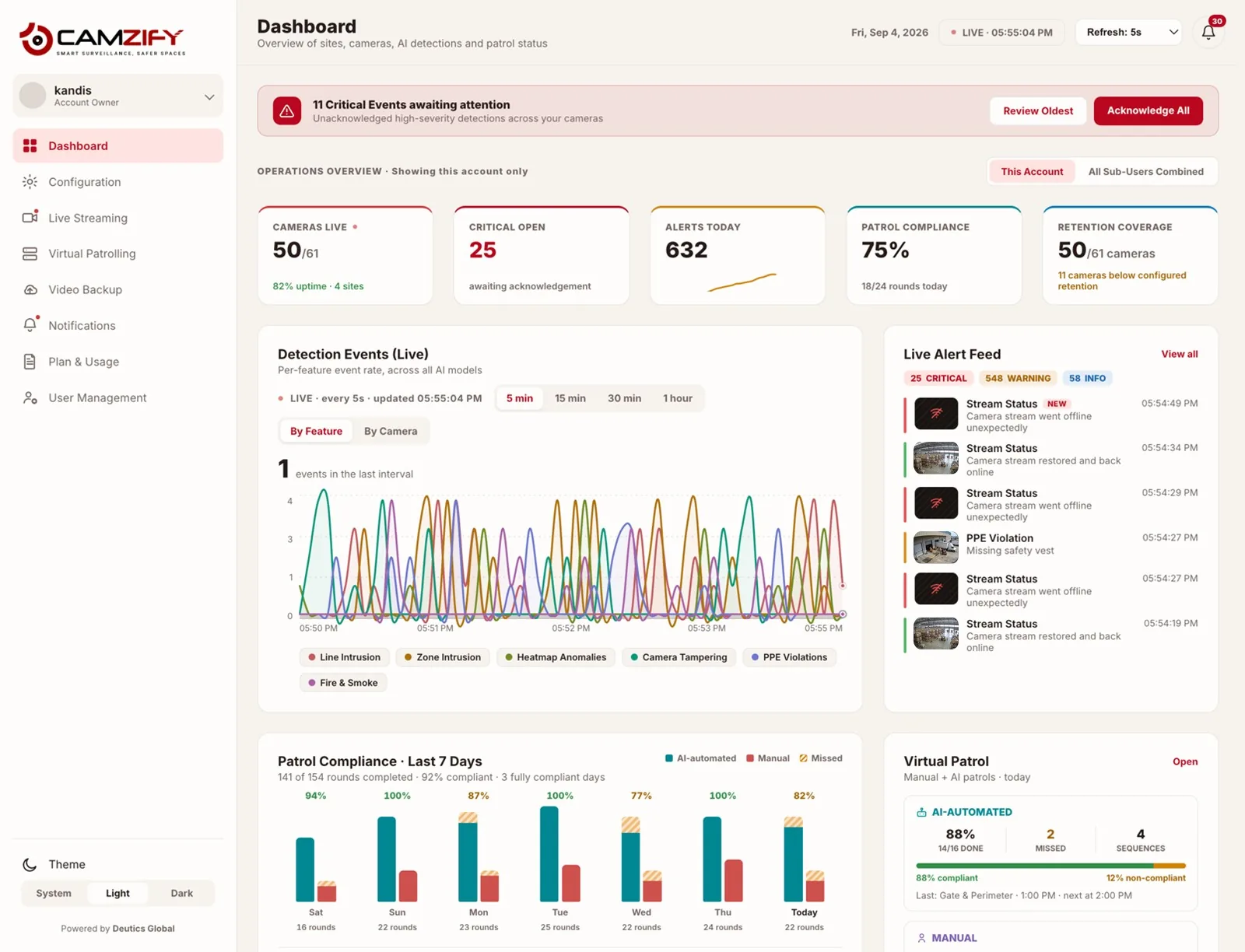
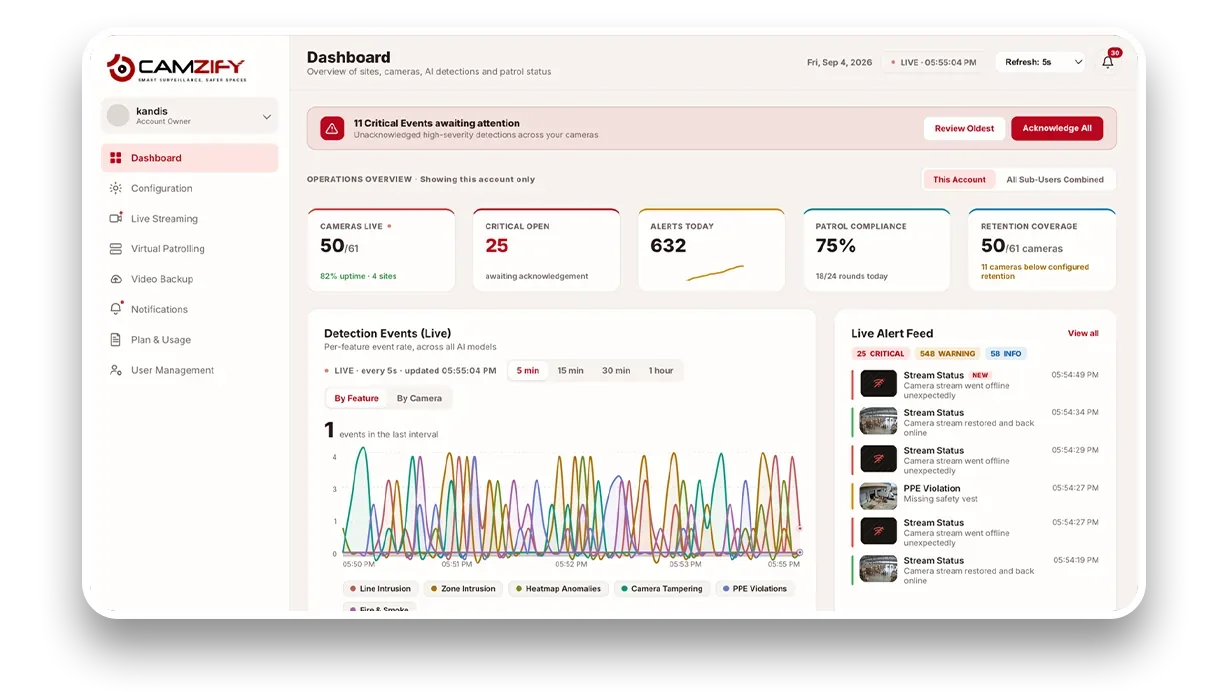
Dashboard · Camzify console
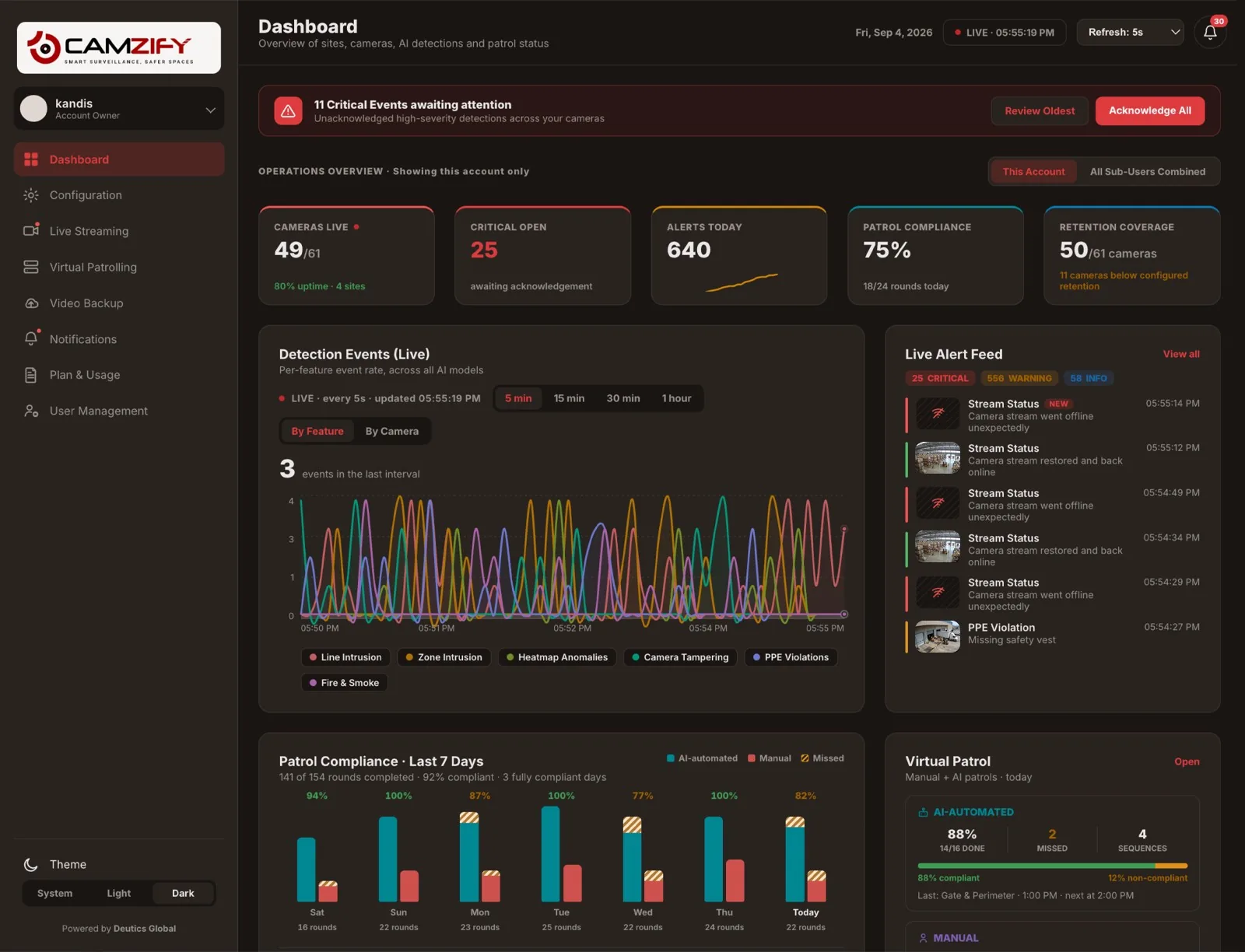
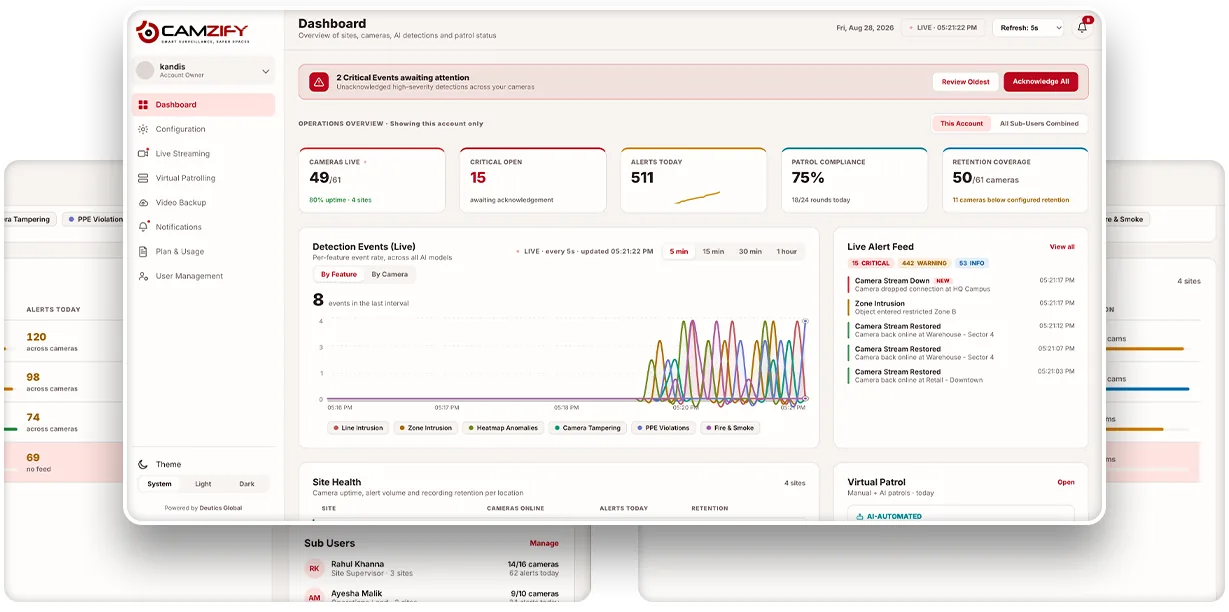
Camzify dashboard showing cameras live, critical events open, alerts today, patrol compliance, a live detection events chart and per-site health
How it fits

Four things a camera feed becomes

A stream arrives, it is watched and kept, detection turns it into events, a person is told and acts, and the platform keeps the record of all of it. The modules are the stages of that one pipeline, not eleven separate tools. The recording layer underneath is described on cloud video surveillance. How it differs from a recorder-based system is on Camzify vs traditional VMS. If the term is new, what a cloud VMS is and what drives its cost are the two guides to read first, and the comparisons set Camzify against Verkada, Rhombus, Solink, Spot AI, Coram AI, Avigilon Alta and Eagle Eye Networks.

Common questions

The platform, answered

Cloud by default, and on premises where footage has to stay on site. In the cloud deployment there is no server or NVR to install: cameras stream to the platform, footage is stored in the cloud under a retention window set per camera, and every module is used from a browser; the only on-site software is the optional Camzify Connector, a small application for a Windows, macOS or Linux machine that relays cameras on a private network without port forwarding. For clients whose footage must stay on their own premises for privacy reasons, Camzify is also deployed on premises, installed and set up by Camzify, or as a hybrid of the two.

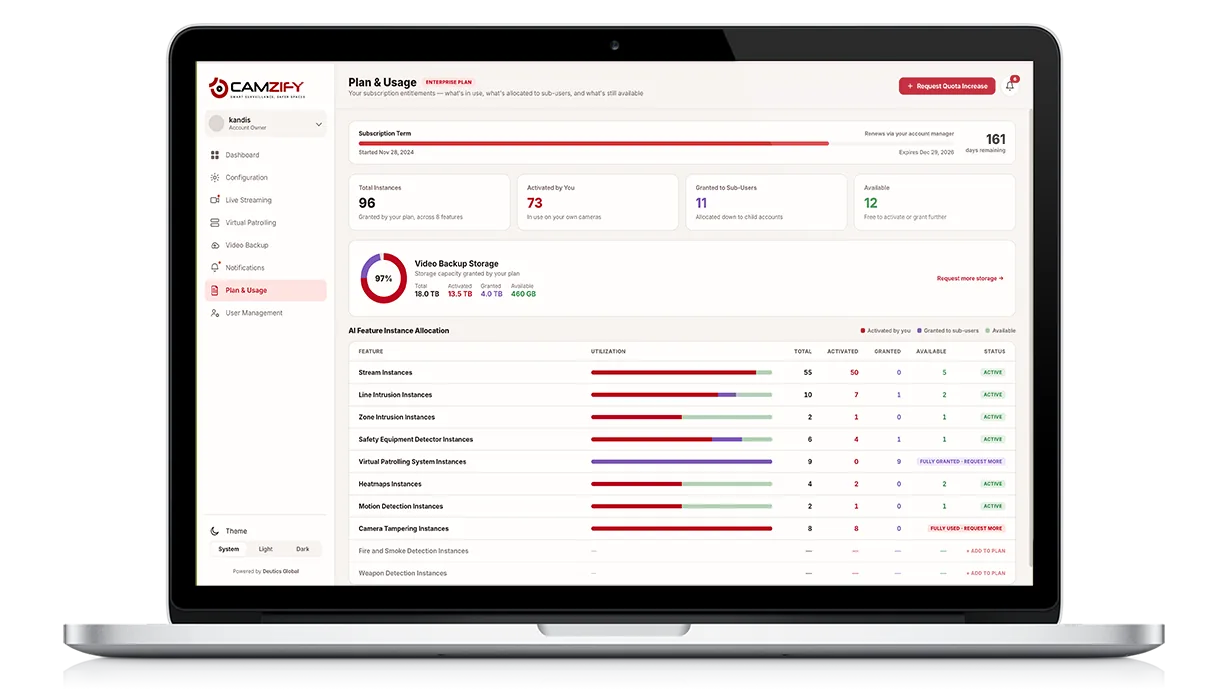
The platform modules, dashboard, live streaming, backup, notifications, analytics, users, permissions, license and multi-site, are one product on one login. Every connected camera takes a stream instance, and what is licensed on top is the AI: each detection feature has a pool of instances in your plan, activating a feature on a camera consumes one, and virtual patrolling instances are counted per camera per sequence. Plan and Usage shows exactly what is activated, granted and still available.

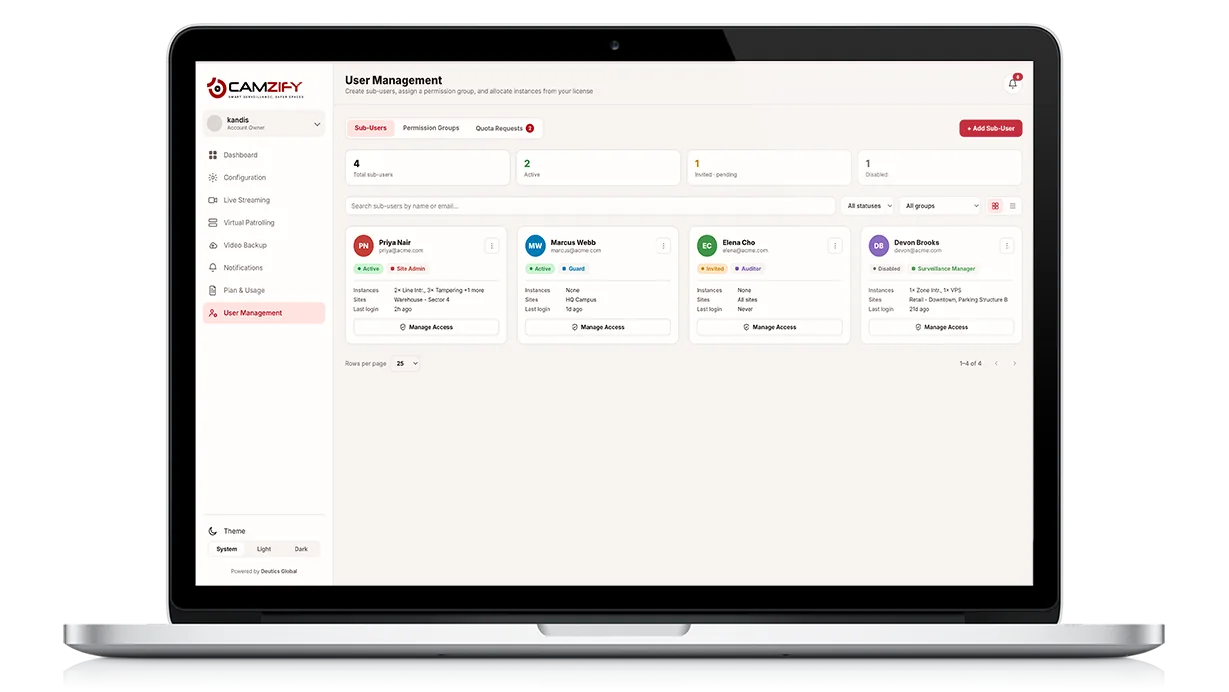
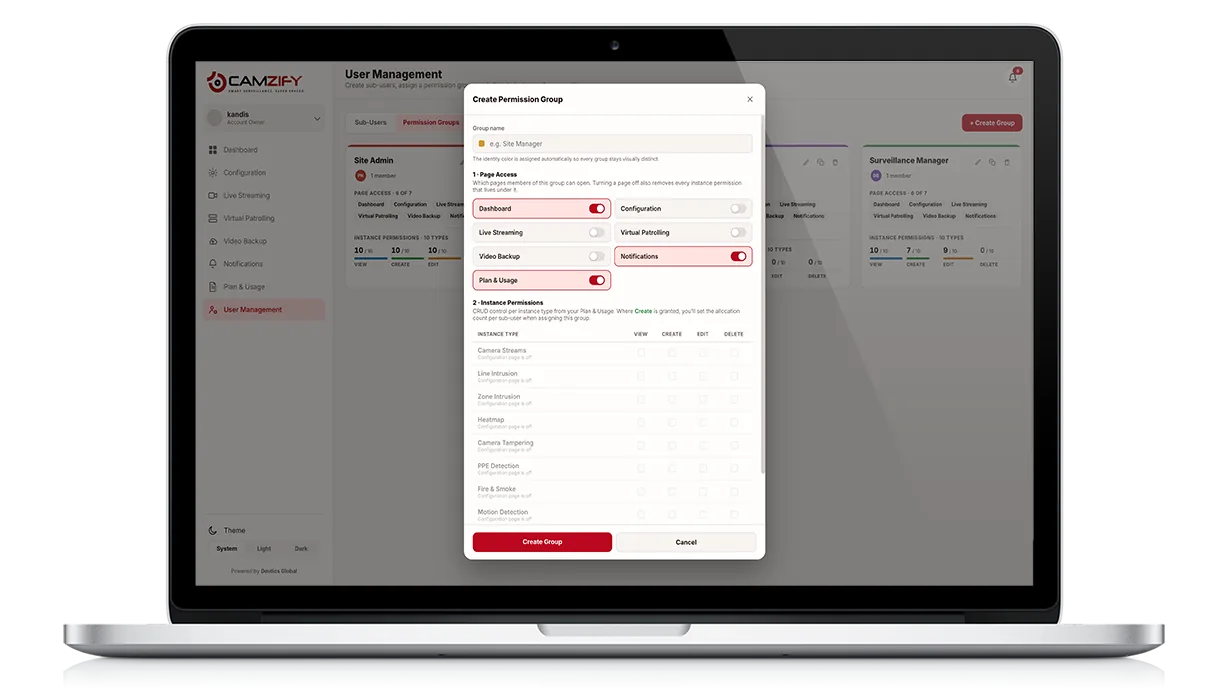
Yes. Sites are the unit everything is organized around, and a sub-user can be scoped to their own sites and cameras and nothing else, with a permission group deciding what they can open and change. License quota is allocated to them from yours, and a request for more comes back to you to approve. Sub-users can create their own sub-users on the same model, which is what makes it work for security agencies and managed service providers.

In the cloud, encrypted at rest with AES-256 and in transit over TLS 1.2 or higher, under a per-camera retention window. Access follows the same permission groups as the rest of the platform, so a user who cannot open a camera cannot open its recordings either, and every action on the account is written to an audit trail the account holder can review.

Yes. The console screens shown across the platform pages are captured from the application in both its light and dark themes and swap with the theme you are viewing the site in. Figures inside them are interface illustrations with sample sites and cameras rather than customer data, and every one says so in its caption.

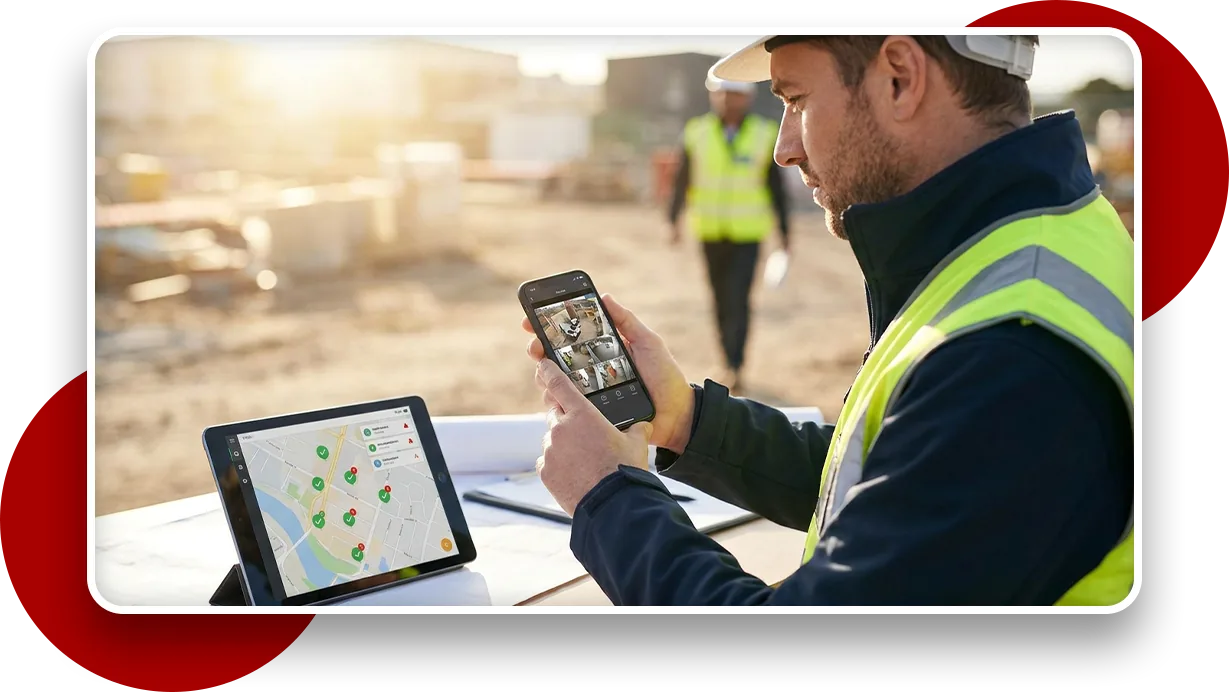
Yes, through the browser already on the phone, live streams, alerts and patrol compliance in a responsive interface with nothing to install, which is what makes it usable by a relief guard on their own device on their first shift. Native iOS and Android apps are in development and listed on the roadmap; the browser interface stays available after they ship.

See your cameras in a cloud VMS

A 15-minute demo of the live console: cloud recording with retention per camera, live view and AI detections on the cameras you already have. Pricing starts from $5 per camera per month.