

Illegal parking detection
Illegal parking detection watches fire lanes, loading zones, and reserved spots, and alerts the moment a vehicle overstays a restricted area.
- Vehicles blocking marked fire lanes or emergency access routes
- Vehicles occupying loading zones or reserved parking beyond…
- Unauthorized vehicles in gated or accessible-only spots
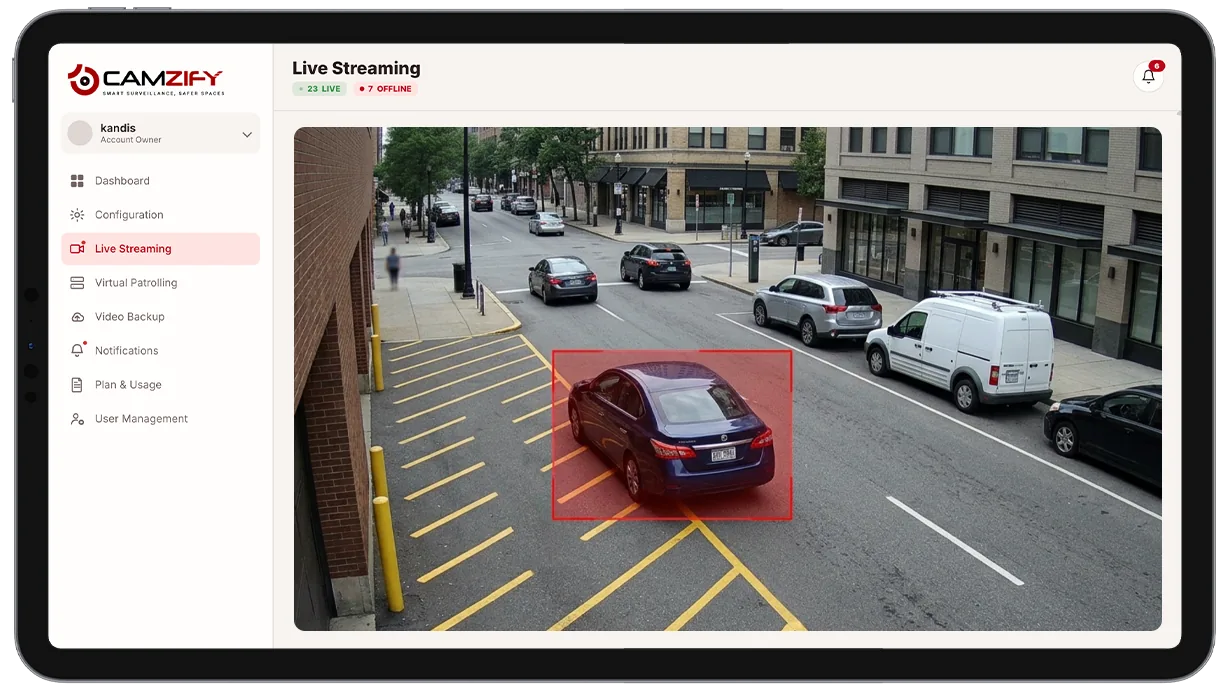
This capability detects and alerts on:
- • Vehicles blocking marked fire lanes or emergency access routes
- • Vehicles occupying loading zones or reserved parking beyond a grace period
- • Unauthorized vehicles in gated or accessible-only spots
- • A timestamped clip for enforcement or towing requests
- • Vehicles parked in accessible spots without a visible permit
- • Repeated illegal parking in the same restricted zone across multiple visits
Why illegal parking detection matters
A fire lane or loading zone is only as clear as the last person who checked it. On a site covered by walking patrols or occasional drive-throughs, a vehicle can block emergency access or a delivery bay for hours before anyone notices, and by the time it's noticed, the disruption has already happened.
Manual enforcement also runs into a consistency problem. A guard who has to remember which spots are reserved, which zones allow a short grace period, and which don't, will apply the rule differently shift to shift. Signage helps, but signage doesn't stop a vehicle from parking illegally, it only sets the expectation that someone is watching.
Continuous AI monitoring closes that gap. Every restricted zone is watched every minute the camera is live, the grace period is applied identically every time, and enforcement or property staff get a timestamped clip instead of a verbal report written after the fact.
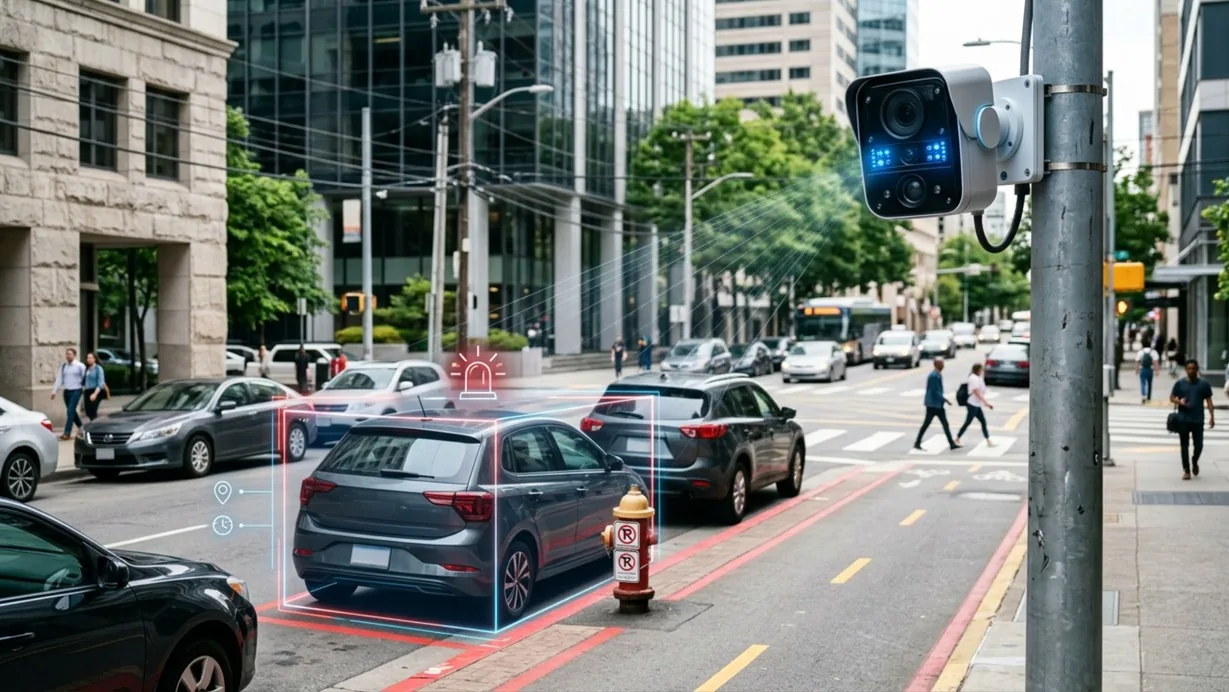
How it works
Marking restricted zones
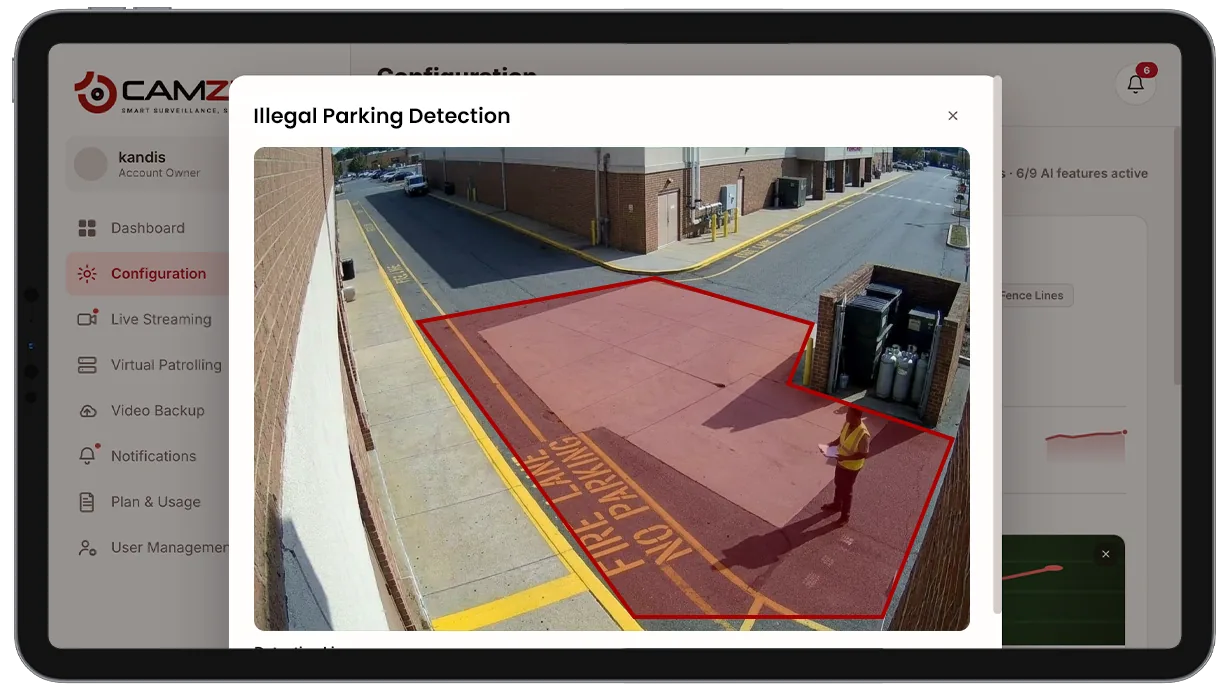
Restricted zones are marked on the camera view, a fire lane, a loading dock, a reserved or accessible spot, a gated driveway. Any area a camera can see can be defined as restricted.
The dwell timer
Multi-object tracking confirms when a vehicle enters a marked zone and how long it dwells there. A vehicle remaining past the configured grace period fires an alert; one that leaves within the grace period never does.
Alert delivery
Every alert includes a clip, dwell time, and, when AI attribute extraction is enabled — vehicle color and type. Alerts route through the platform's notification system to the guard or property team responsible for enforcement.
Configuration
Restricted zones and grace periods are configured per camera. Each zone supports:
- • Zone boundaries drawn directly on the camera view
- • Grace period duration, independently set per zone
- • Notification window per camera, e.g. notify in enforcement hours only
- • Vehicle-class filtering for the alerted zone
- • Per-camera instance licensing
Common scenarios
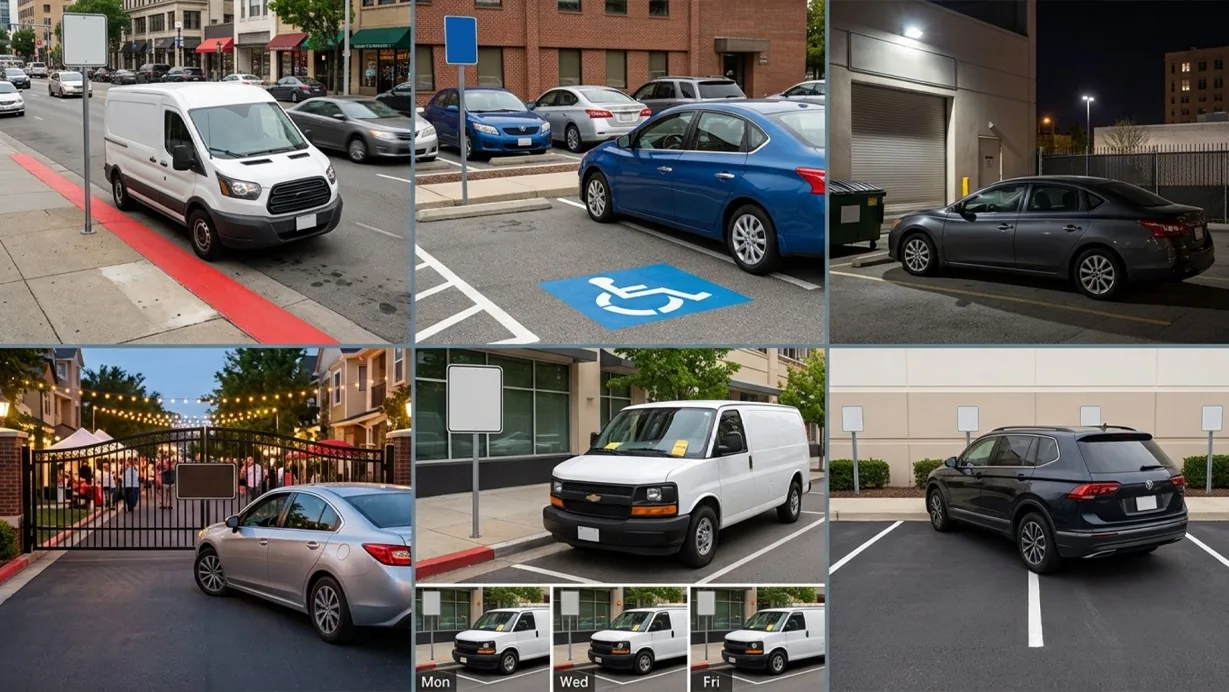
- • A delivery van parked in a fire lane longer than the grace period during business hours
- • A vehicle occupying a reserved accessible spot without a visible permit
- • A guest vehicle left overnight in a staff-only loading zone
- • A car blocking a gated community's fire access lane during an evening event
- • Repeated illegal parking in the same loading zone across a week, visible in the historical record
- • A vehicle parked across two reserved spots flagged for review
In a patrol round
During a virtual patrol round, an active illegal-parking event at a monitored zone contributes to the compliance assessment at that camera stop and is logged alongside the checklist results in the patrol report.
The footage around each alert is kept under the camera's own retention window on cloud video surveillance, so the clip and the recording it came from are on one account.
Industries using this
Related detections
Frequently asked questions
See the detections on live cameras
A 15-minute demo of the live product: the detections your site needs, running on real camera feeds, and a quote per camera for your sites.