

Motion detection
Motion detection uses background-subtraction analysis to identify meaningful movement in the camera view while filtering out camera noise, lighting shifts, and environmental changes. Unlike legacy pixel-based motion detection, which generates an estimated 90% false alarm rate across the industry, Camzify applies intelligent filtering to separate real activity from noise.
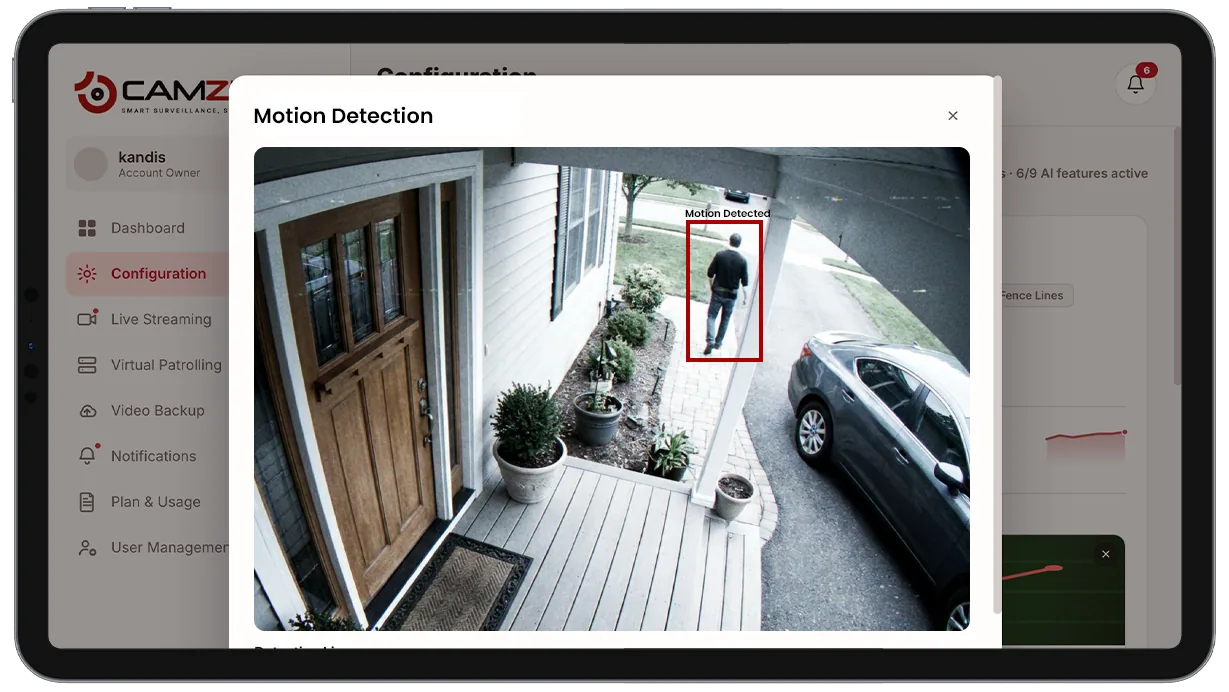
- Vehicles entering a driveway or parking area after hours
- People walking through a loading zone during closed hours
- Package or equipment movement in a storage area
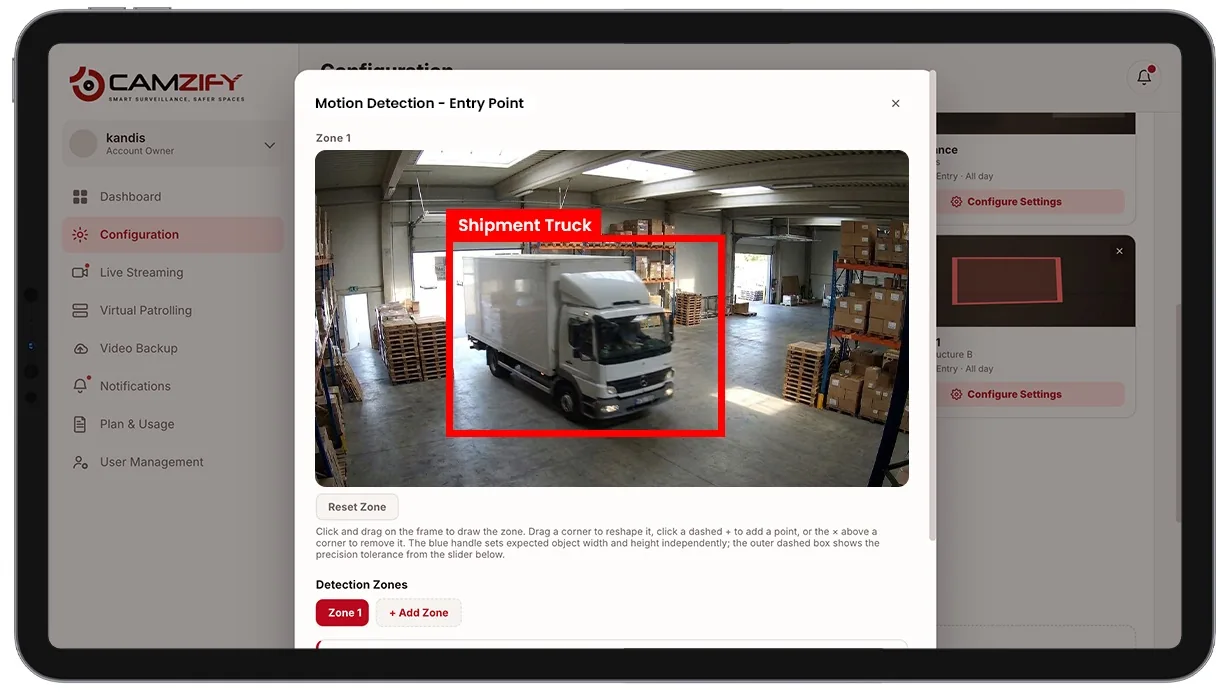
This capability detects and alerts on:
- • Vehicles entering a driveway or parking area after hours
- • People walking through a loading zone during closed hours
- • Package or equipment movement in a storage area
- • Any activity in a room that should be empty overnight
- • Movement near an entrance during non-business hours
- • Sudden activity in an area with no scheduled foot traffic
Why motion detection matters
Every camera-based security system starts with the same basic question: did something change in this frame? Naive pixel-difference motion detection answers that question too literally, a passing cloud shadow, a fluttering flag, autoexposure hunting in low light, or a spider building a web in front of the lens all register as "motion" exactly the same as a person walking through frame.
That literalism is why legacy motion detection has a reputation for flooding operators with alerts nobody trusts. Once an alert feed is mostly noise, people stop looking at it, and the one alert that mattered gets lost in the pile with the hundreds that didn't.
Camzify's motion detection separates the two by modeling what "normal" looks like for a scene and only flagging genuine deviations, a foreground object entering a background that has been established as static, before that candidate is handed off to object detection and tracking for confirmation.
How it works
Background subtraction
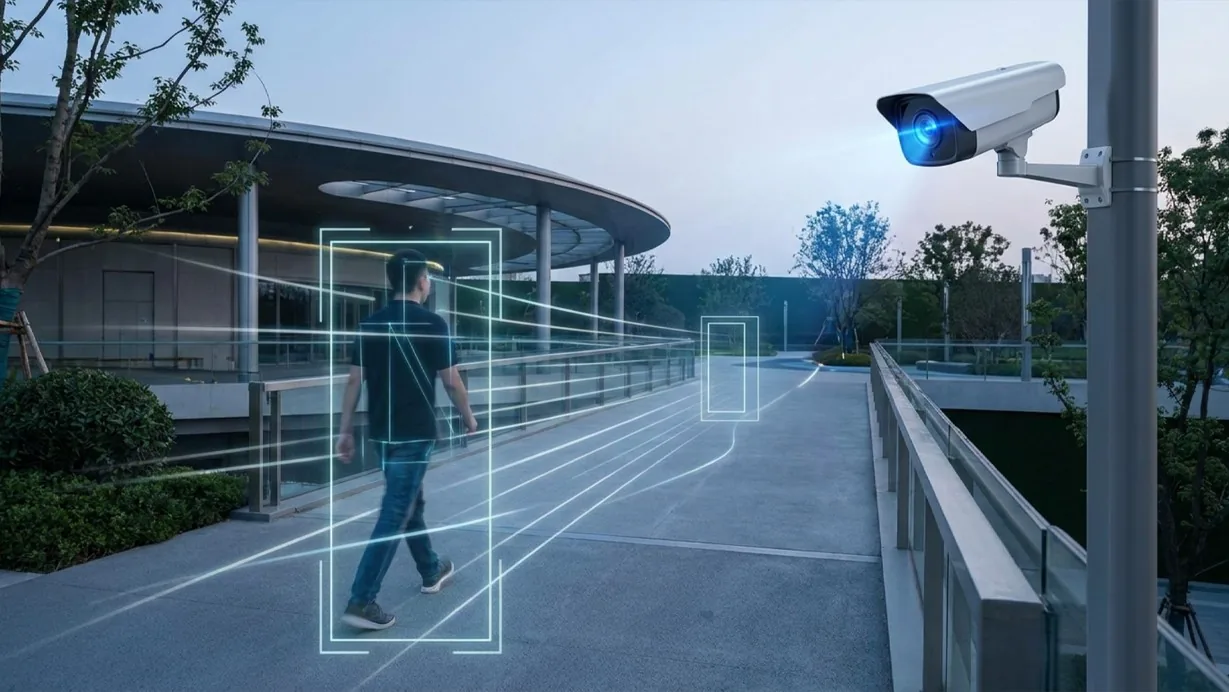
The engine continuously builds a statistical model of the static background for every camera feed. Regions of the frame are flagged only where pixels deviate from that model beyond a threshold, not simply anywhere the raw image differs from one frame to the next.
Noise filtering
Candidate motion regions are filtered against known sources of noise before being passed on.
- Lighting transitions are filtered out.
- Camera auto-exposure adjustments are filtered out.
- Compression artifacts are filtered out.
- Small repetitive movement like foliage in wind is filtered out.
Motion candidates that survive filtering are handed to multi-object tracking for object confirmation, which is what ultimately determines whether an alert fires.
Alert delivery
Confirmed motion events include a timestamp, the affected region of the frame, and a snapshot. They route through the notification queue alongside every other alert type, with the same acknowledgment and false-positive marking workflow.
Configuration
Motion detection is tuned per camera in the configuration panel. Each camera supports:
- • Sensitivity set to Low, Medium, High or a custom level, to match scene complexity
- • Inclusion and exclusion zones, so a tree line or a public pavement is never assessed at all
- • A minimum object size threshold, to ignore movement below the size you care about
- • An object filter, so a camera alerts only on Person, Vehicle or Animal rather than on any motion
- • Notification window per camera, e.g. notify after hours only
These stack. A loading yard that alerts all night on foliage usually needs an exclusion zone over the tree line and an object filter set to Person and Vehicle — after which the same camera reports the arrivals that matter and stays quiet for everything else.
Common scenarios
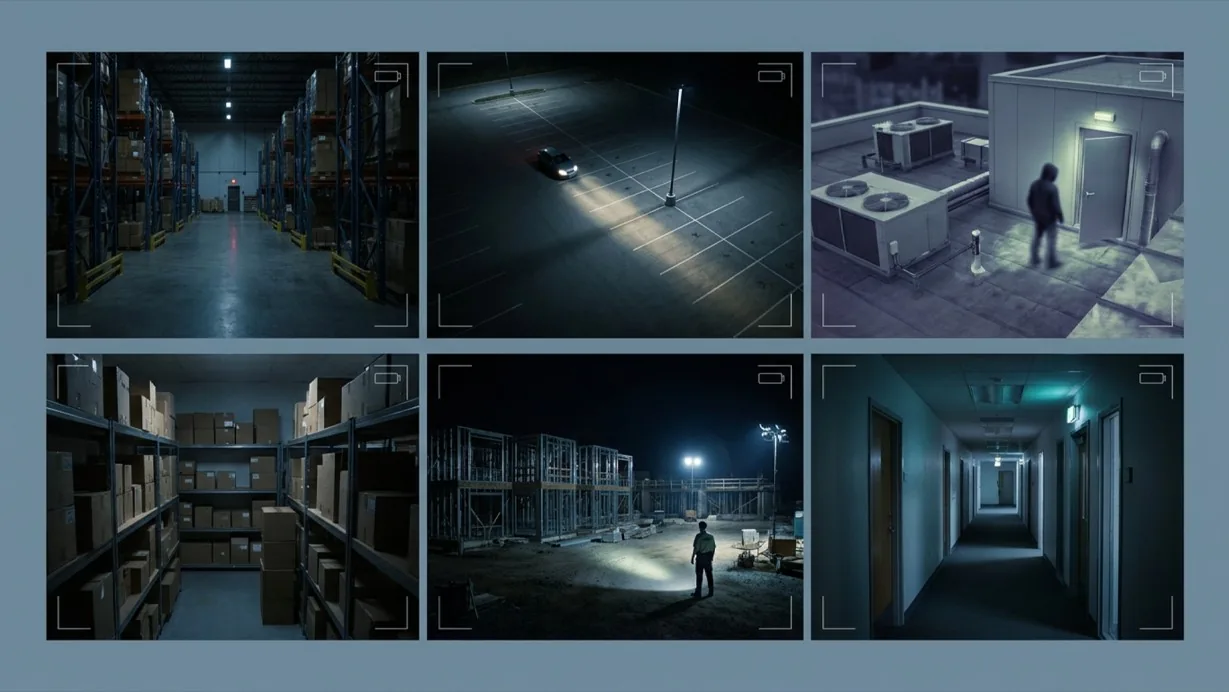
- • A warehouse floor that should show zero activity between closing and the morning shift
- • A parking lot where vehicle movement after hours warrants a check
- • A rooftop or utility area masked to ignore blowing debris but still catch a person
- • A retail storeroom monitored for movement outside stocking hours
- • A construction site where any nighttime movement is worth a look
- • A back office corridor where motion outside business hours is unexpected
In a patrol round
During a virtual patrol round, alerts from this detection model contribute to the compliance assessment at each camera stop and are logged in the patrol report.
Frequently asked questions
See the detections on live cameras
A 15-minute demo of the live product: the detections your site needs, running on real camera feeds, and a quote per camera for your sites.