Skip to content
NewNow in GermanAuf Deutsch
Camzify
Use cases

35 situations, one set of rounds

A use case is a situation a security manager is responsible for, and the checklist, detections and notifications that cover it. Every scenario here runs on the same account and the same cameras. What changes is what the round asks at each stop, which detections watch between rounds, and who is told when a check fails. Each page says what applies, shows the checklist, and says where it stops.

  • Same cameras, same account
  • A checklist per scenario
  • Honest about what it will not do
05

Where it matters most

One capability in one setting where the stakes are highest for the people there, each with the published figures that say why.
Fall detection for hospitals and care homes: illustration

Fall detection for hospitals and care homes

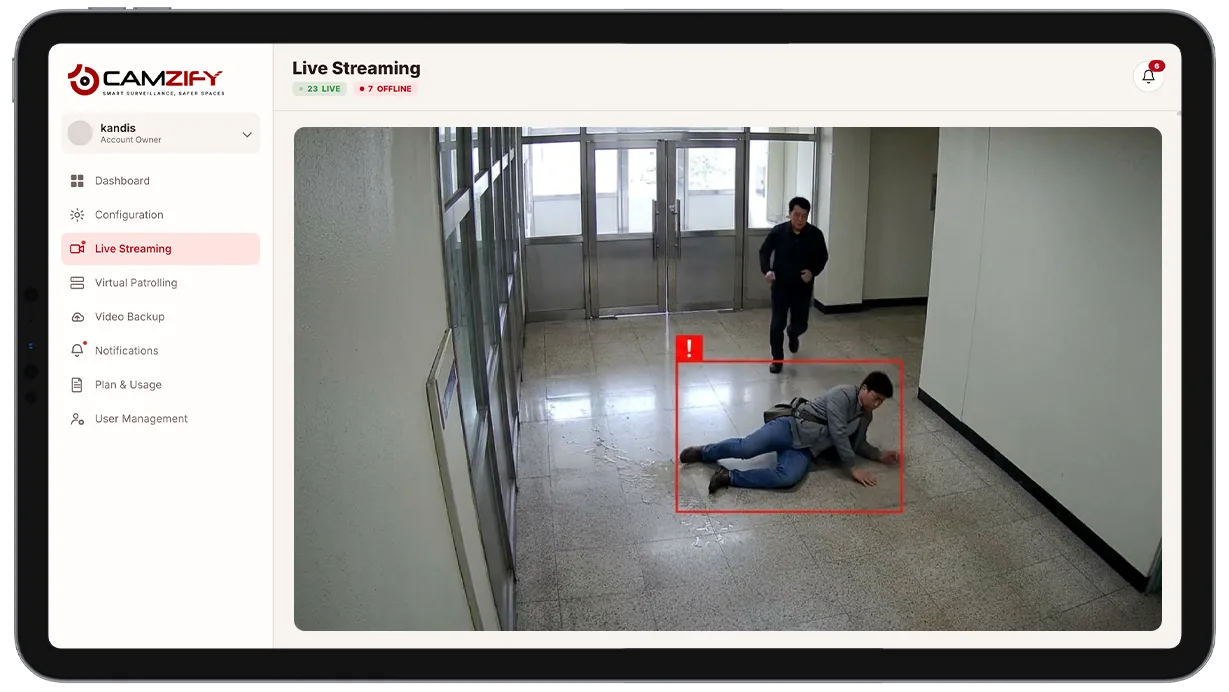
A person on the floor in a corridor, raised to staff in seconds on the cameras already there, not at the next round.

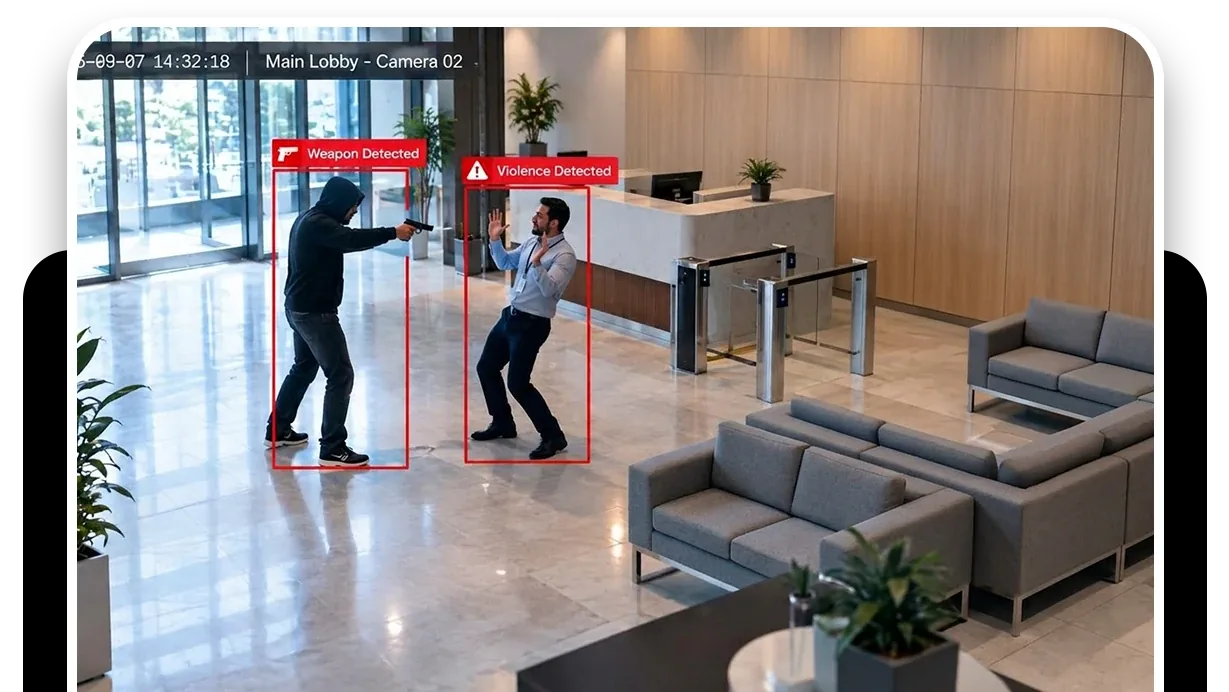
Weapons detection for schools and civic buildings: illustration

Weapons detection for schools and civic buildings

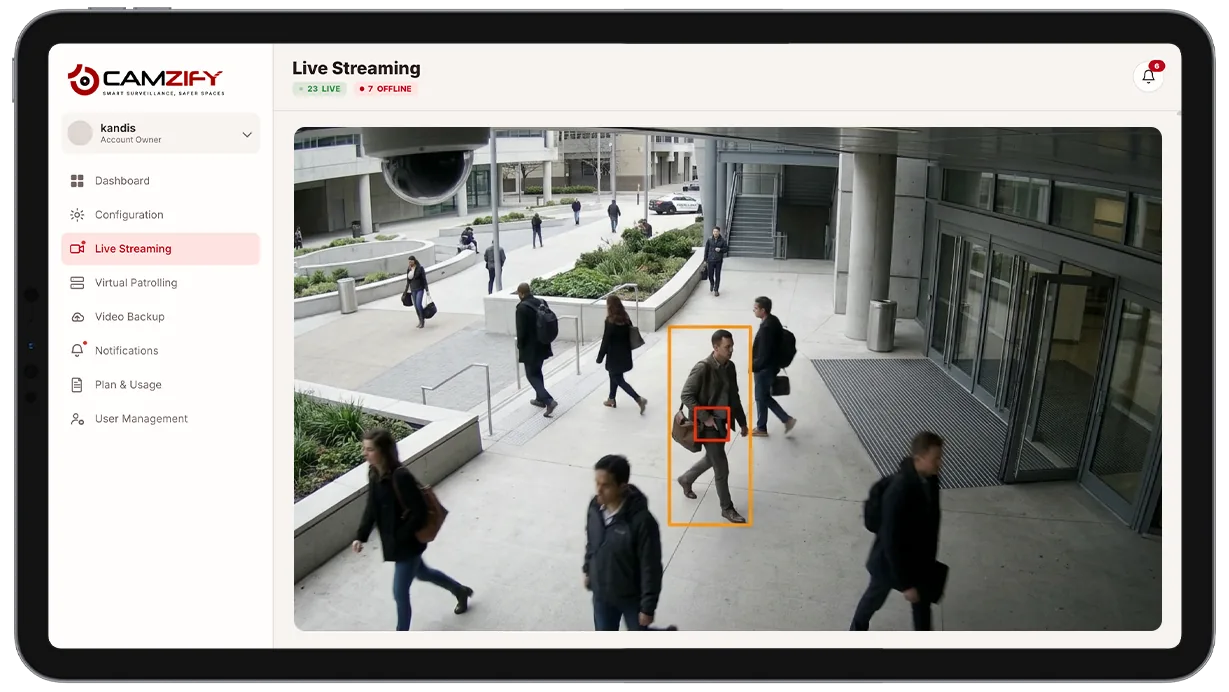
A visibly held weapon on an entrance or lobby camera, raised as critical with a clip for a person to verify.

Violence detection in emergency departments: illustration

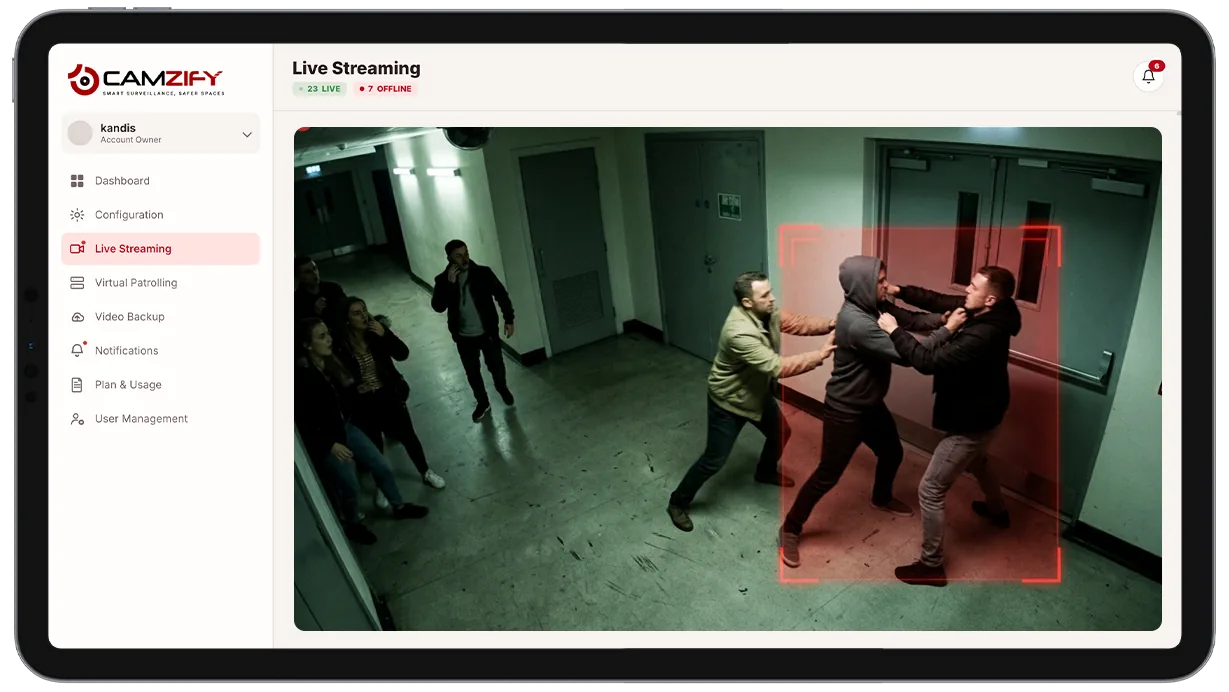
Violence detection in emergency departments

An assault at the triage window raised to the security desk while it is happening, with the clip to verify.

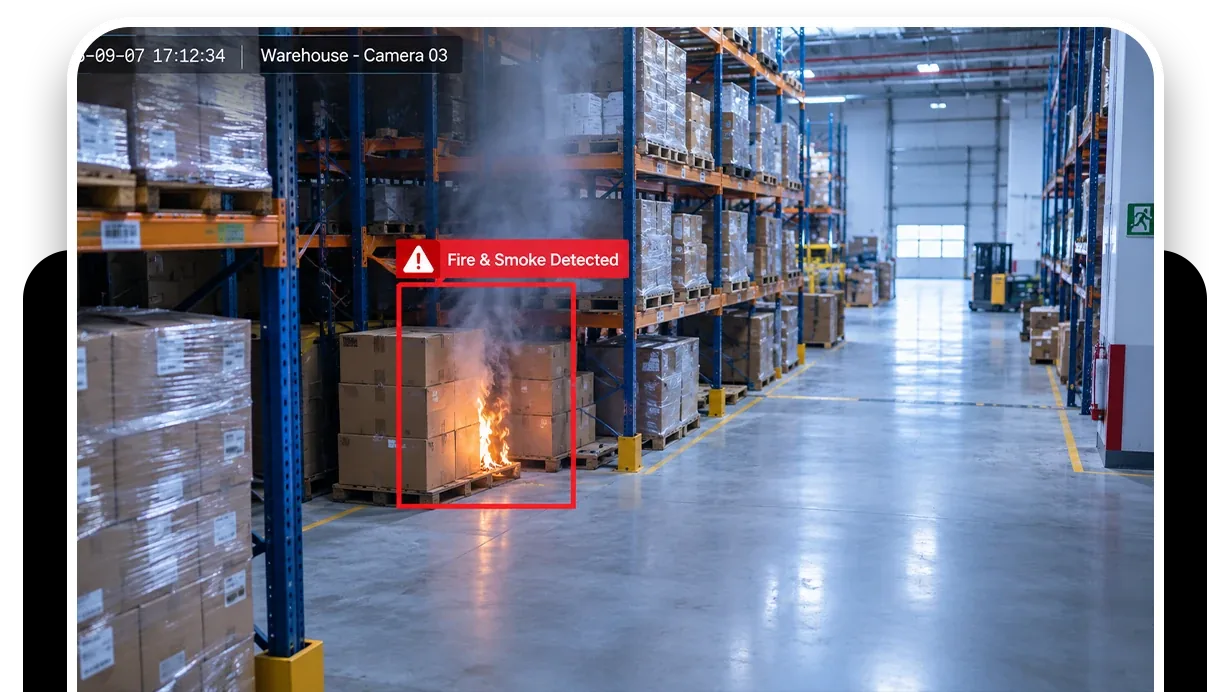
Fire and smoke detection for high-rise buildings: illustration

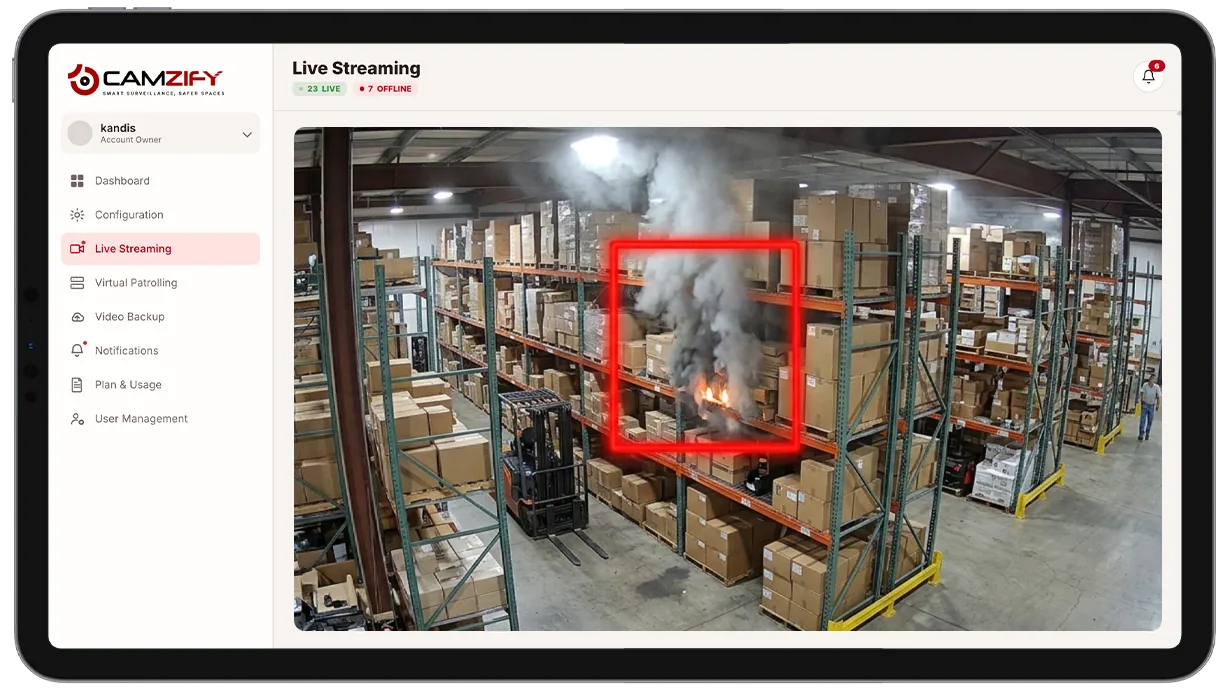
Fire and smoke detection for high-rise buildings

Visual flame and smoke in corridors, stairs and garages, beside the fire alarm and never instead of it.

Fire exit and escape route monitoring: illustration

Fire exit and escape route monitoring

Every exit a checklist item on every round, and the pallet left in the route caught between rounds.

Occupancy limits for venues and public spaces: illustration

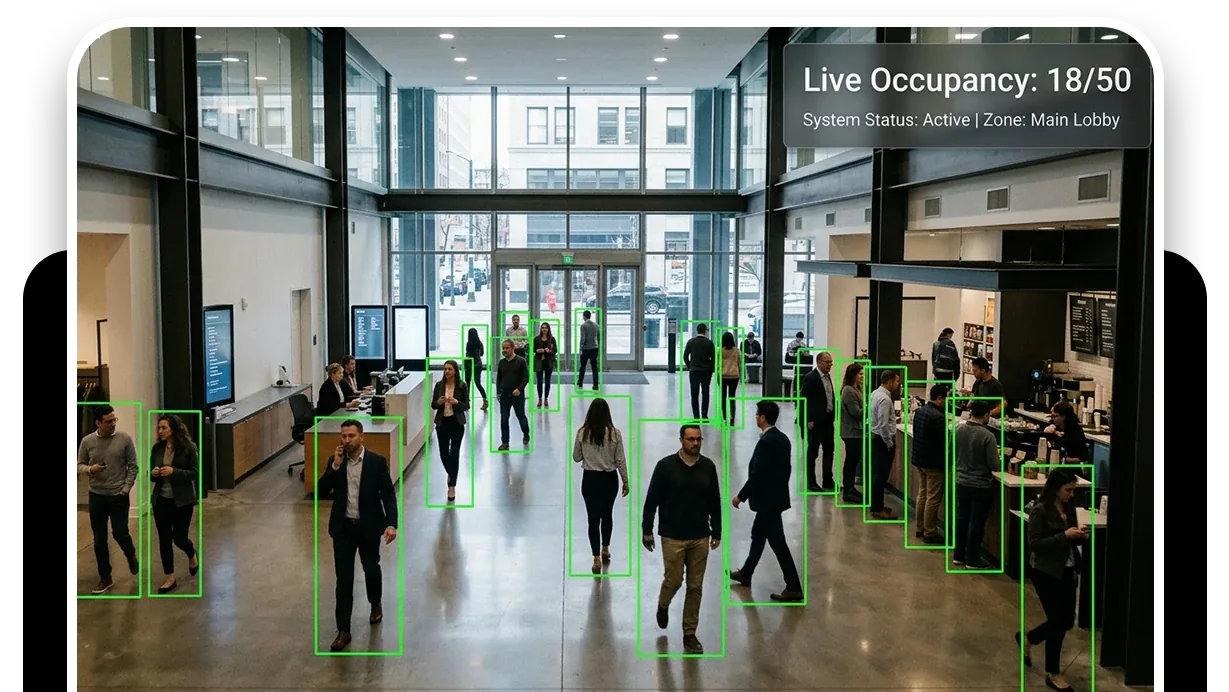
Occupancy limits for venues and public spaces

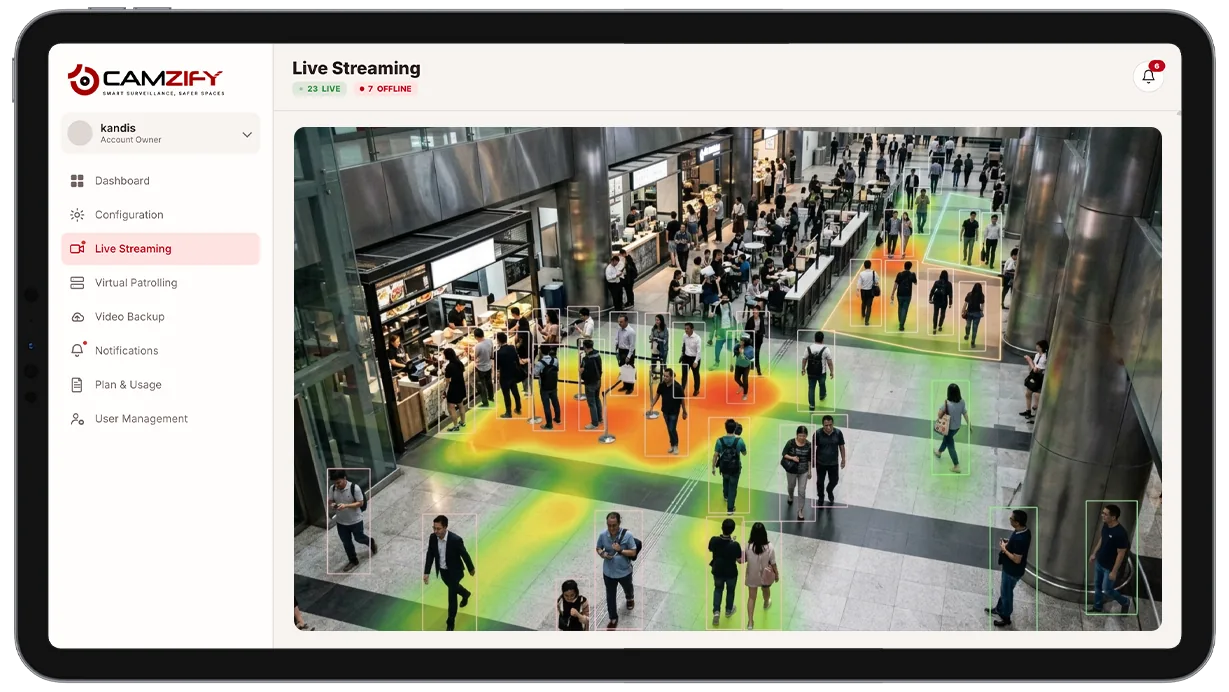
A live count per room against the posted occupant load, with the frame at each time; the door stays with a person.

Car theft and vandalism in parking facilities: illustration

Car theft and vandalism in parking facilities

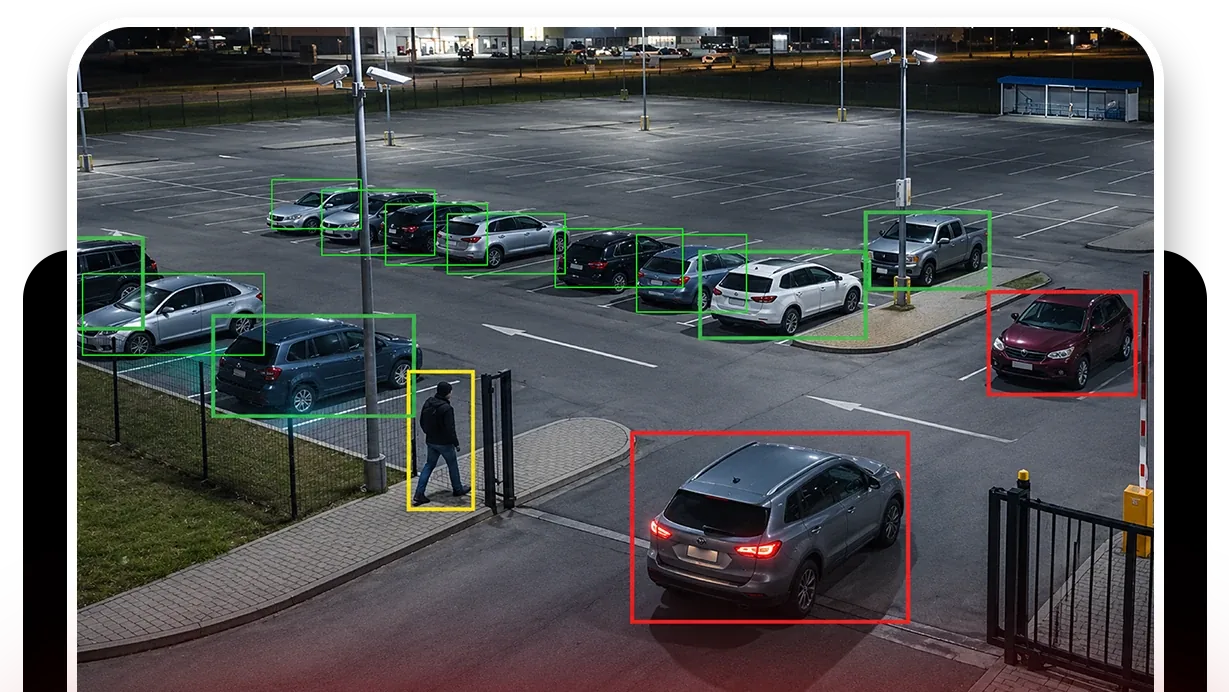
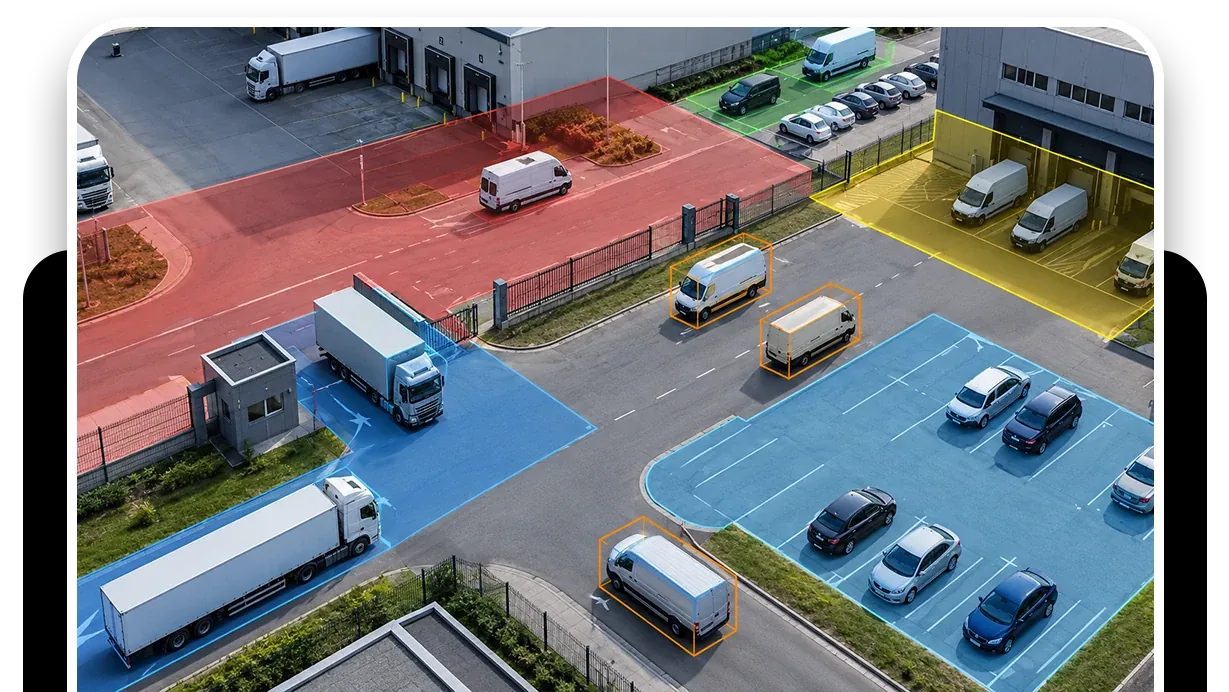
Zones on the aisles, tripwires on the ramps and an after-hours round for garages, dealership lots and car parks.

Fire lane and emergency access enforcement: illustration

Fire lane and emergency access enforcement

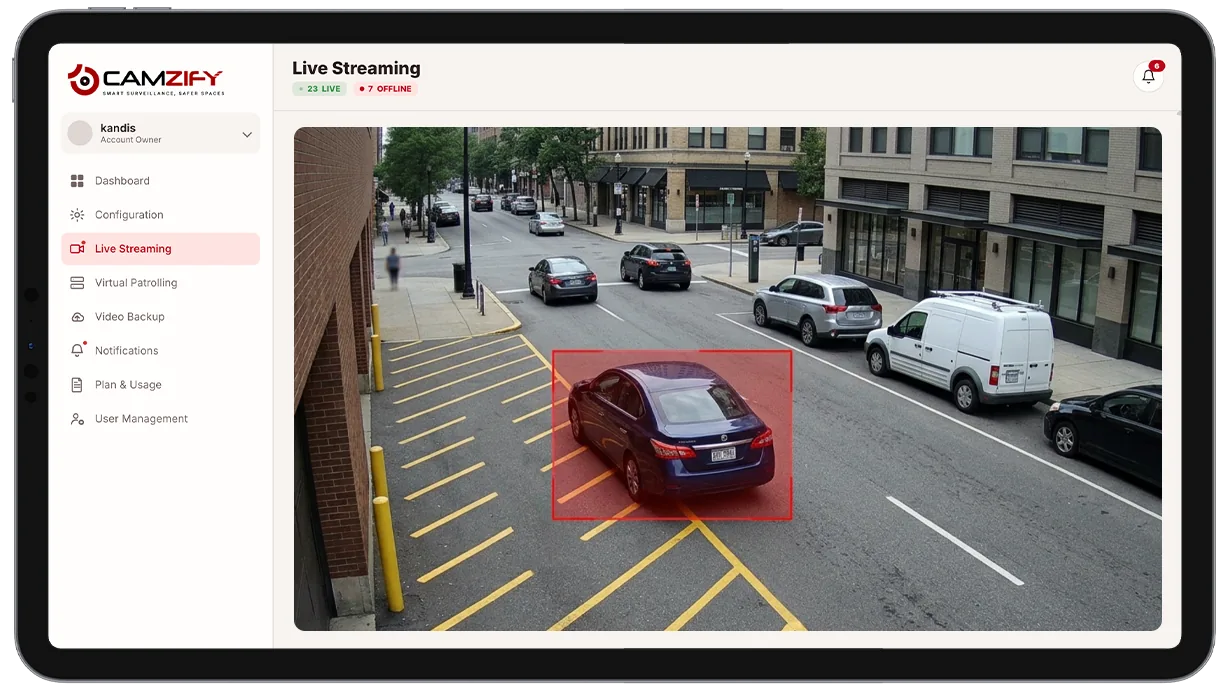
A vehicle stopped in a fire lane, ambulance bay or loading zone past the grace period, with the frame and the time.

Cloud video backup against DVR and NVR theft: illustration

Cloud video backup against DVR and NVR theft

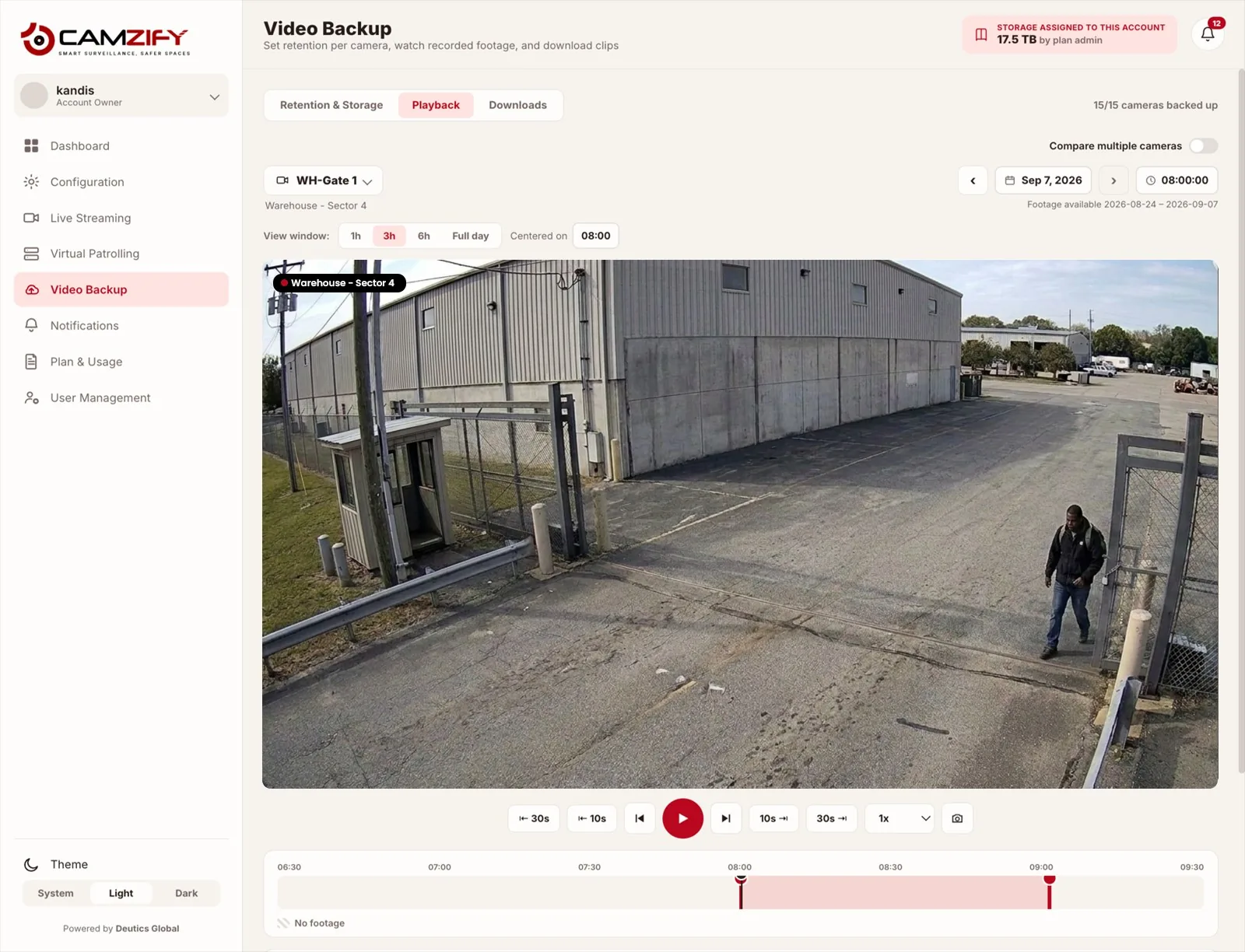
Footage stored off site as it is captured, so a stolen, smashed or unplugged recorder takes no evidence with it.

One live wall for every camera brand and site: illustration

One live wall for every camera brand and site

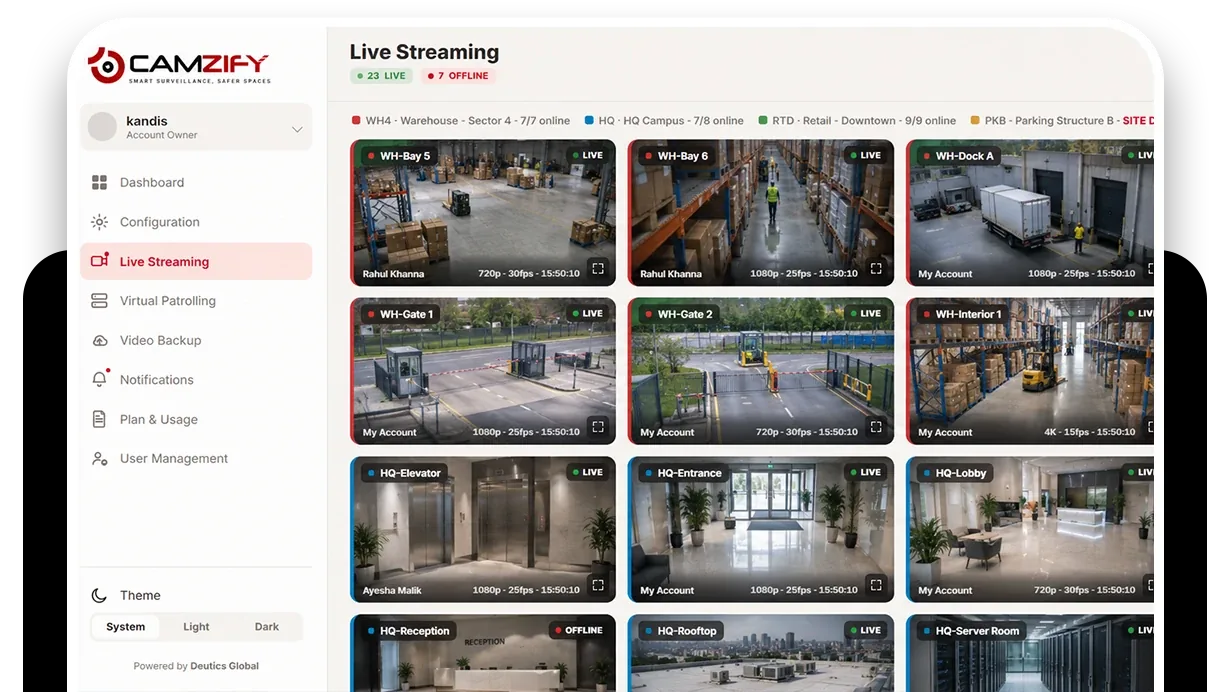
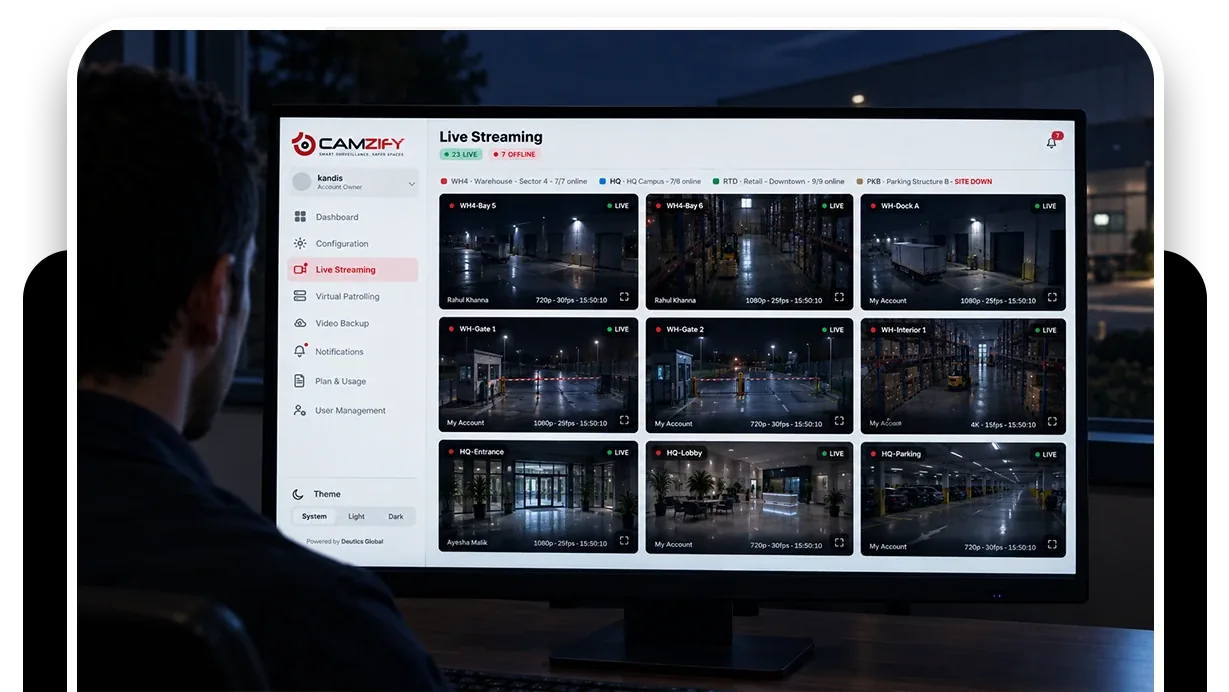
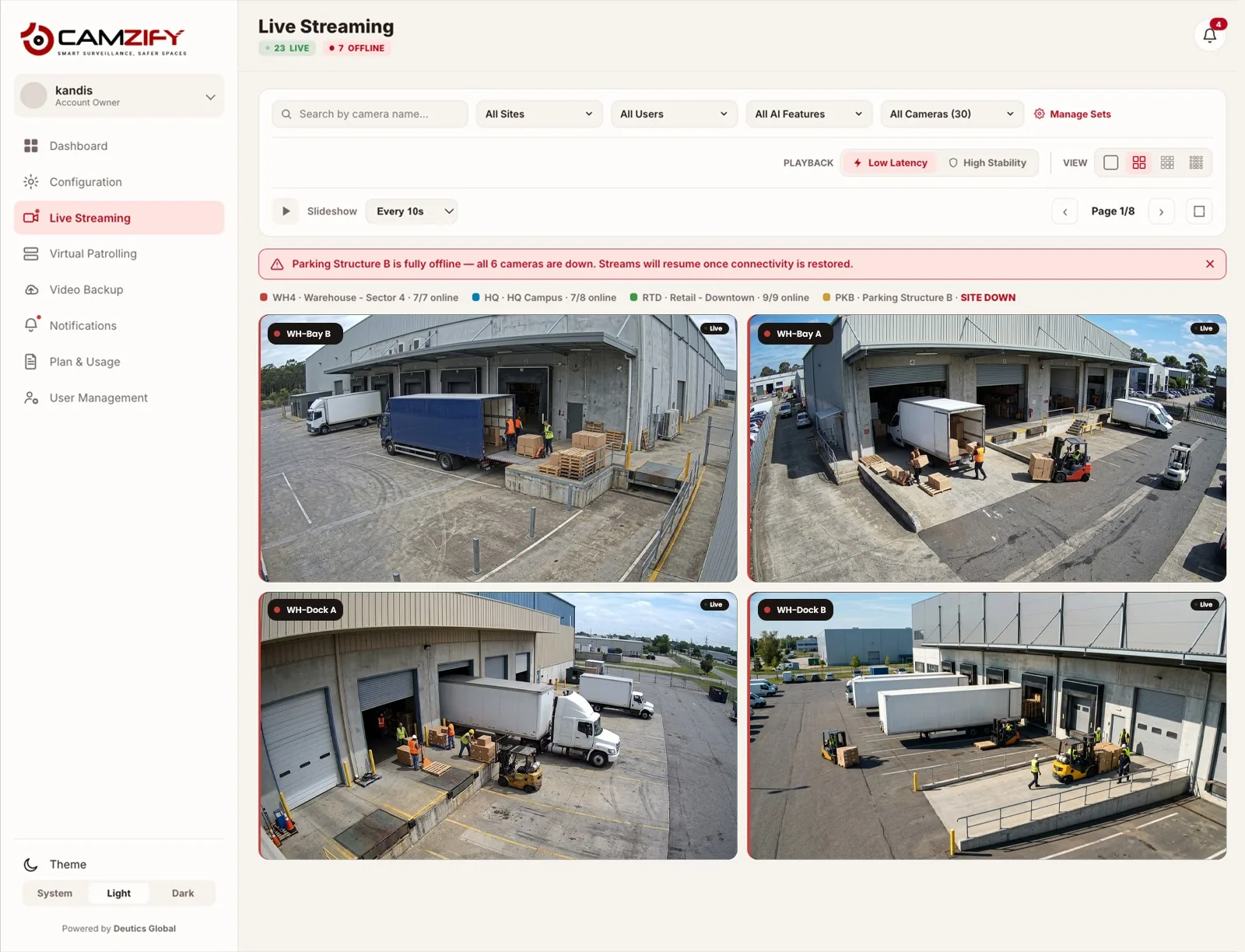
Every ONVIF or RTSP camera from every site on one wall grouped by site, in place of a login per recorder.

Tracking one person across cameras: illustration

Tracking one person across cameras

Describe a person, find every appearance, and order the cameras into one timeline. Not face recognition.

Virtual patrolling for compliance evidence: illustration

Virtual patrolling for compliance evidence

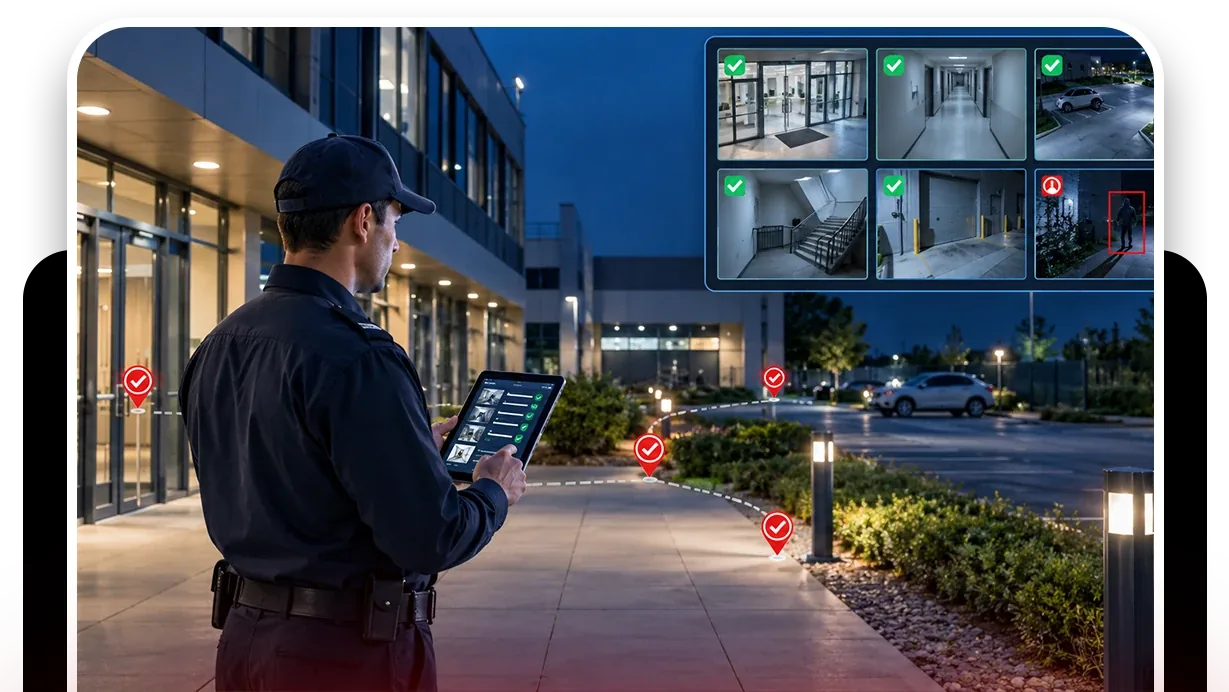
Rounds that produce the record a regulator, insurer or contract asks for: item, time, frame, person notified.

Tailgating detection for data centers and lobbies: illustration

Tailgating detection for data centers and lobbies

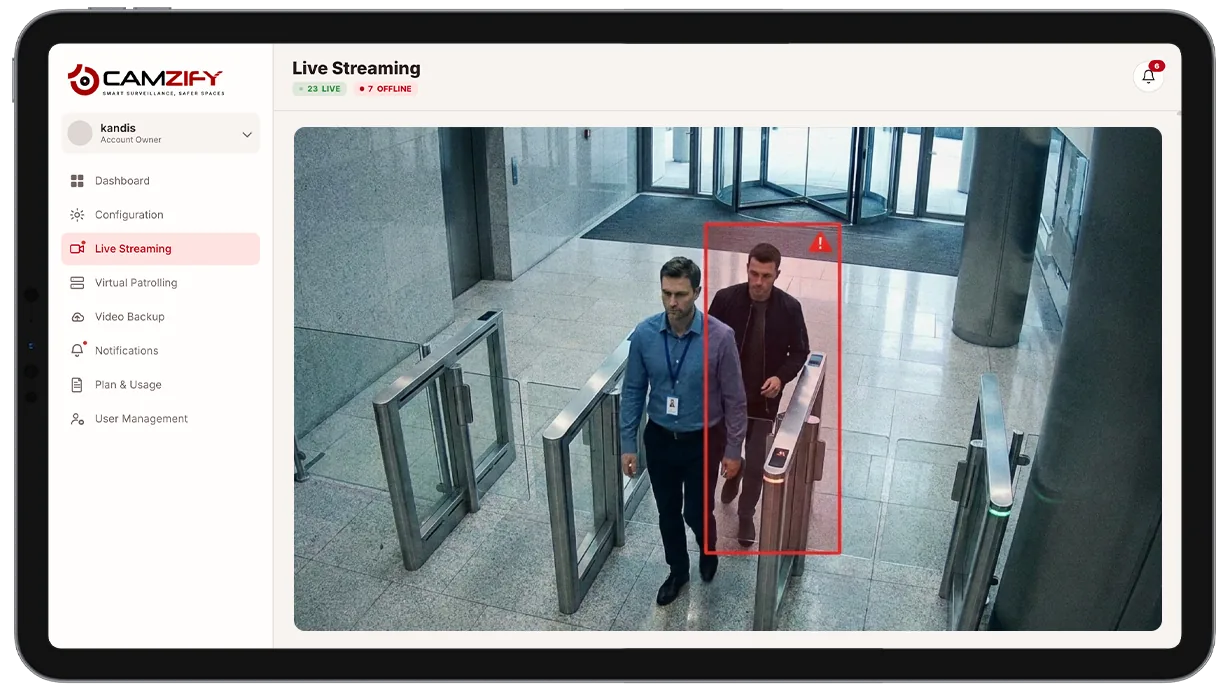
The badge log shows one entry; the door camera counts two, records the frame and tells a person.

Looking for an industry instead?

The industry pages start from the site type, warehouses, construction, retail and thirteen more, and pick the use cases that fit it.

Browse industries

Or the detection itself?

Every use case names the detections it uses. Each has its own page: what it fires on, how it is tuned per camera, and what it does not detect.

All 23 detections
FAQ

Frequently asked questions

A feature is a capability, such as line intrusion detection. A use case is a situation a security manager is responsible for, such as a perimeter after dark, and the combination of detections, patrol checklist and notifications that covers it. Each use-case page names the detections that apply, shows the checklist a round would run, and says what the platform will not do in that situation.

No. Every use case on this page runs on the same account: the same cameras, the same 23 detections licensed as instances per camera, and the same virtual patrolling. What changes between them is configuration: which detections are enabled on which cameras, what the checklist at each stop asks, and who is notified when a check fails.

The one with the clearest failure condition. After-hours monitoring and perimeter security are the usual starting points because the checklist writes itself: doors closed, zones empty, fence line clear. A round that passes is a round nobody thinks about, and a round that fails produces a snapshot and a guard message. Once that is working, the other scenarios are a matter of adding cameras and checklist items.

Yes, and most do. A warehouse runs perimeter security on the fence cameras, loading dock monitoring on the bays, and after-hours rounds across the interior, all as patrol sequences on the same account. Each sequence has its own schedule, checklist and guard roster.

They are examples of what a round for that scenario checks, written the way a checklist item is written in the console. The items on your own rounds are yours to define per camera. The states shown, Compliant, Not Compliant and Pending, are the three a checklist item can hold.

Ready to patrol your site 24/7?

Book a 15-minute demo and see a live patrol run on your own cameras.