

Business security cameras that do more than record
Business security cameras become a security system when something records them reliably, watches them and checks them on a schedule. Camzify adds that to the commercial cameras (or commercial CCTV) a business already owns: cloud recording, AI detections and scheduled patrol rounds, with every location on one login and no new hardware.
- Works with the cameras you own
- AI detections and patrols
- Every site on one login
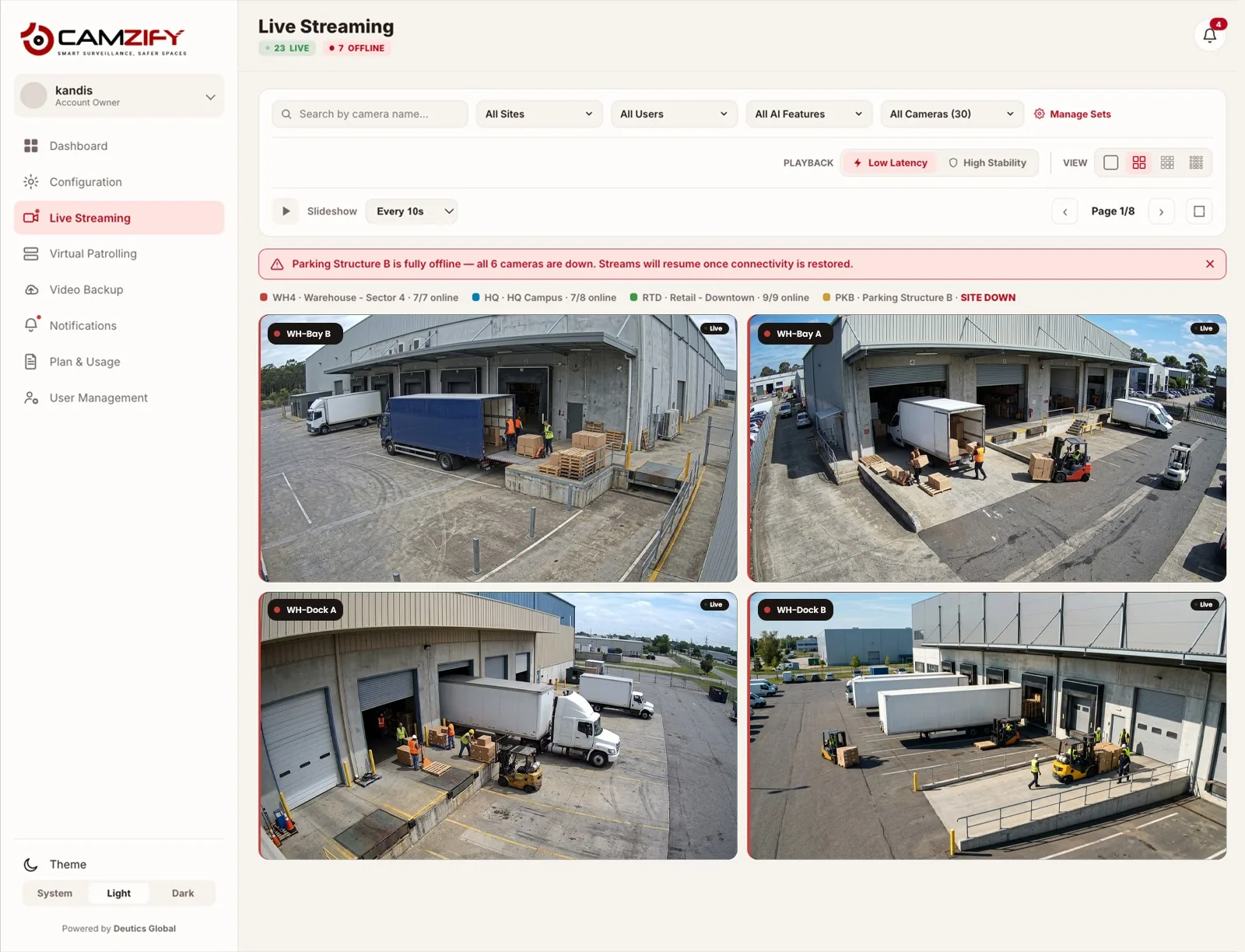
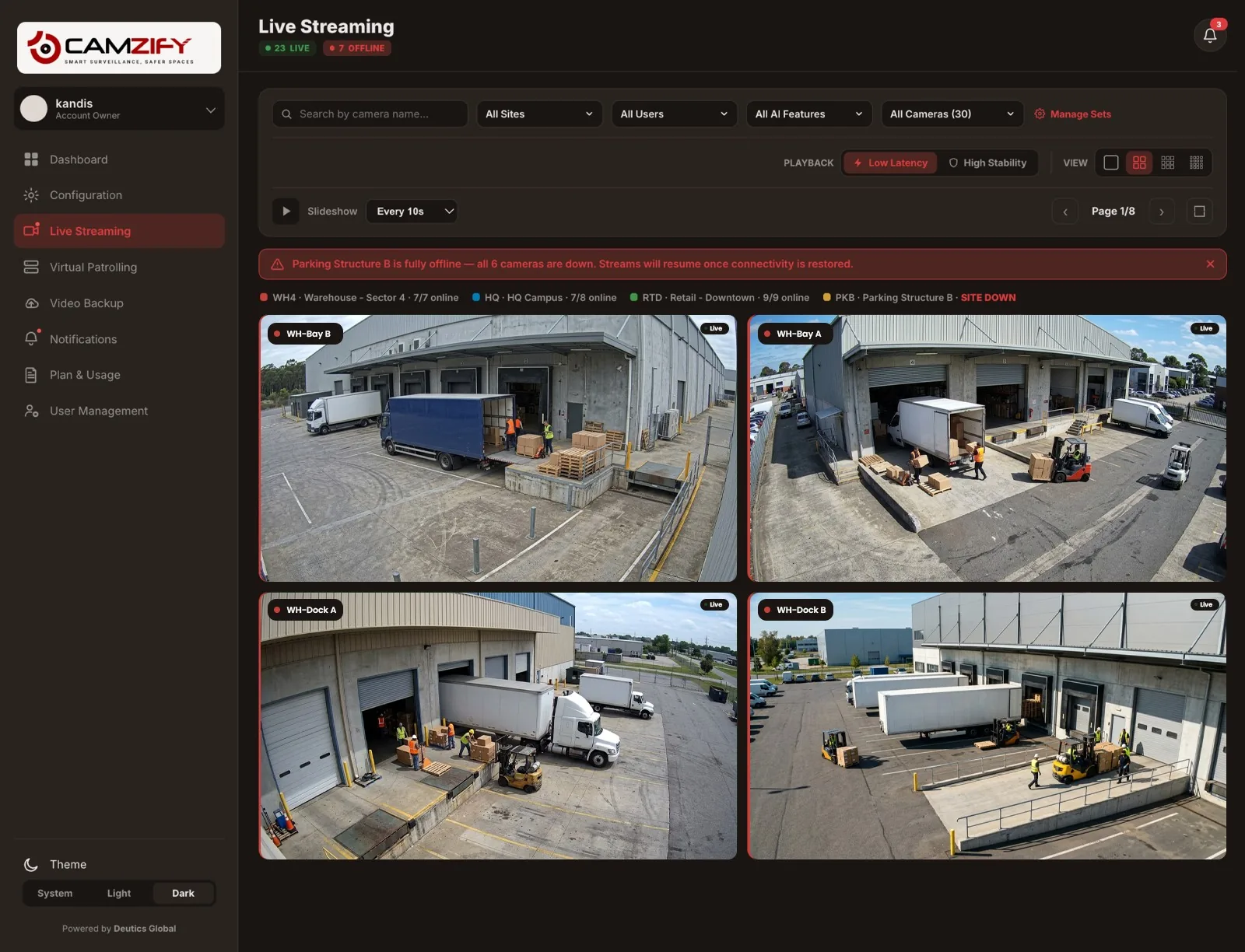
What a business security camera system needs
Cameras capture. Most of what makes them protect a business is the system behind them, and that is where most camera systems stop short: recordings nobody watches, on a recorder in the back office.
Recording you can rely on
Footage recorded off site under a retention period set per camera, so a stolen or failed recorder does not take the evidence with it.
Video backup and retention →Someone, or something, watching
AI detections that raise an alert when something happens, instead of footage nobody reviews until after the fact.
The AI detections →Checks that happen every night
Scheduled patrol rounds that look at each camera against its own checklist and file a report, the job a guard's round does.
Virtual patrolling →Every location in one place
One login for every site, with each person seeing only the cameras they should.
Multi-site management →
AI without replacing a single camera
An “AI security camera” is usually a camera with detection built into its firmware, bought new to get it. Camzify puts the detection in the platform instead, so it runs on the streams of cameras already installed, whoever made them: intrusion and loitering, tailgating, weapons, fire and smoke, slip and fall, PPE and the rest of the 23 standard detections, plus detections built to order, such as license plate recognition.
What a camera needs is a standard stream. Most commercial IP cameras offer RTSP or ONVIF; setup guides cover Hikvision, Dahua, Axis, Hanwha Vision, Reolink, Lorex, Swann, EZVIZ and Amcrest, and the supported cameras page explains why any RTSP camera works.
Upgrade the cameras you have, or buy new?
If the cameras cover the right places and give a clear picture, keep them: what they lack is the system, not the lens. Replace a camera when it cannot see what matters, when it offers no standard stream, or when it has failed. Camzify does not sell cameras, so the advice does not depend on selling you one; where new cameras are needed, an installer fits them and Camzify connects them.
What it costs to run
Priced per instance per month and quoted per site: from $5 per camera per month, with most cameras landing between $20 and $90 per camera per month depending on which detections run, and cloud storage per terabyte per month on top. Measure it against what guarding the same hours costs with the ROI calculator, or build a quote on the pricing page. Cloud by default, or on premises where footage must stay on site.
Security cameras by type of business
- Retail stores
- Restaurants
- Warehouses
- Construction sites
- Manufacturing
- Dealerships and repair shops
- Self storage
- Multi-site businesses
Every type of business on the site is on the industries page.
Frequently asked questions
Ready to patrol your site 24/7?
Book a 15-minute demo and see a live patrol run on your own cameras.