

Hybrid cloud video surveillance: keep the recorder, add the cloud
 By Muhammad Talha · Product Manager and CTONine years building computer vision and automated surveillance systems · Updated
 Hybrid cloud video surveillance keeps the recorder on site and adds cloud recording beside it, so the same cameras are recorded in two places: locally on the NVR and off site in a cloud VMS. The recorder carries on as it did; the cloud takes the cameras that need remote access, longer retention, AI detections or a copy that survives the building.
That is the answer for the site whose recorder works. Most interest in cloud video surveillance comes from sites that already record, and ripping out a working NVR to get there is neither necessary nor, for some cameras, wise. The cloud NVR guide explains recording with no box at all; this guide covers the middle ground: what a hybrid setup is, the three shapes it takes, what the cloud adds, which cameras go first, what stays behind, and how to move site by site.
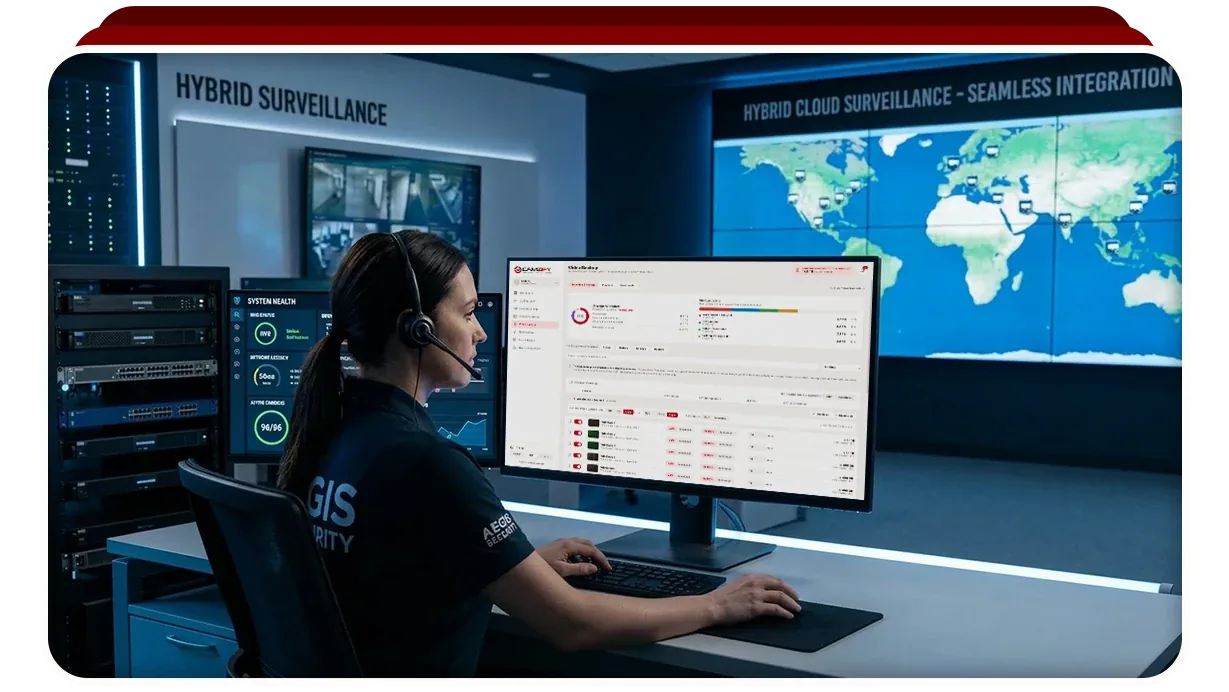
What is a hybrid cloud video surveillance setup?
It is a site that records to a recorder on the premises and to a cloud service at the same time, with the split decided camera by camera. Nothing about it is a special product: the recorder is the one you have, the cloud side is an ordinary cloud VMS, and the two do not need to know about each other.
The point of the arrangement is that each side does what it is good at. The recorder needs no upstream bandwidth and keeps writing through an internet outage. The cloud gives retention per camera, one login for every site, detections and patrol rounds on the same streams, and footage that is already outside the building on the day the recorder is stolen.
On Camzify the cloud side connects to whatever produces the stream. Any camera with an RTSP stream can be connected, and RTMP and HTTPS streams, whether HLS or WebRTC, connect as well. Camzify sells no hardware and needs nothing new on the wall, which is what makes a hybrid setup cheap to try: the cloud is added to the cameras, not swapped in for the recorder.
What shapes does a hybrid setup take?
Three, and they differ in what the cloud records from and how many cameras it records. A site can use more than one at once, and most move from one to another over time.
- The recorder keeps recording and the cloud records the same cameras in parallel. Each camera streams to the recorder as before and also to Camzify, through the Camzify Connector when the cameras sit on a private network. Two independent recordings exist for every camera, and neither depends on the other.
- The recorder publishes RTSP streams and becomes the source the cloud records from. A recorder that publishes its cameras as RTSP streams can be connected exactly as a camera would be, directly if its streams are reachable from the internet or through the Connector if they are not. The recorder keeps its local copy, the cloud holds the off-site one, and nothing changes on the cameras themselves.
- Some cameras go to the cloud and the rest stay local. Camzify licenses a stream instance per camera, so the gate, the cash office and the loading bay can be cloud cameras while the stockroom stays on the recorder alone. The choice is made camera by camera, by how much upstream bandwidth the site has and by which cameras matter.
The second shape is the least work on the day, because the Connector is given the recorder's addresses instead of a list of cameras. The third shape is where a site with a thin internet connection ends up whichever one it started from, since only the cameras that leave the building count against the connection.
What does the cloud add that the recorder cannot?
Four things, and each is a reason to add the cloud rather than a second recorder. A recorder keeps footage so that someone can review it later; the cloud side puts the following on the same streams.
- Retention set per camera rather than per box. On the recorder every camera shares one disk and one window; on Camzify each camera keeps a number of days or a storage cap of its own, so a gate camera can hold ninety days while a corridor keeps seven.
- One login for every site. A company with several sites, or an agency with several clients, sees them in one console, folded together or held separate per site, with permission groups deciding who opens which camera, live or recorded. The recorders keep their own logins, but nobody has to use them to see the site.
- Detections and patrol rounds on the same streams. Line and zone intrusion, loitering, camera tampering, fire and smoke and the other detection features can be licensed on any connected camera, and a scheduled patrol round checks a list at each camera, messages the guard responsible for a failure and files a timestamped report. The recorder has no equivalent, and its footage is untouched by any of it.
- Footage that survives the recorder. Everything recorded to the cloud before the box was taken, smashed or unplugged is already outside the building, encrypted in transit over TLS 1.2 or higher and at rest with AES-256.
The video backup and retention page describes the screen where the cloud side is set: recording mode and retention per camera, and storage shown as provisioned, used, assigned to sub-accounts and remaining. Compliance certifications are in progress and none is claimed as held.
Which cameras should go to the cloud first?
The cameras whose footage you would most regret losing, and the cameras someone needs to watch from elsewhere. Those two questions rank every camera on the site, and the ranking is the order to connect them in.
Ask first which cameras record the events that end in a claim, a dispute or a police report: the entrance, the cash handling point, the loading bay, the perimeter gate. A recorder holds that footage only until the recorder is taken, so those are the cameras where an off-site copy earns its cost. Ask second which cameras a manager, an agency or a monitoring center needs to open without driving to the site. A camera nobody views remotely, whose footage is only reviewed after the fact, can stay on the recorder for now.
Then check the list against the connection. Every camera sent to the cloud needs upstream bandwidth for as long as it records, and the cloud VMS bandwidth requirements guide sets out how to read each camera's bitrate and compare the total with the site's upload capacity. Where the total is short, give the Connector a camera's sub stream instead of its main stream, record it on a schedule, or leave it on the recorder; the cloud list gets shorter before the recorder list does.
A camera that will carry a detection or sit on a patrol round moves up the list whatever its footage is worth, because neither runs on the recorder.
What stays with the recorder?
The archive already on it, and any camera or site that should not stream out. Camzify records the stream from the moment a camera is connected, and footage that exists only on the recorder's disk is not a stream, so what was recorded before that day stays where it is and is reviewed there.
- The existing archive. What the recorder has already written stays on the recorder for the rest of its window, and the recorder's export tools are how that footage is retrieved. Plan the cloud retention window from the connection date forward.
- Sites with too little upstream bandwidth. A site whose connection cannot carry even its most important cameras, after the sub stream and scheduling levers have been tried, keeps its recorder and joins the cloud side when the connection improves.
- Footage that must stay on site by policy. Some sites carry a contractual or regulatory rule that recorded video does not leave the premises. The cloud sends it out encrypted, and encryption does not change where it is; those cameras stay local, and the cloud side can still carry the cameras the policy does not cover.
- Recording through an internet outage. Recording to the cloud stops when the connection drops, with everything before it kept. A recorder on a battery keeps writing through the outage, which is a reason to keep it under the cameras that must never have a gap.
The cloud VMS vs on-premise comparison sets the two models against each other row by row, including the rows where the recorder wins. A hybrid setup is how a site takes the cloud's rows without giving up the recorder's.
How do I run the transition site by site?
One site, a few cameras, a working week, then the next site. The recorder is what makes this safe: nothing is switched off, so a camera that does not connect cleanly is a camera still on the recorder.
Start with the site that has the most to gain and a connection that can carry it. Connect the two or three cameras at the top of the list through the RTSP setup guide, directly if their streams are reachable from the internet or through the Connector on a PC on that network, set recording and retention for each, and watch live view and playback at the busy hours of the day. The using existing cameras with a cloud VMS guide covers how to try one camera before committing to more.
Widen camera by camera, stopping at the number the connection carries cleanly, and switch on detections or a patrol round only once the recording underneath is steady. When the site is stable, repeat at the next one. Each site appears under the same account, held separate or folded together as you prefer, and the recorders at the sites you have not reached yet are unaffected.
Whether a recorder is ever switched off is a decision for later, and for some sites the answer is never. Camzify is priced per instance per month, from $5 per camera per month and quoted for the site, so the cloud list can grow one camera at a time rather than in one order.