

AI security for property management
Property managers cover common areas, parking garages and rooftop access across several buildings, usually with one roaming person and coverage only in business hours. Camzify's virtual patrolling runs scheduled rounds on the cameras already on site, checks common areas, garages and mechanical access points across the portfolio, messages the right person when a check fails, and keeps a timestamped record of every round.
- Common areas and hallways monitored only during staffed…
- Parking garages and structures with no continuous overnight…
- Rooftop and mechanical access points left unverified between…
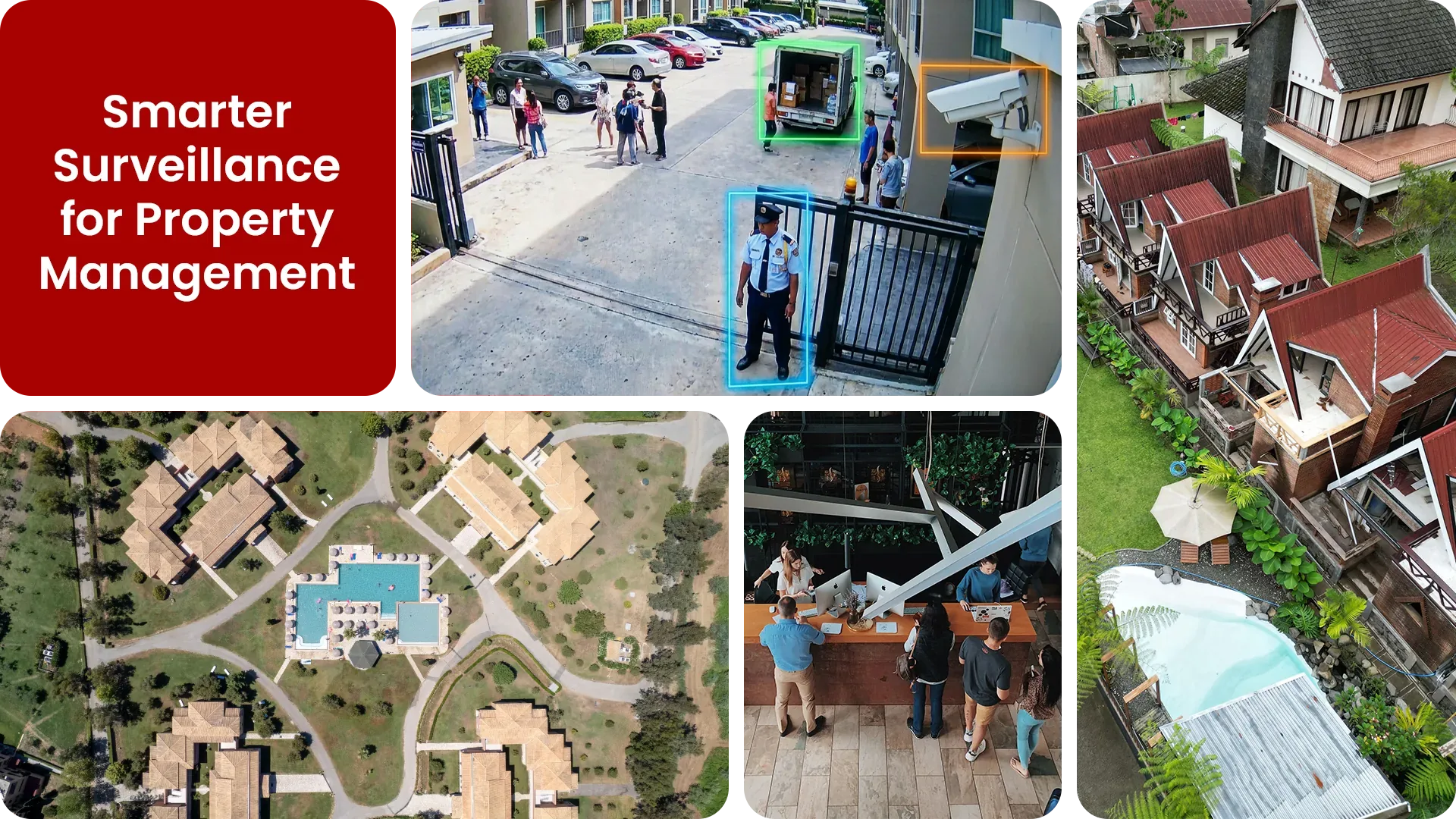
Common property management security gaps Camzify closes:
- • Common areas and hallways monitored only during staffed business hours
- • Parking garages and structures with no continuous overnight coverage
- • Rooftop and mechanical access points left unverified between site visits
- • A single roaming property manager covering security across multiple buildings
- • Camera outages across a multi-property portfolio going unnoticed for days
- • No consolidated audit trail showing which buildings were actually checked
Why property management needs continuous AI monitoring
Property managers are typically responsible for a portfolio of buildings, not just one, a mix of residential, mixed-use, or commercial addresses spread across a city, each with its own common areas, parking structures, and access points. A single property manager or on-site super can walk one building's halls a few times a shift; the rest of the portfolio sits unchecked for hours or days between visits.
Plain CCTV compounds the problem: footage from a dozen buildings sits on a dozen separate systems, reviewed only after a resident complaint or an incident report already lands on the manager's desk. By then, whatever happened in the stairwell, garage, or amenity space is long over.
Virtual patrolling gives every managed property the same scheduled AI rounds a large staffed team would run, without needing a person physically present at each site.
- Every building gets checked on its own schedule.
- Every result is logged.
- Alerts route to whoever's actually on call for that property.
- There are no portfolio-wide blind spots.
Three questions property management security teams ask
"Were all common areas checked overnight?"
Camzify answers this with Zone Intrusion Detection and automated patrol verification.
"Is anyone in the parking garage after midnight?"
Camzify answers this with Motion Detection and automated patrol verification.
"Has the rooftop access been verified as secure?"
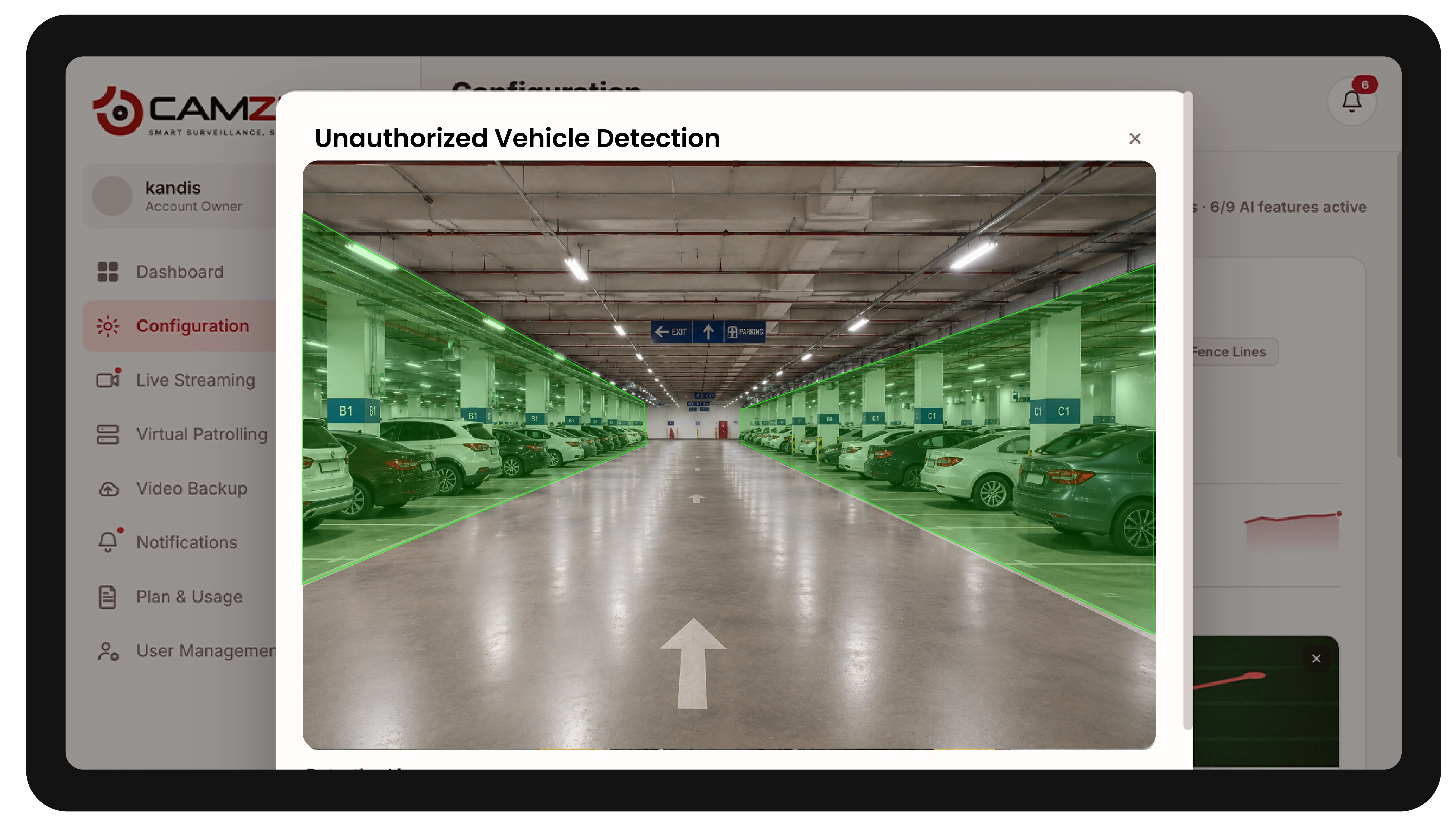
Camzify answers this with Camera Tampering Detection and automated patrol verification.
How Camzify works for property management
Building the patrol route
A patrol sequence is set up once per property, ordering every camera stop, lobby, hallways, parking structure, rooftop access, amenity spaces, into a route that runs on a configurable schedule, with each managed building running its own independent route.
Checking each stop
At each stop, the AI checks the defined conditions for that camera using zone intrusion and motion detection.
- It checks whether the common area is clear.
- It checks whether anyone is in the garage after hours.
- It checks whether the camera is unobstructed.
Routing the alert
A failed check creates an actionable alert with a snapshot and timestamp, routed to the property manager or on-call staff member assigned to that building, and logged in that property's patrol report alongside every other result.
What to configure for a property management site
Most property management deployments start with:
- • Common-area zones (lobbies, hallways, amenity spaces) with time-based activation
- • Parking garage and structure zones active during overnight hours
- • Restricted zones over rooftop and mechanical access points
- • Per-property patrol schedules configured independently across the portfolio
- • Escalation routing to the assigned property manager or building engineer
Common scenarios
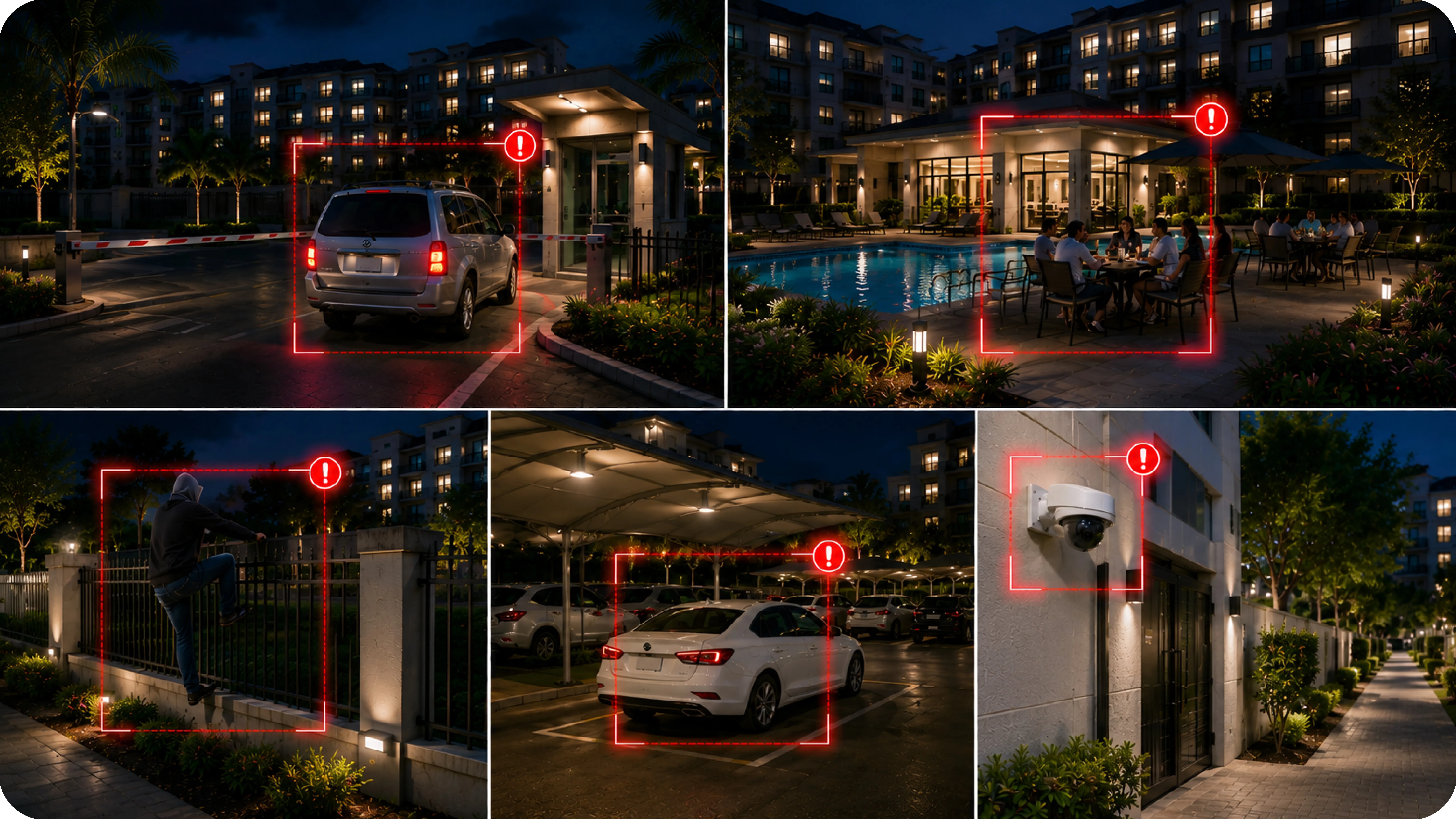
- • A pool, gym, or clubhouse occupied after posted closing hours
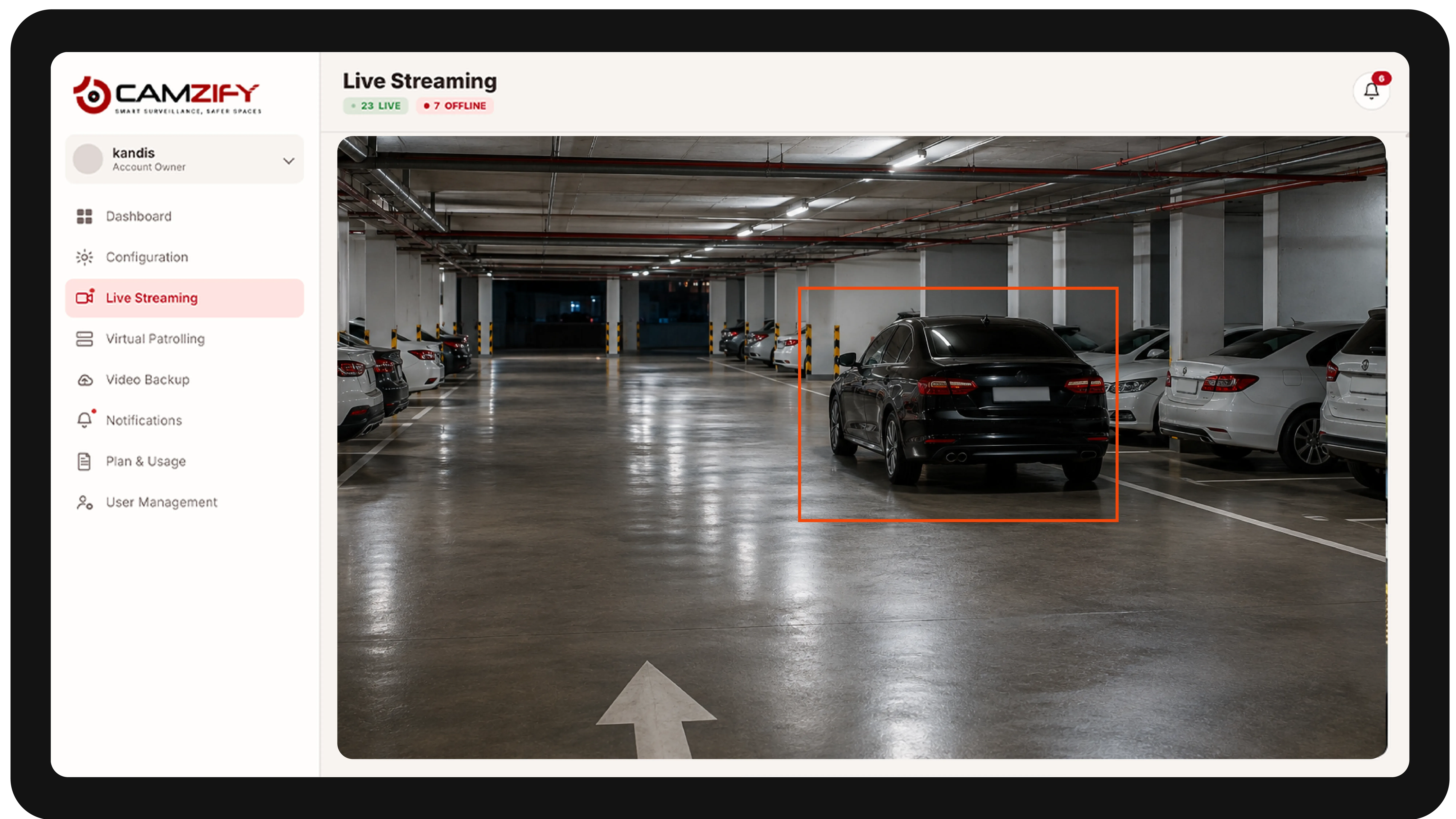
- • An unauthorized vehicle parked in a resident-only garage overnight
- • A side or service entrance propped open outside scheduled deliveries
- • A rooftop access door left unsecured after a maintenance visit
- • A stairwell camera going offline mid-shift across a managed building
Deployment notes
Property management companies oversee multiple buildings with varying camera setups. Camzify's multi-site management allows centralized monitoring of all properties from one dashboard.
What a first deployment looks like
- Step 01
Start with the shared spaces
Lobbies, car parks, bin stores, plant rooms and service entrances are onboarded first — the common areas residents and tenants complain about and no one physically patrols.
- Step 02
Prove the round happened
Where a manned patrol was previously logged on paper, the scheduled sequence produces a timestamped per-point record that can be shown directly to a landlord or residents committee.
- Step 03
Scale across the portfolio
Additional buildings are added under one account with per-site permissions, so a managing agent sees the whole portfolio while each site contact sees only their own building.
See how the numbers work for your property management facility with the ROI calculator, or review pricing to understand the per-instance licensing model. Recording and retention for the same cameras are covered on cloud video surveillance.
AI Features used here
Related use cases
Related industries
Frequently asked questions
Ready to patrol your site 24/7?
Book a 15-minute demo and see a live patrol run on your own cameras.