

Cross-Camera journey map
Cross-camera journey map stitches a subject's path across every camera on-site into a single reconstructed route — replacing hours of manually cross-referencing footage from camera to camera.
- A single stitched timeline of one subject across every…
- Ordered, timestamped hand-offs between cameras with…
- A route map view showing where a subject entered, moved, and…
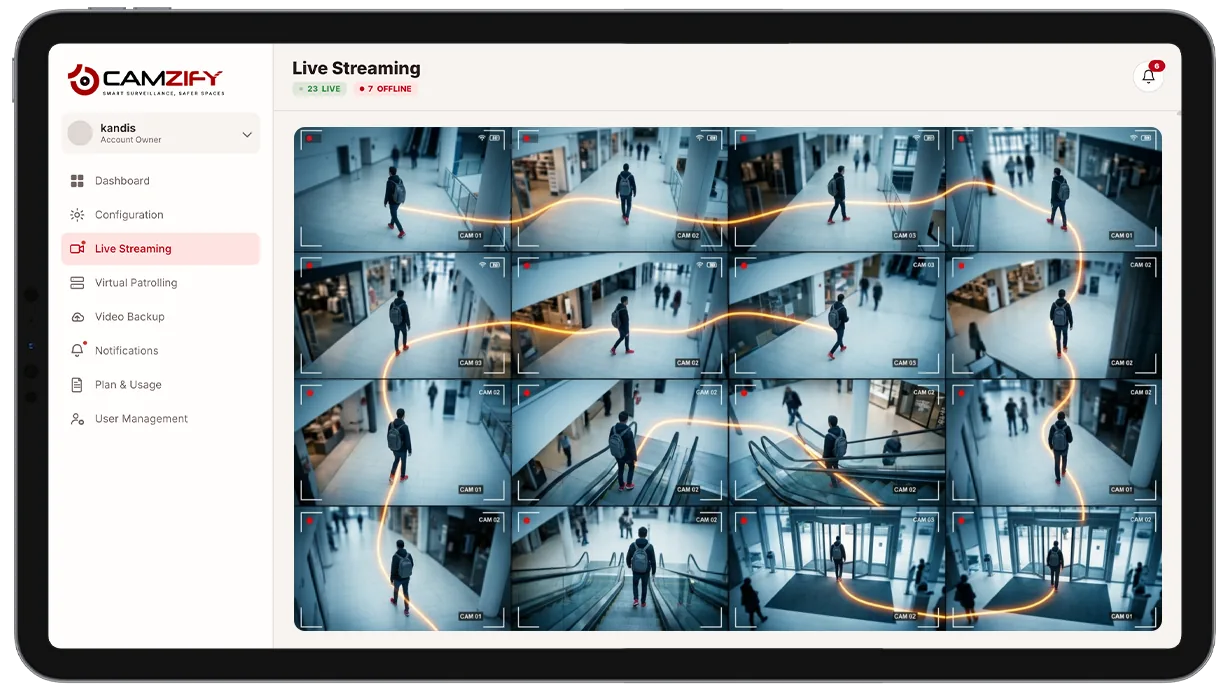
This capability builds:
- • A single stitched timeline of one subject across every camera that saw them
- • Ordered, timestamped hand-offs between cameras with confidence scores
- • A route map view showing where a subject entered, moved, and exited
- • A starting point built directly from an AI suspect search result
- • A record of coverage gaps where the subject left camera view entirely
- • An exportable route for incident reports or law enforcement handoff
Why cross-camera journey map matters
A single camera only ever shows part of the story. Once a subject leaves that camera's frame, reconstructing where they went next means an investigator has to guess which neighboring camera they might have entered, pull up that feed, scrub to the right moment, and repeat, camera by camera, for as long as the path continues.
On a site with more than a handful of cameras, that manual cross-referencing becomes the slowest part of any investigation. Each hand-off between cameras adds a fresh round of searching, and there's no guarantee the investigator picks the right next camera on the first try, or that they catch every appearance along the way.
Cross-camera journey map removes the guesswork by linking appearances automatically as they happen, so the full route, not just one camera's slice of it, is available as a single ordered timeline from the start.
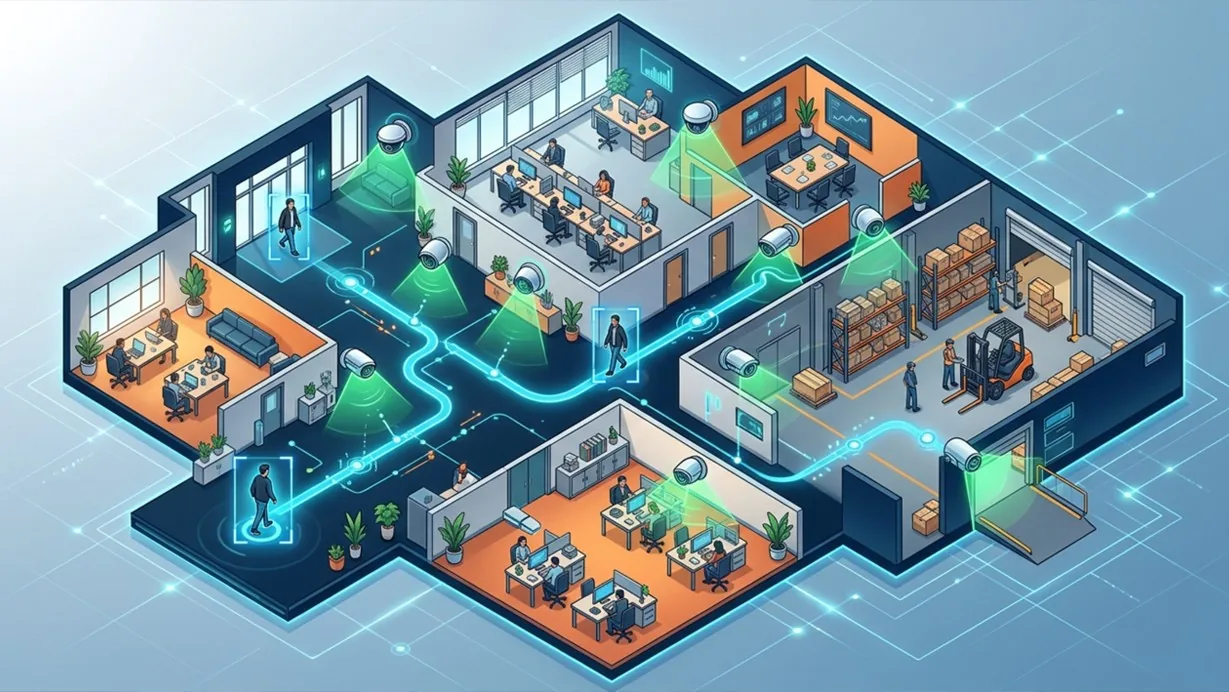
How it works
Linking appearances across cameras
Each camera's multi-object tracking output feeds a site-wide appearance index. When a subject leaves one camera's frame and enters another's, the system matches the track using timing and AI attribute extraction to link the two appearances as the same person.
Building the timeline
Linked appearances are ordered into a single path, camera, timestamp, direction of travel, rendered on a site map or as a chronological list of clips. Coverage gaps, where the subject wasn't visible on any camera, are shown rather than filled in with a guess.
Starting from a search
Investigators typically start from an AI suspect search match and build the journey map from there, rather than searching camera by camera.
Configuration
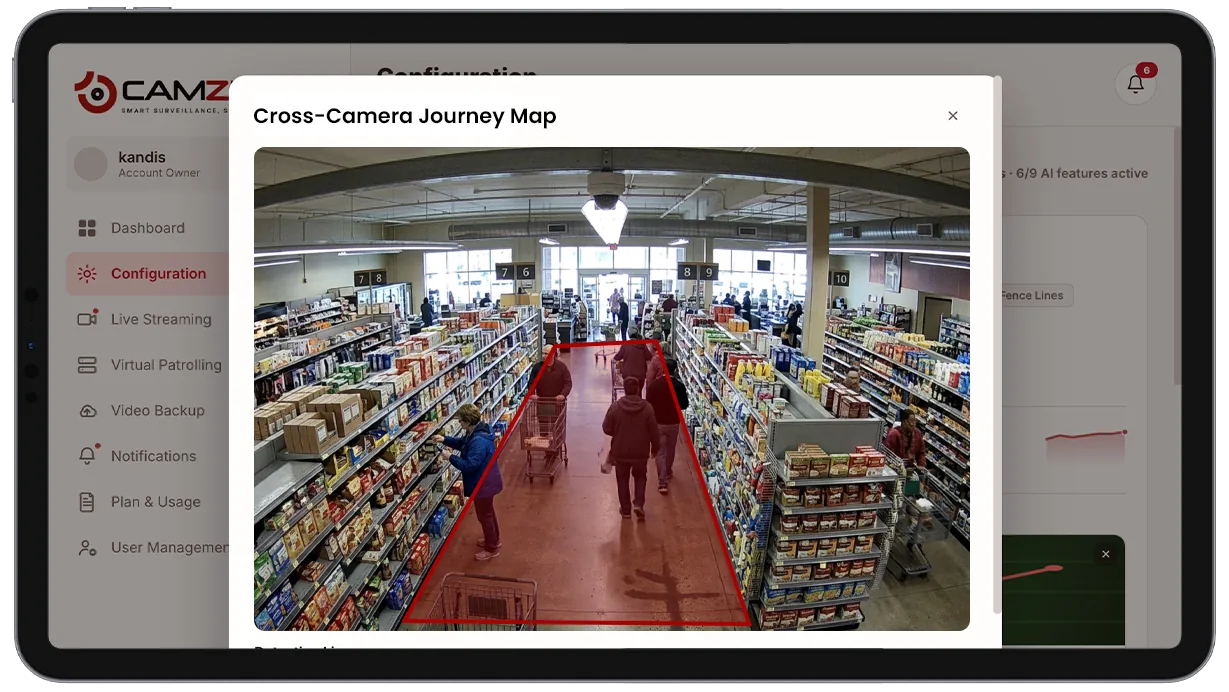
No per-camera setup is required beyond having multi-object tracking and AI attribute extraction enabled on the relevant cameras. A journey map can be configured with:
- • Site-level or multi-site scope for the search that seeds the journey
- • Map view or chronological clip-list view of the same timeline
- • Confidence threshold for what counts as a linked hop between cameras
- • Export with timestamps and clip references for incident reports
- • Date-range scoping across the available retention window
Common scenarios
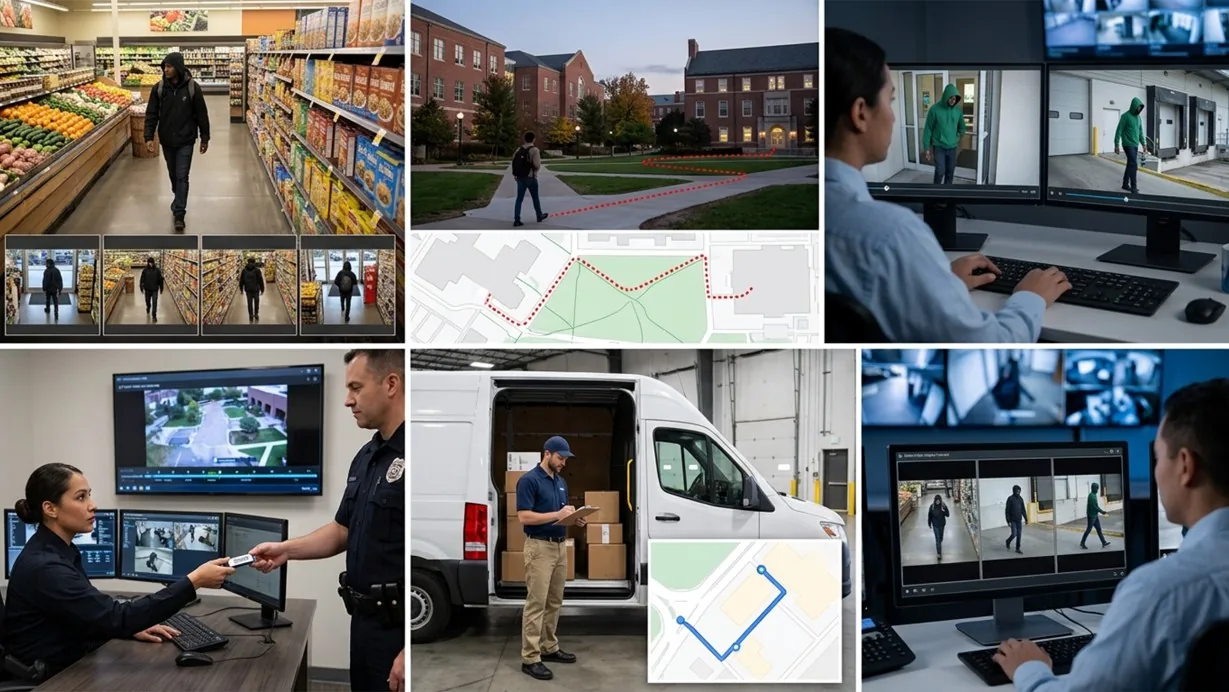
- • Tracing a shoplifting suspect's full route from entrance to exit across every aisle camera
- • Reconstructing a visitor's path through a multi-building campus after a reported incident
- • Confirming whether two separate camera sightings, hours apart, are actually the same person
- • Building a full route for a law enforcement handoff instead of exporting clips camera by camera
- • Verifying a delivery driver's path matched their expected route through a facility
- • Reviewing a subject's movement immediately before and after a flagged alert
In a patrol round
Journey mapping is used for investigation after an event rather than as a live checklist item during a virtual patrol round. When a patrol logs a non-compliant camera, a journey map can show what happened at that location immediately before and after, across neighboring cameras.
The footage around each alert is kept under the camera's own retention window on cloud video surveillance, so the clip and the recording it came from are on one account.
Industries using this
Related detections
Frequently asked questions
See the detections on live cameras
A 15-minute demo of the live product: the detections your site needs, running on real camera feeds, and a quote per camera for your sites.