

Camera connectivity
A camera connects to Camzify in one of three ways: RTSP, RTMP or HTTPS. Camzify uses the cameras you already own, with no proprietary hardware required. Choose your connection type below for step-by-step setup instructions, then start running virtual patrol rounds within minutes.
Configuration · Add camera
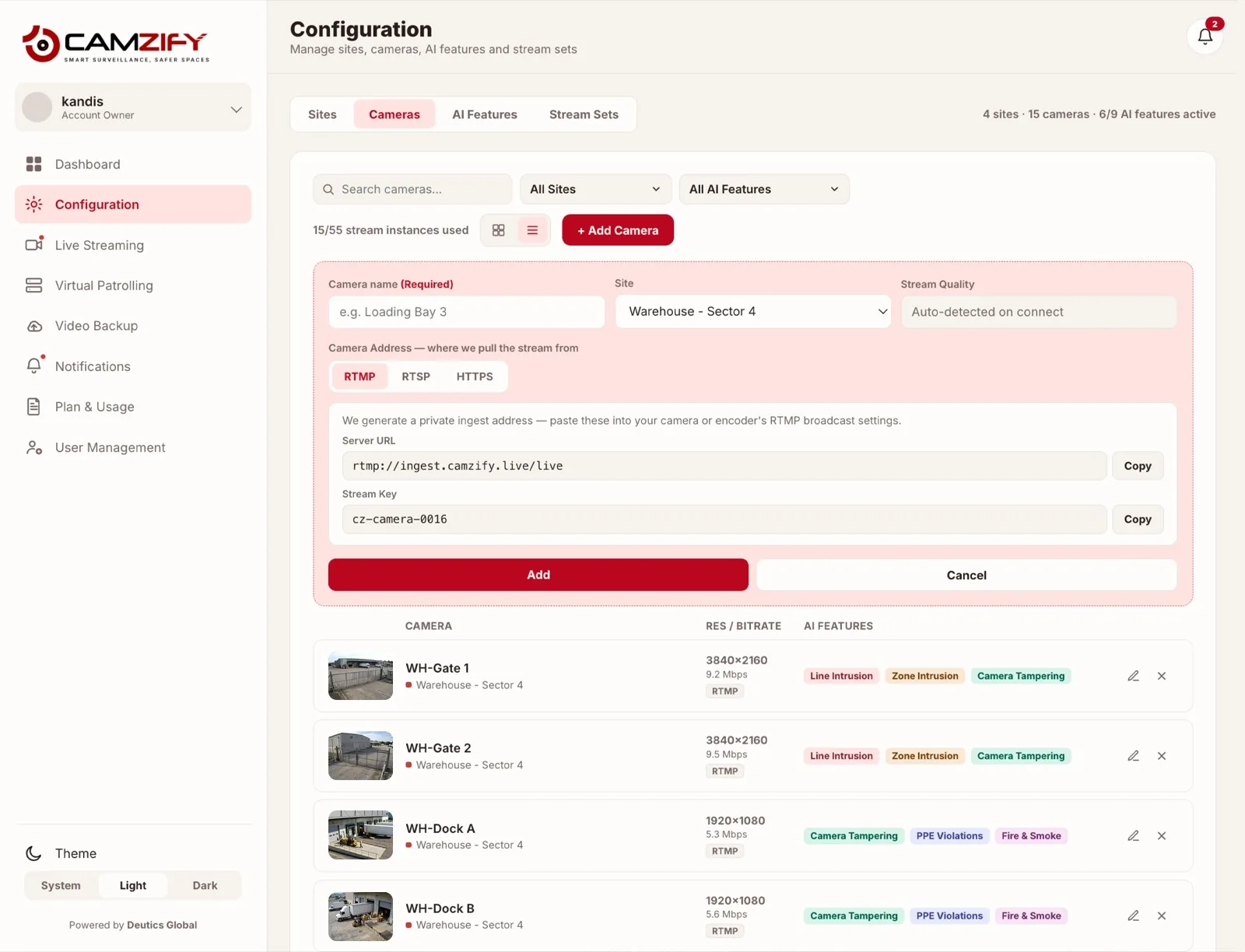
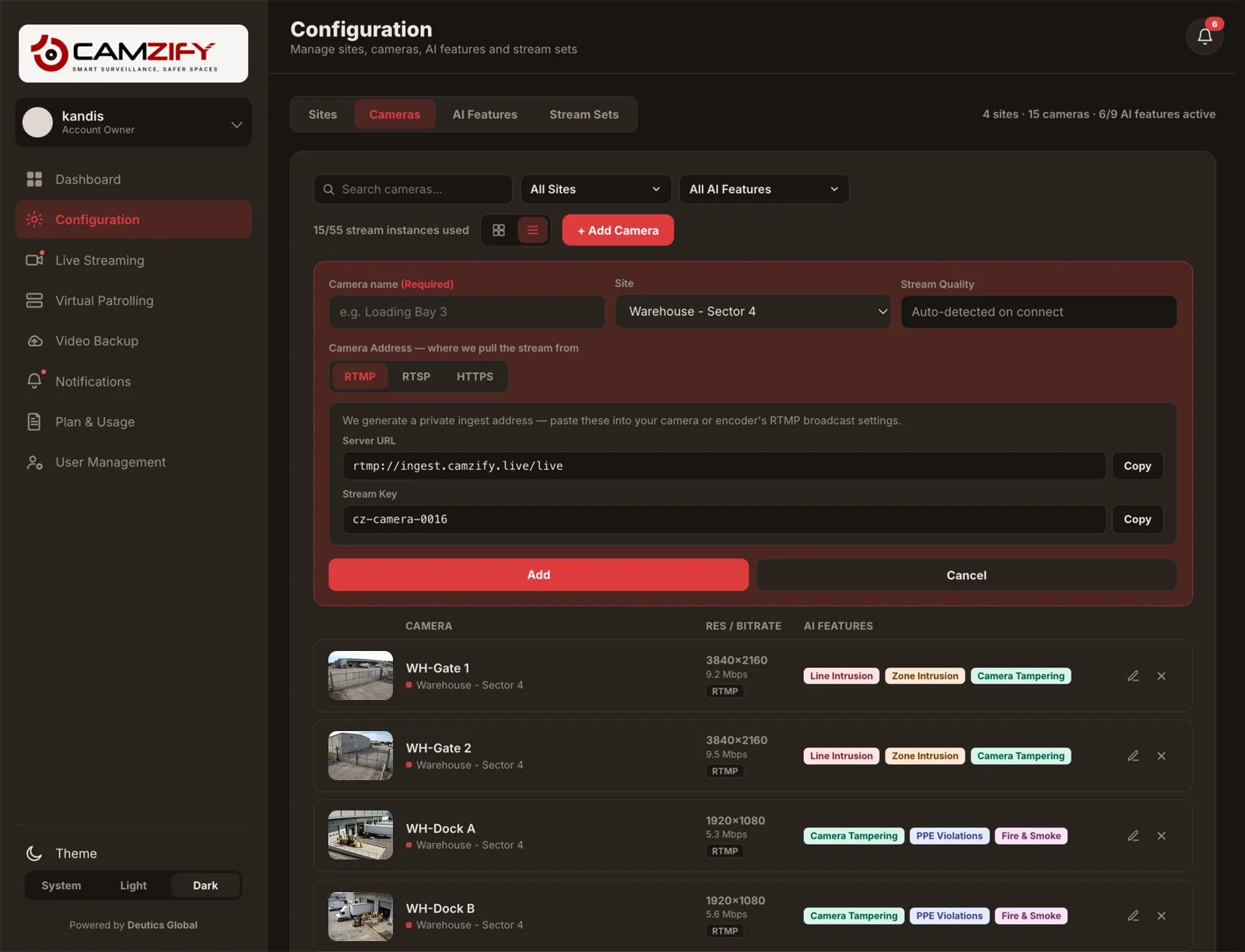
An RTSP stream that is already reachable over the internet connects directly. For cameras on local networks without direct cloud access, the Camzify Connector relays streams securely. See ONVIF and RTSP explained for protocol fundamentals.
FAQ
Frequently asked questions
Three: RTSP, RTMP and HTTPS. HTTPS covers both HLS and WebRTC streams. RTSP has two routes, direct for a stream reachable from the internet or through the Camzify Connector for cameras on a local network.
RTSP through the Connector for most IP cameras on a site network, RTSP direct for a stream already published to the internet, RTMP for encoders, HTTPS for web-delivered streams. Each guide covers one route.
Not for the Connector, which relays outward, nor for RTMP, which pushes outward. Only a directly reachable RTSP stream needs the camera exposed, which is why the Connector exists.
Stream quality is detected automatically, and the camera is available for recording, detections, checklist items and patrol rounds like any other.
In effect, yes. An IP camera's stream is carried to Camzify, directly if it is reachable or through the Camzify Connector if it is on a local network, and from there it is recorded, streamed live, detected on and patrolled in the cloud. Nothing is hosted on site.
Put these cameras on cloud recording
Camzify records RTSP, ONVIF, RTMP and HTTPS streams from the cameras you already own, with alerts and AI detections on top and nothing new on the wall.