

Security cameras for auto repair shops and dealerships, patrolled by AI
Repair shops, service centers and dealerships hold other people's cars overnight, in bays and yards that nobody watches after the last technician leaves. Camzify's virtual patrolling runs a scheduled round on the security cameras already on site, checks every bay door, yard row and gate, messages the person on call when a check fails, and files a report per branch.
- Bays, yards and lots checked on a schedule after close
- One console and one report per branch
- Runs on the cameras already installed
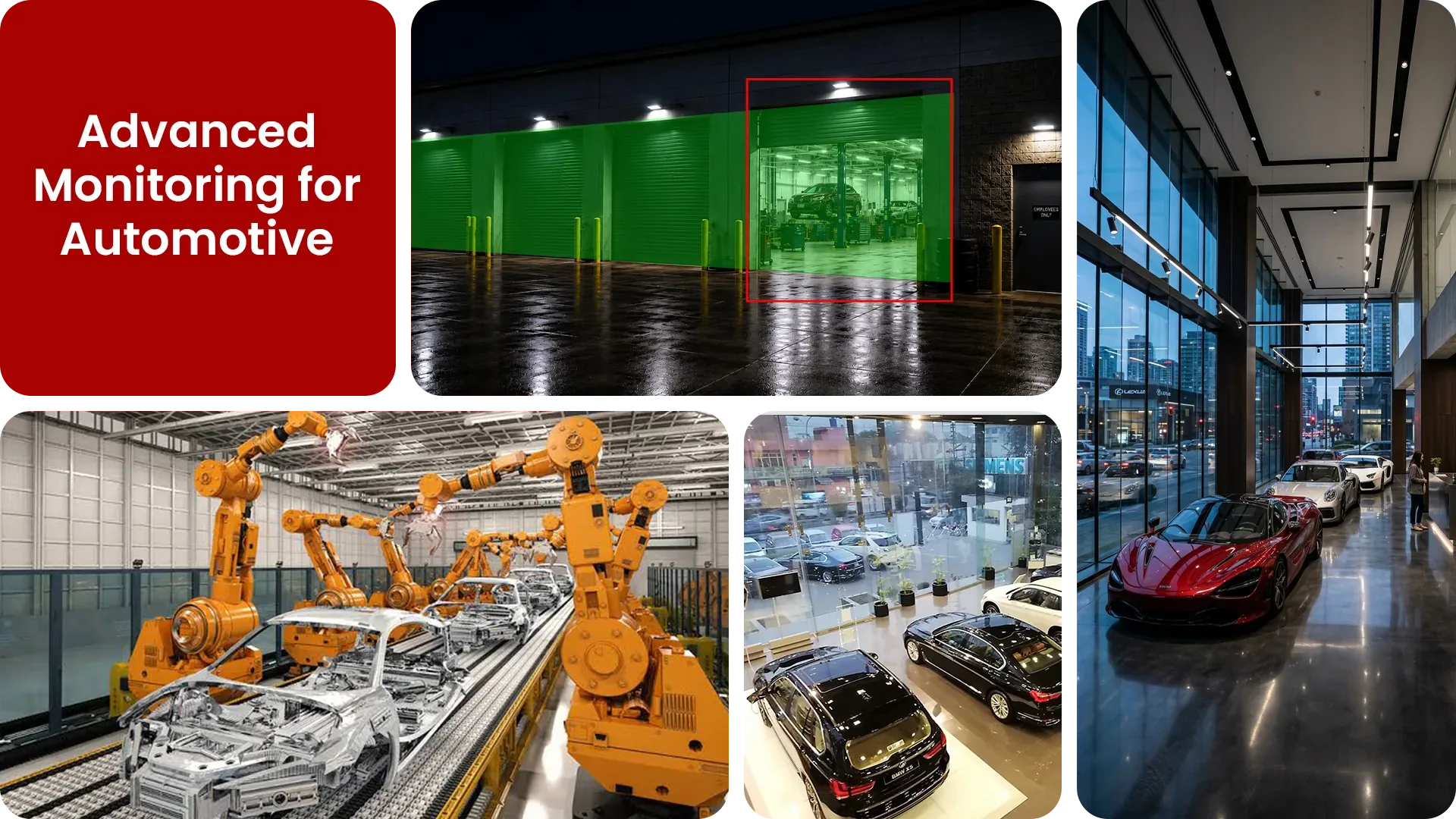
The gaps Camzify closes at a repair shop or dealership:
- • Customer vehicles left in open bays and the yard overnight with nobody watching
- • Roller shutters and bay doors not confirmed closed at the end of the shift
- • Parts and tool storage relying on a single closing walkthrough
- • A dispute over a scratch with no dated frame of the car on arrival
- • Dealership lot rows and showroom entrances unchecked after closing
- • A group of branches with a recorder and a login at each one, and no single view
Why an auto business needs continuous monitoring
A repair shop is liable for every car on the premises from the moment the keys are handed over. Those cars sit in bays with the doors down, in a yard behind a gate, and on the road outside when the yard is full, for hours in which the shop is closed. A dealership adds rows of stock in the open and a showroom full of glass.
Plain CCTV records all of it and is looked at after a car has gone or a customer has complained. A closing walkthrough covers the site for a few minutes. Neither answers, the next morning, whether every bay door stayed down and whether anyone was in the yard at three in the morning.
A scheduled round answers it.
- It checks every bay door, yard row, parts store and gate on a repeating schedule through the night.
- It raises an alert the moment a check fails or a detection fires between rounds.
- It leaves a report per site, with a frame per check, that a manager reads with the first coffee.
Three questions an owner asks
"Is anyone in the yard or the bays after hours?"
Answered with zone intrusion detection on the yard and bays, and a round that confirms them clear at each stop.
"Did every shutter come down at close, at every branch?"
Answered with a closing checklist per site and a report per branch, with the frame for each door.
"Was that scratch there when the car came in?"
Answered with vehicle damage report, a dated frame of visible damage on a vehicle entering or leaving the site.
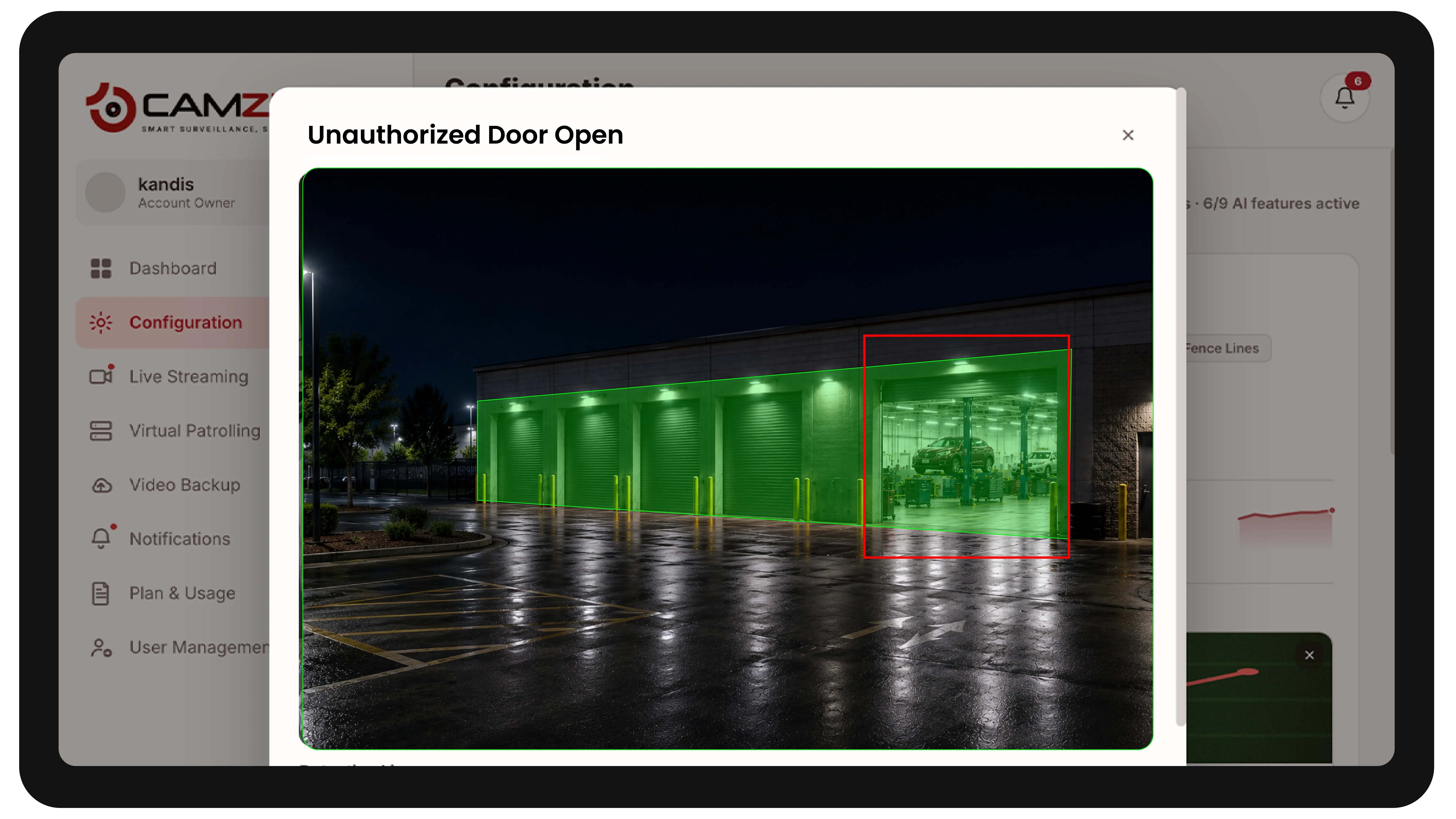
How Camzify works for a repair shop or dealership
Building the round
A patrol sequence is set up once per site, ordering every camera stop, the bays, the yard rows, the parts store, the gate, and at a dealership the lot and the showroom, into a route that runs on the hours the branch is closed.
Checking each stop
At each stop the AI checks the conditions set for that camera, using zone intrusion detection and multi-object tracking.
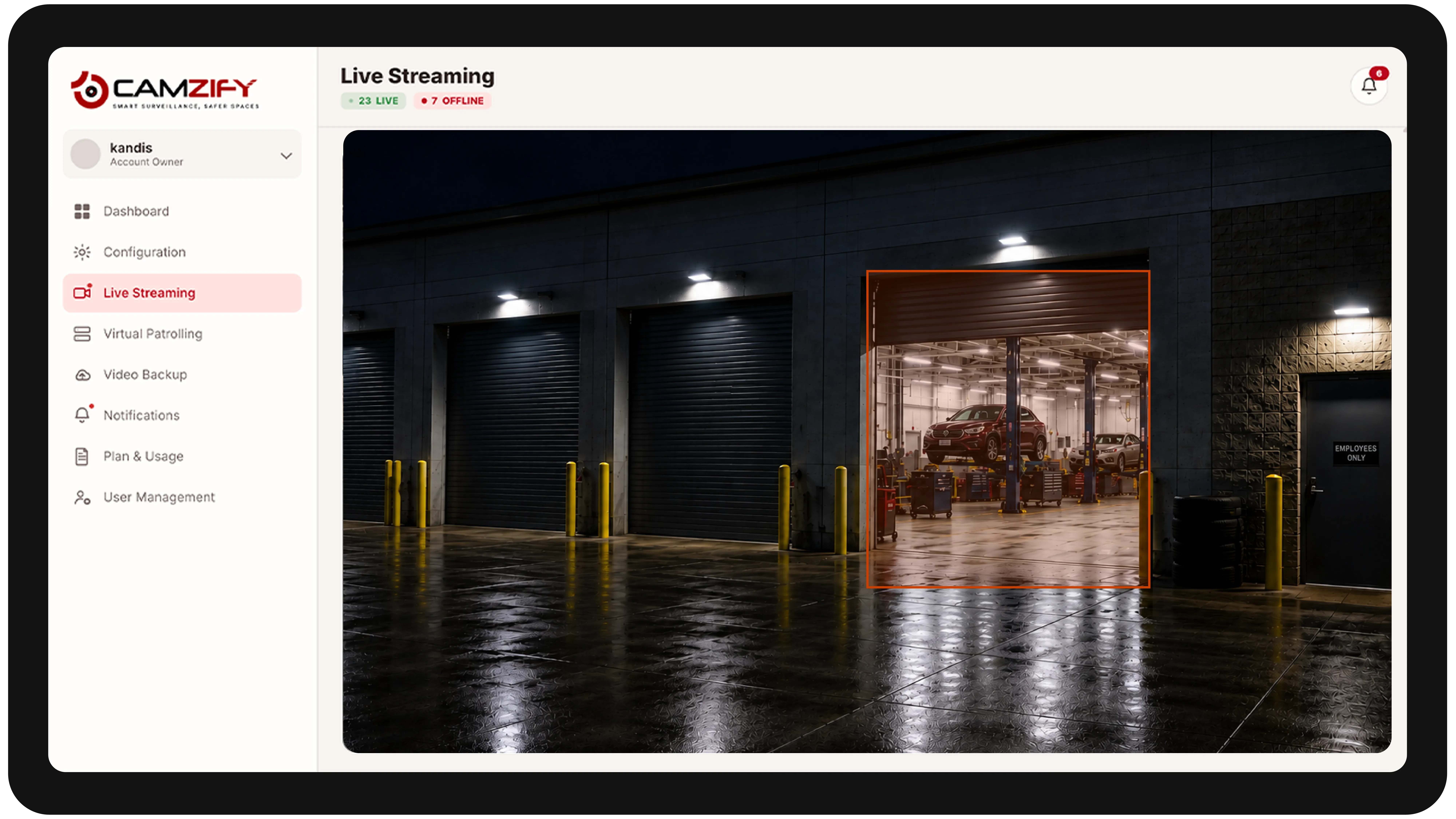
- It checks that the bay doors and shutters are down.
- It checks that the yard and bays are clear of people.
- It checks that no vehicle has moved from where it was parked.
Routing the alert
A failed check, such as a line intrusion at the yard gate, raises an alert with a snapshot and a timestamp, messages the person on call for that branch, and is logged in that round's report.
What to configure
Most repair shops and dealerships start with:
- • Zones over the bays and the yard, notified in the hours the branch is closed
- • A line rule on the yard gate and, at a dealership, along the lot boundary
- • A restricted zone over the parts store and the key safe area
- • A closing checklist confirming every shutter, bay door and gate
- • Vehicle damage report on the entry and exit cameras for a dated condition record
- • PPE detection in the bays where gloves and hi-vis are policy
- • Escalation to the on-call manager for that branch
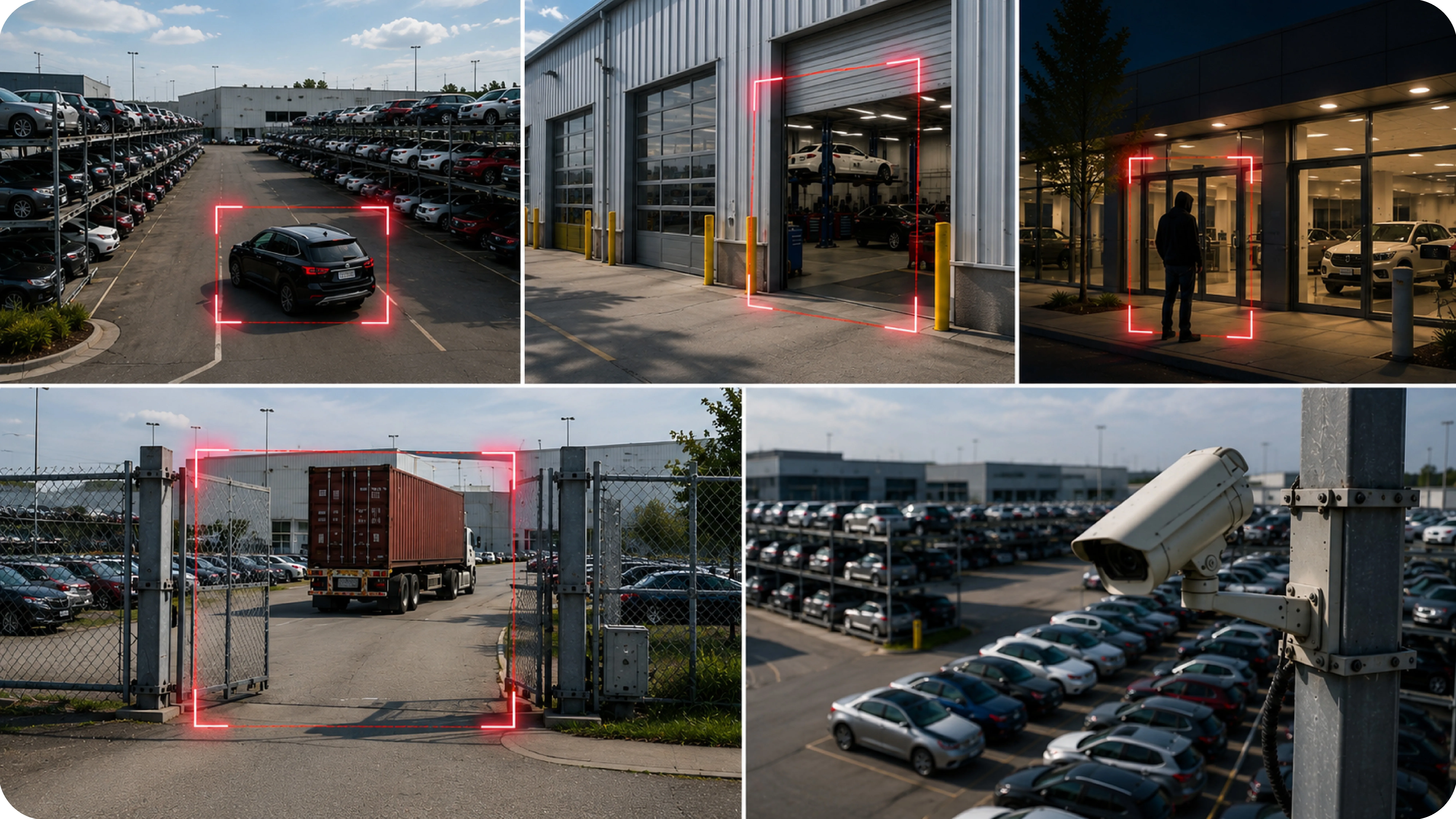
Common scenarios
- • A bay door left open after the last technician clocks out
- • Someone in the yard between customer vehicles at night
- • A car moved within the yard or the lot outside business hours
- • A customer disputing damage, settled by the frame from the day the car arrived
- • Someone lingering at the showroom entrance after closing
- • A yard camera losing focus or being repositioned, raised as tampering
For groups with several branches
A repair chain or dealer group usually has a recorder and a login at every branch, and an owner who cannot look at all of them. On Camzify every branch is a site on one account: its own cameras, its own round on its own schedule, its own report each morning, and a branch manager who sees only their site through permission groups.
The owner sees every branch on one live wall grouped by site, and the same closing checklist applied to every location, so a shutter left up in one branch reads exactly like a shutter left up in another. The multi-site guide covers the rollout branch by branch, and the multiple sites page covers the operating model.
What a first deployment looks like
- Step 01
Start with the bays and the yard
Service bay and yard cameras go on first: customer vehicles sit in both long after the last technician leaves, and the roller shutters and yard gate are the checks that matter at close.
- Step 02
Patrol every branch overnight
A round per site checks bays, yard rows, the parts store and the gate on the hours the branch is unstaffed, with zones drawn to the property line so passing traffic does not raise an alert.
- Step 03
Add condition and movement records
Vehicle damage report and vehicle tracking give a dated visual record of the cars on site, which is the evidence usually missing when a customer disputes a scratch or a car is found moved.
See how the numbers work for your automotive facility with the ROI calculator, or review pricing to understand the per-instance licensing model. Recording and retention for the same cameras are covered on cloud video surveillance.
AI Features used here
Related use cases
Related industries
Frequently asked questions
Ready to patrol your site 24/7?
Book a 15-minute demo and see a live patrol run on your own cameras.