

After-hours security monitoring
After-hours video monitoring is the surveillance and verification of a facility outside business hours: nights, weekends and holidays. It is the period when staffing is thinnest and when most incidents happen. Camzify covers it with scheduled patrol rounds that walk the cameras through the empty building on a checklist, message the guard when a check fails, and file a report per round so the morning starts with a record rather than a question.
- Rounds on a schedule, nobody in the loop
- Checklist per camera, snapshot per item
- A report per round by morning
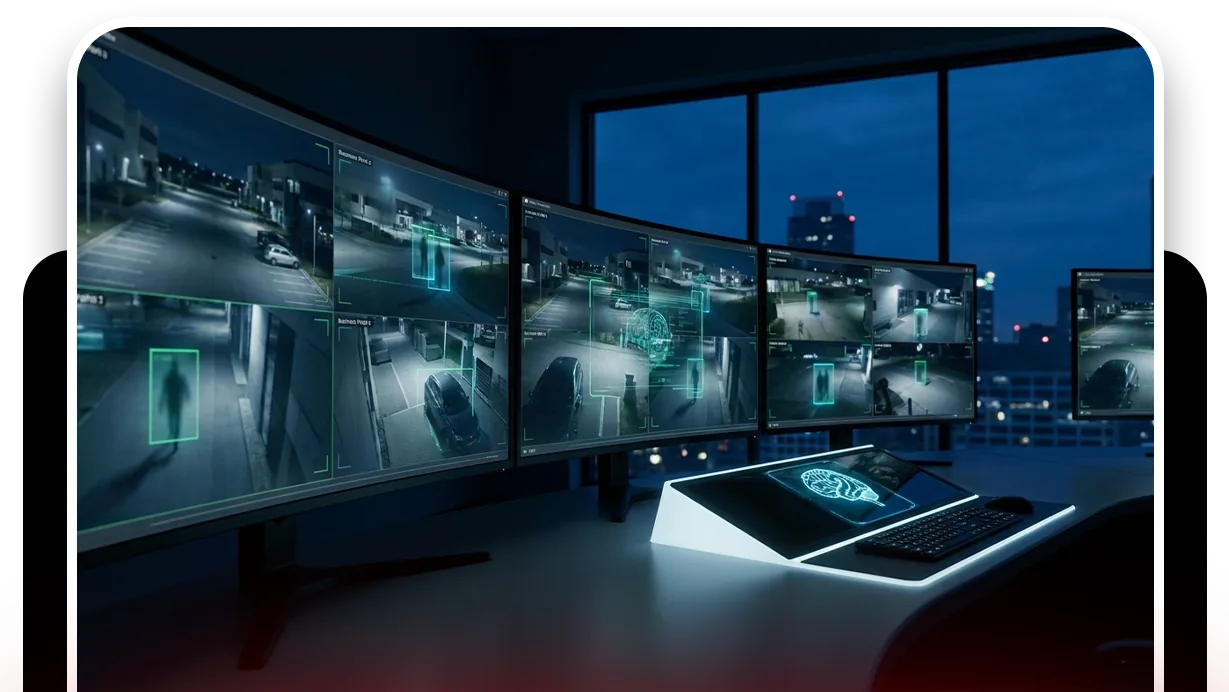
Cameras record the night. Nobody watches it.
Most sites cannot justify a guard through the night, so the building is left to cameras that record everything and flag nothing. The footage is reviewed after something is found broken or missing, which makes it useful for the insurance claim and useless for the night itself.
Where there is a night guard, the round depends on one person doing the same walk on the fourth night as on the first, and there is no record of what they saw at each door beyond their own note. The round that gets skipped is never the one that mattered, until it is.
- Frequency
- Every 2 hours
- Active hours
- 19:00 – 07:00
The round runs itself. The guard gets the failures.
An automated patrol round works through the after-hours sequence at the frequency you set.
- The sequence runs entrance, corridors, stockroom, dock, plant room, and back out to the car park.
- At each camera it checks the list: doors closed, areas empty, nothing left running.
- It records the answer with the frame.
- Where one frame is not enough it watches the scene for a short period before deciding.
The round messages the guard, and the detections cover the time between rounds.
- A failed item messages the guard designated for that camera with the snapshot.
- The AI raises a critical notification for a risk it sees that the checklist did not ask about: a blocked exit, smoke, a person where none should be.
- Between rounds, zone intrusion fires on a tracked person the moment they appear.
- Its notification window keeps it quiet during the day.
Zone intrusion detection
Interior and exterior zones with an after-hours notification window. A tracked person after closing is the event.
DetectionLine intrusion detection
Tripwires at entrances and the fence, with direction, watching between rounds.
DetectionFire and smoke detection
Visual signatures of flame and smoke on any camera. The other thing an empty building has to fear.
DetectionCamera tampering detection
A camera covered or turned in the evening is caught before the night starts.
- Main entrance lockedCompliant
- Reception emptyCompliant
- Stockroom door closedNot compliant
- Loading dock doors downCompliant
A failed item is resolved as Fixed or Pending before the round can close.
What an after-hours round checks
The after-hours sequence is the cameras in the order a guard would walk them, and the checklist at each is the state the building should be in when nobody is there.
- The entrance is locked.
- Reception is empty.
- The stockroom door is closed.
- The dock doors are down.
- The plant room is clear.
The round produces a report that says each was true at each time it was checked, with the frame to prove it.
Use checklists that describe conditions, not events, so a passing round is meaningful. The first round of the night is usually the closing round. A camera that sees an empty corridor is evidence; a camera that saw no motion is not.
A check found Not Compliant captures a snapshot and messages the guard designated for that camera; on a manual round the operator chooses to send it, on an automated round it goes on its own. The item stays Pending until it is marked Fixed, which captures the after frame, and the report shows both.
The footage around every frame in that report stays under the camera's own retention window on cloud video surveillance, on the same account, so the still and the video it came from are never in two systems.
What it will not do
The round has three limits worth knowing before you rely on it.
- It will not attend: a round finds the stockroom door open and messages the guard, someone still has to close it, and the item stays Pending in the report until they do.
- It will not see a room without a camera.
- It will not run the round if the site loses its internet connection; the failure is logged and the next scheduled round runs when the connection returns.
We do not publish uptime, response times or how many incidents rounds have caught, because we cannot verify those figures for your site. The trust page explains the policy.
Industries where this applies
Frequently asked questions
Ready to patrol your site 24/7?
Book a 15-minute demo and see a live patrol run on your own cameras.