

Slip & fall detection
Slip and fall detection on security cameras flags falls in real time and routes an alert to the nearest guard, before an incident goes unnoticed and becomes an unresolved claim.
- Rapid, uncontrolled posture changes consistent with a fall
- A person remaining on the ground after a fall event
- Falls in aisles, entrances, and walkways during business hours
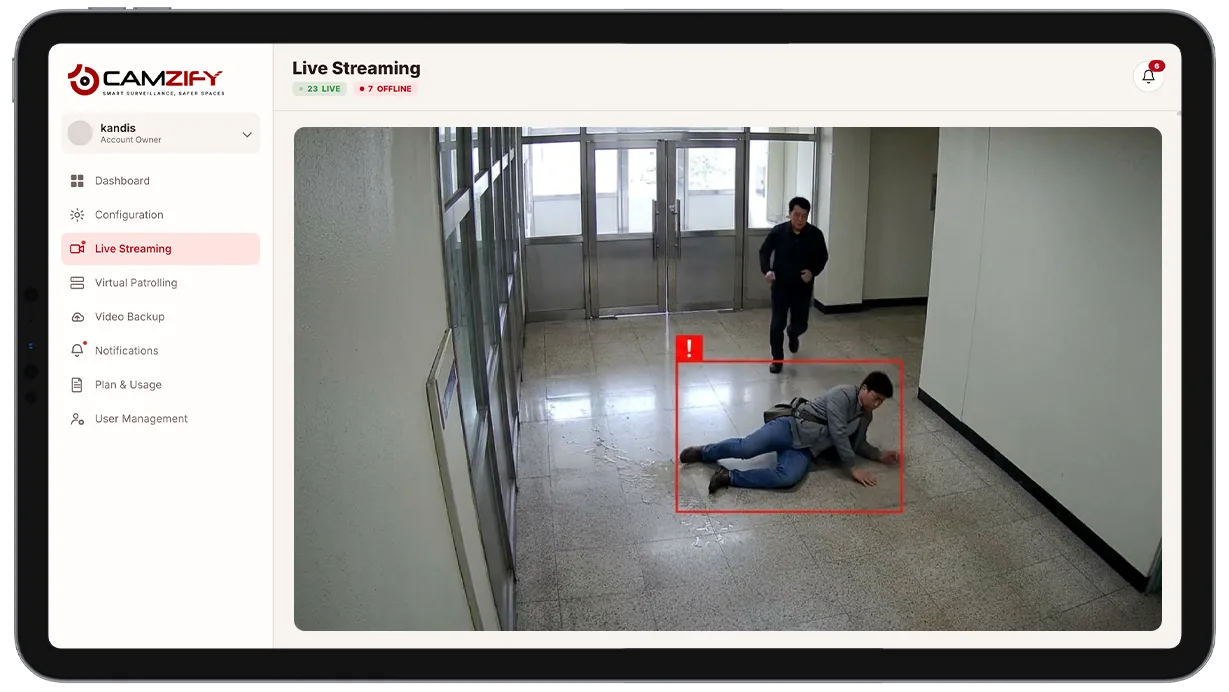
This capability detects and alerts on:
- • Rapid, uncontrolled posture changes consistent with a fall
- • A person remaining on the ground after a fall event
- • Falls in aisles, entrances, and walkways during business hours
- • Falls near stairs, ramps, or wet-floor areas where risk is elevated
- • A fallen individual who doesn't get back up within a short window
- • Immediate alert routing to the nearest available guard
Why slip and fall detection matters
Falls tend to happen when no one is looking directly at the spot where it occurs, an aisle with no other customers nearby, a hallway between patrol rounds, an entrance during a quiet stretch. The gap between the fall and someone noticing is exactly the time when a minor injury can become a serious one, and it's the hardest part of the incident to control with staffing alone.
The usual backstop is the person themselves calling for help, or a passerby happening to notice, and both are unpredictable.
- Someone who is injured, disoriented, or elderly may not be able to call out.
- Low-traffic areas or off-hours periods can go long stretches without anyone walking through at all.
- A scheduled patrol round covers a location for a moment every so often, not continuously.
Continuous AI monitoring removes the dependency on a witness being present. The moment a tracked subject's posture matches a fall pattern, an alert reaches the nearest guard directly, cutting the time between the event and a response, and producing a timestamped record of exactly what happened, independent of whether anyone saw it live.
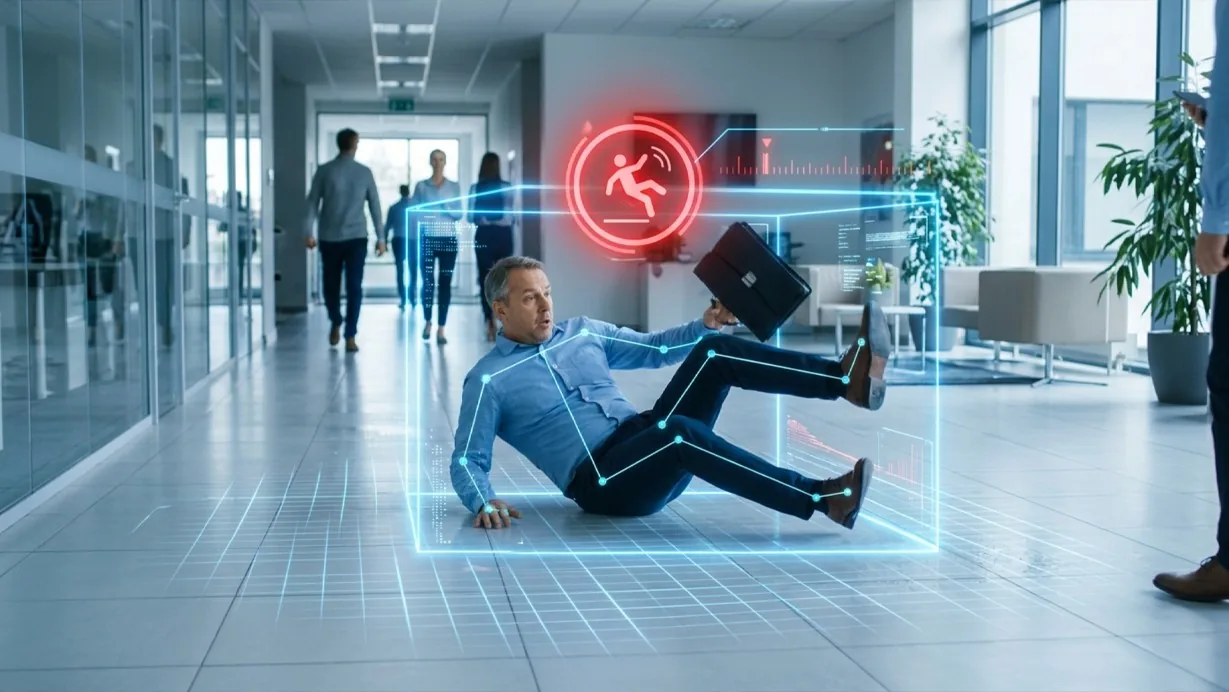
How it works
Tracking posture over time
Built on multi-object tracking, the model watches each tracked subject's posture over time rather than evaluating a single frame in isolation.
Confirming a fall pattern
A rapid downward posture change followed by the subject remaining low or motionless crosses the alert threshold. Every alert includes a clip of the moments before and after the fall, timestamp, and location, so the responding guard has full context before arriving.
Alert delivery
Alerts route through the platform's notification system with priority routing to the nearest assigned guard.
Configuration
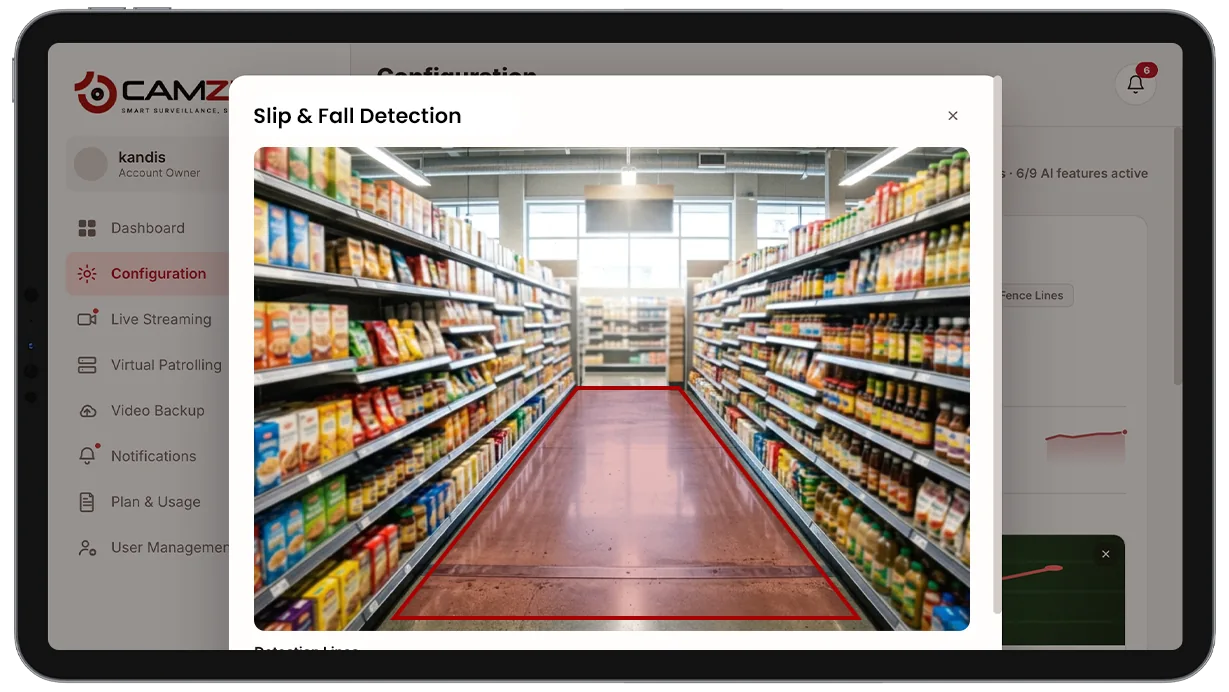
Slip and fall detection is enabled per camera. Configurable options include:
- • Operating hours during which the detection is active
- • Sensitivity threshold for what counts as a fall pattern
- • Priority routing rules to the nearest assigned guard
- • Zone exclusions, e.g. seating or exercise areas where lying down is expected
- • Per-camera instance licensing
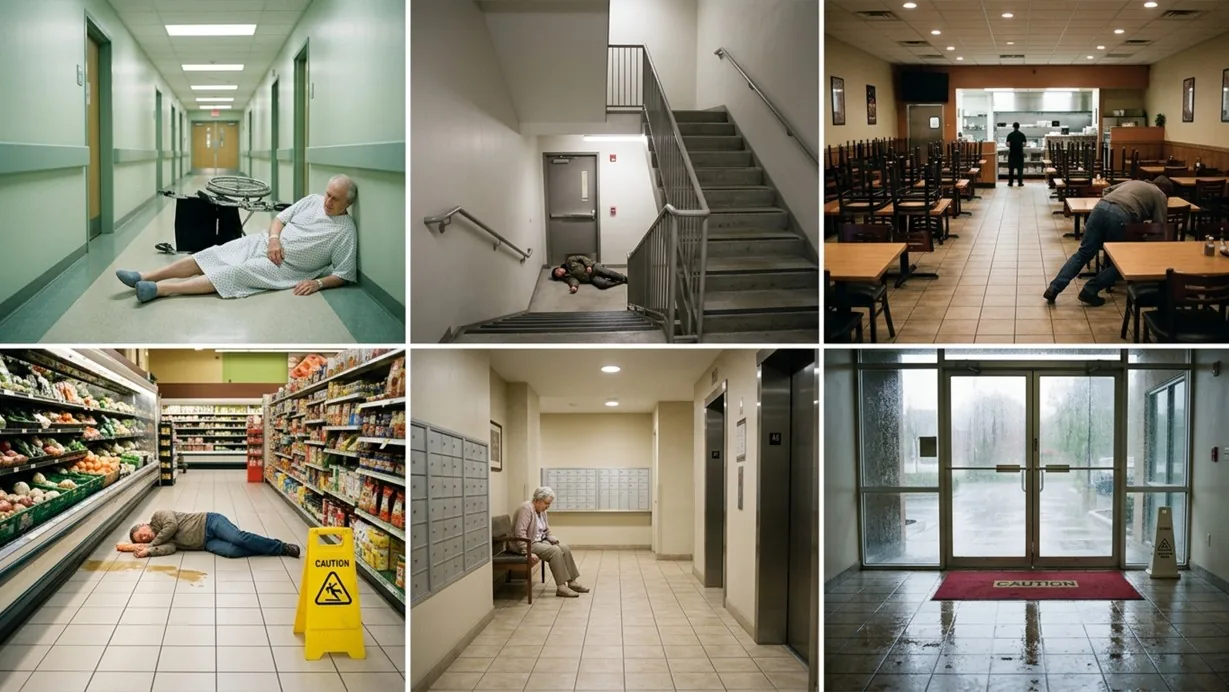
Common scenarios
- • A grocery aisle where a customer slips on a wet floor and doesn't get back up
- • A hospital or care facility corridor where a patient falls out of a chair
- • A stairwell landing where a fall could otherwise go unnoticed for a long stretch
- • An apartment building lobby or hallway during a quiet period
- • A restaurant dining area during off-peak hours with few staff on the floor
- • A building entrance during icy or wet weather conditions
In a patrol round
Slip and fall detection runs continuously rather than only during scheduled checks, but an event during an active virtual patrol round is logged immediately as a non-compliance event in the patrol report.
The footage around each alert is kept under the camera's own retention window on cloud video surveillance, so the clip and the recording it came from are on one account.
Industries using this
Related detections
Frequently asked questions
See the detections on live cameras
A 15-minute demo of the live product: the detections your site needs, running on real camera feeds, and a quote per camera for your sites.