

AI suspect search
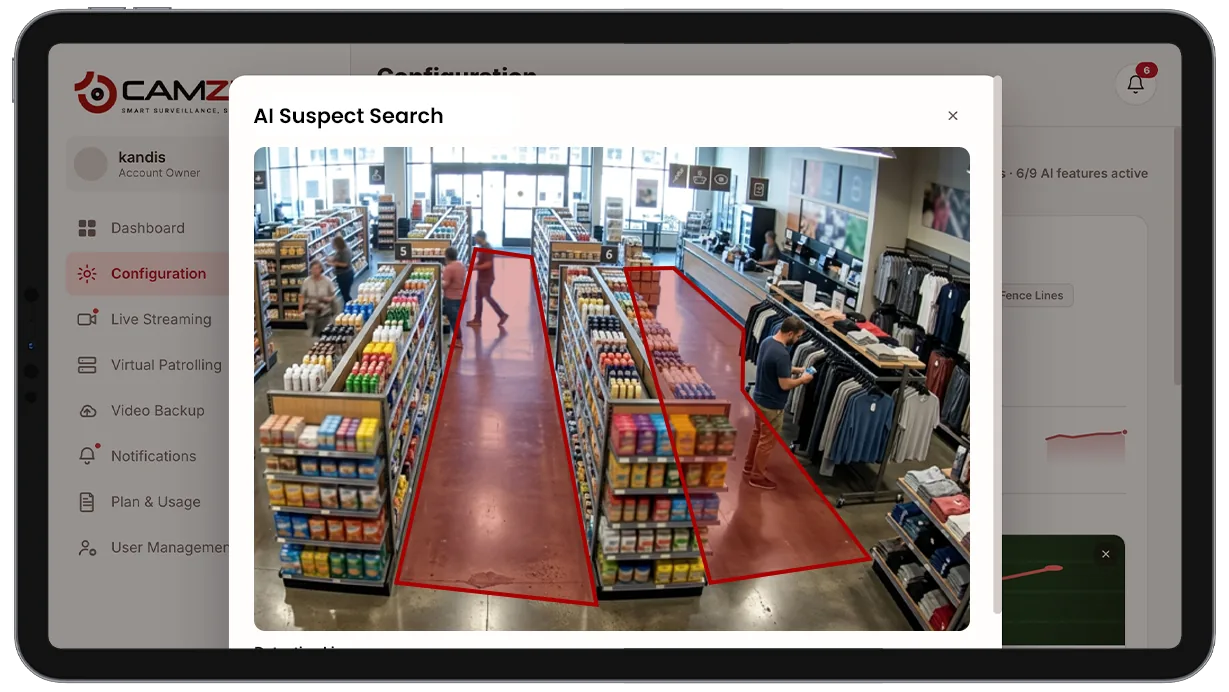
AI suspect search builds a per-camera appearance index and lets investigators describe a person in plain language — no photo required — to retrieve every matching appearance across indexed cameras and time windows. What used to take hours of manual footage review takes seconds.
- A person matching a plain-language description across every…
- Every timestamped appearance of that match, ranked by confidence
- Matches across a single site or a full multi-site account
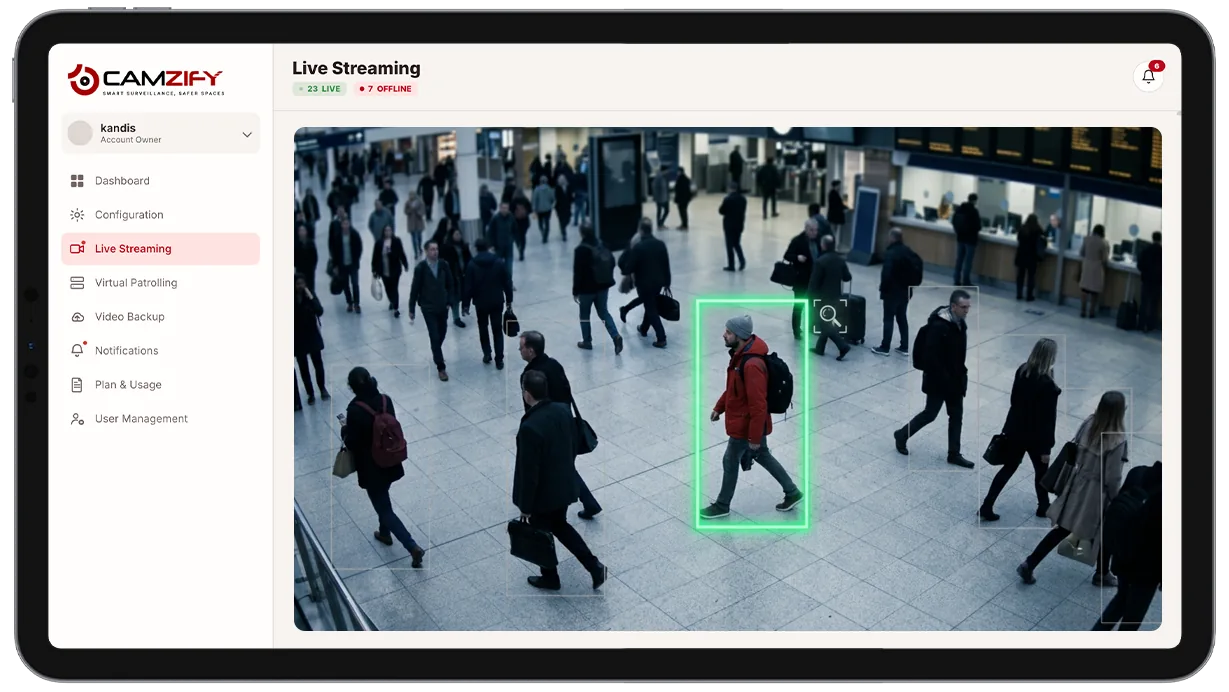
This capability finds:
- • A person matching a plain-language description across every camera on-site
- • Every timestamped appearance of that match, ranked by confidence
- • Matches across a single site or a full multi-site account
- • A starting point for a cross-camera journey map of the same subject
- • Matches without a reference photo, sketch, or facial recognition template
- • Historical appearances going back through the full retention window
Why AI suspect search matters
When an incident is reported after the fact, the usual starting point is a camera and an approximate time, and from there, an investigator scrubs through footage frame by frame hoping to spot the right person. On a site with dozens of cameras, that process doesn't scale. Every extra camera in the search radius adds hours, and a subject who moved through several areas means repeating the same manual review again and again.
Standard video management systems make this worse by design. Search is built around camera and timestamp, which assumes the investigator already knows where and when to look. When the only lead is a description, "a man in a gray jacket with a backpack", there's no way to query for that directly, so the review still comes down to eyes on footage.
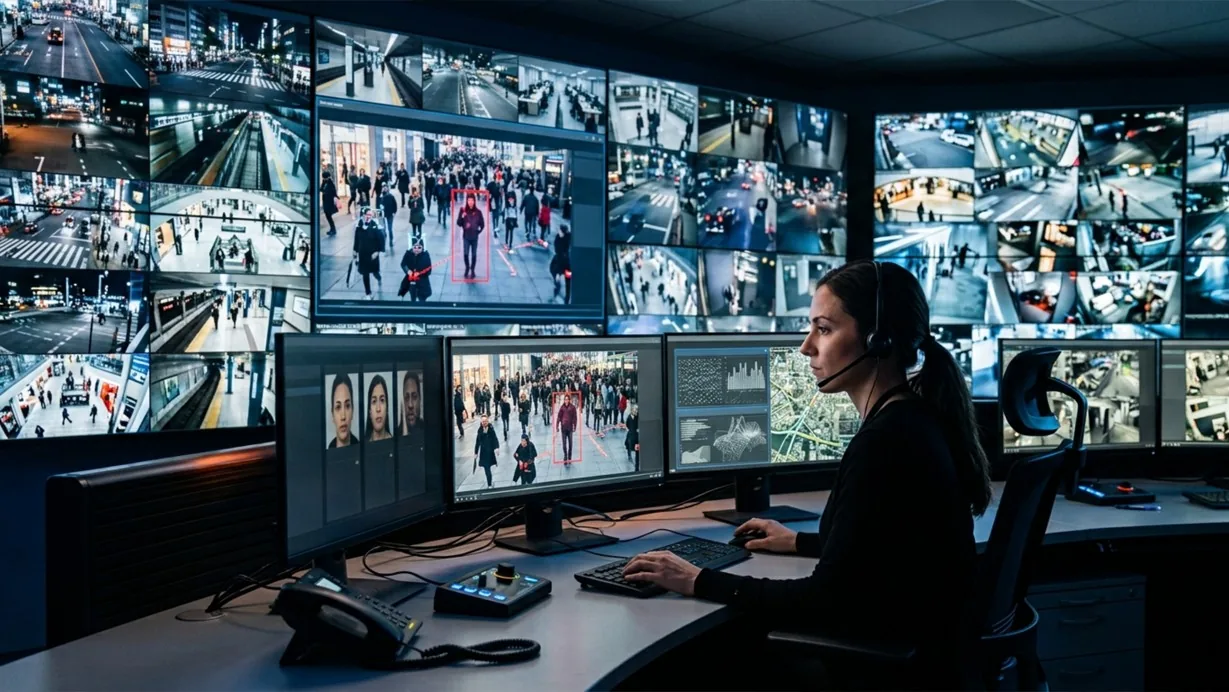
AI suspect search removes that bottleneck by indexing every subject's appearance as it happens, so a description becomes a query instead of a starting assumption. What would have been an afternoon of manual review across multiple cameras becomes a search that returns ranked results in seconds.
How it works
Building the appearance index
Every camera on the site feeds multi-object tracking and AI attribute extraction, which together build a searchable index of every subject and their structured attributes — clothing color, object type, general appearance. Indexing runs continuously in the background, so there's no separate step to trigger before a search is possible.
Matching a description
An investigator types a plain-language description into the search bar, clothing color, bag type, approximate age. The system matches the description against the index directly, with no need to know which camera or time window to start from.
Ranked results
Matches return as a ranked list with thumbnail, camera, timestamp, and confidence score, so the strongest matches surface first. Results feed directly into cross-camera journey map to reconstruct a subject's full path across the site from a single search.
Configuration
No manual setup is required per camera, indexing runs automatically wherever AI attribute extraction is enabled. Search can be configured with:
- • Date-range scoping, from the last hour to the full retention window
- • Site-level or multi-site account-wide search scope
- • Attribute filters such as clothing color, object type, and general appearance
- • Exportable results for incident reports or law enforcement requests
- • Saved searches for recurring investigation patterns
Common scenarios
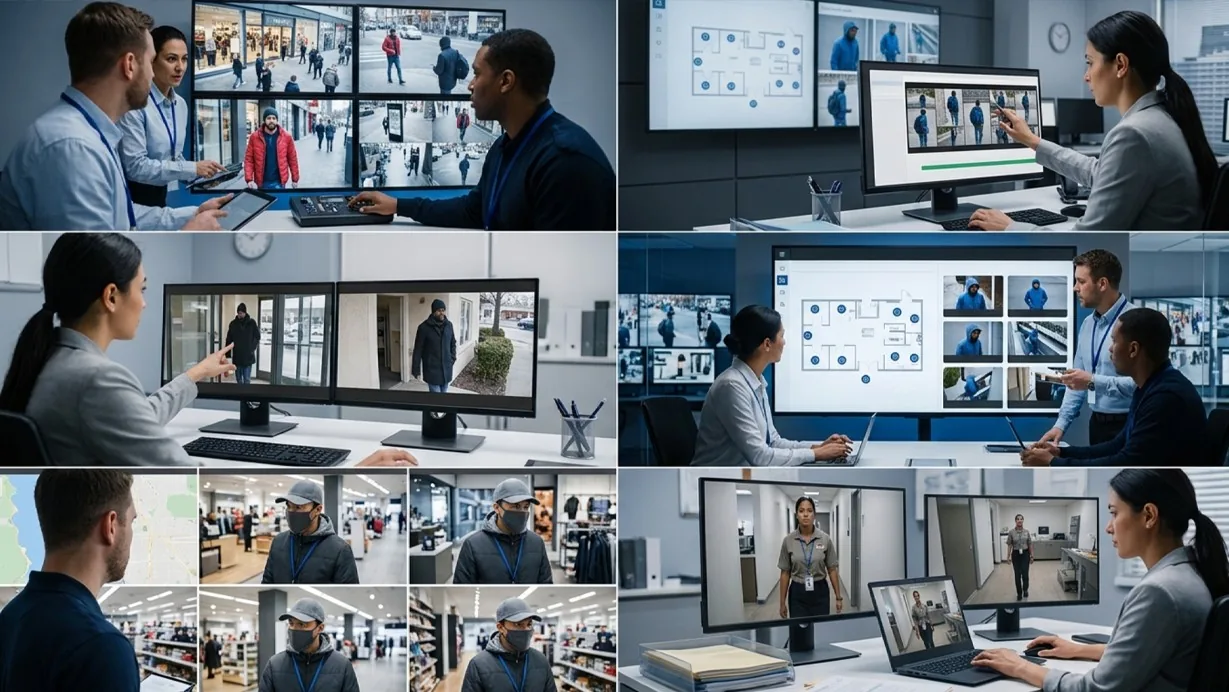
- • A loss-prevention team searching for a shoplifting suspect by clothing description after the person has already left the store
- • An investigator locating every appearance of a subject named in a report across a week of footage in seconds
- • A property manager confirming whether a person seen on one camera also appeared at a different building entrance
- • A security team building an incident timeline by searching for a subject's description instead of scrubbing each camera individually
- • A multi-site retailer checking whether the same individual has appeared at other locations
- • An HR investigation confirming the movements of an employee described in a complaint
In a patrol round
Suspect search is an investigation tool used after an incident, rather than a per-camera checklist item during a virtual patrol round. When a patrol flags a non-compliant camera, suspect search can pull every earlier appearance of the same subject to build a fuller picture before the guard is notified.
The footage around each alert is kept under the camera's own retention window on cloud video surveillance, so the clip and the recording it came from are on one account.
Industries using this
Related detections
Frequently asked questions
See the detections on live cameras
A 15-minute demo of the live product: the detections your site needs, running on real camera feeds, and a quote per camera for your sites.