

Camzify vs Rhombus
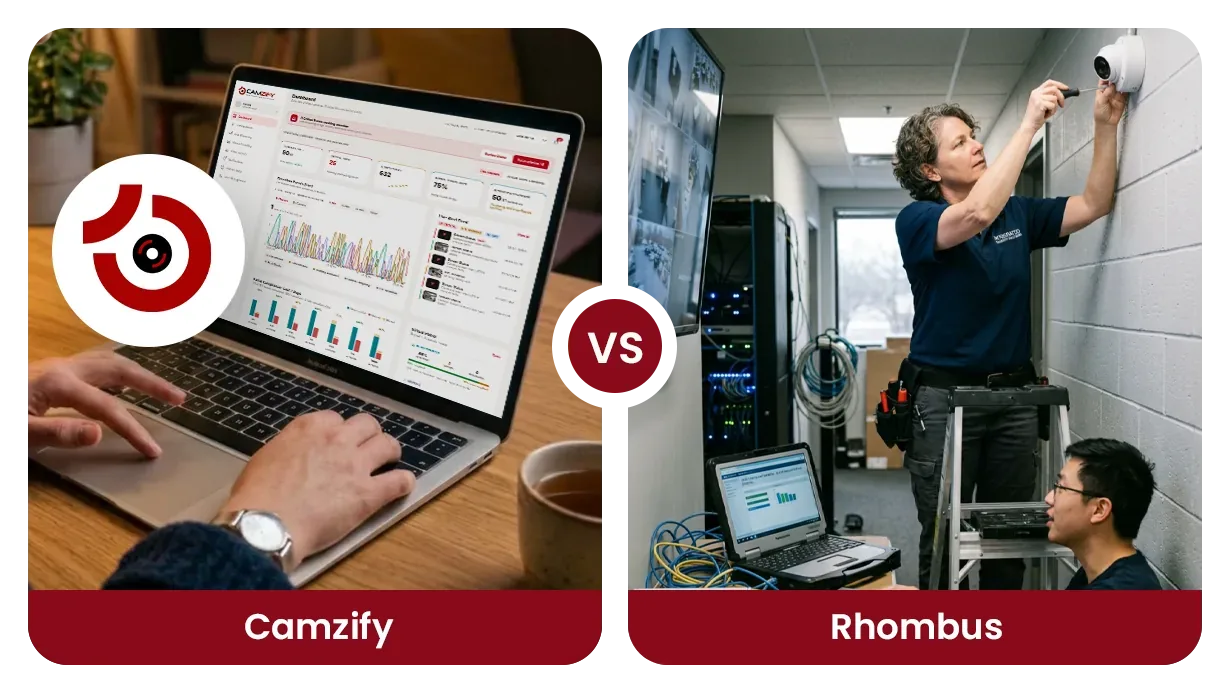
Camzify and Rhombus answer the same question from opposite ends: Rhombus replaces the camera, Camzify keeps it. Rhombus is a cloud-managed physical security system that sells its own dome, fisheye, bullet and multisensor cameras, plus access control, IoT sensors and alarm monitoring, each on a published license. Camzify is software only: a cloud VMS that connects to the ONVIF and RTSP cameras a site already owns, adds AI detections and scheduled virtual patrol rounds with a report per round, and is quoted per site from $5 per camera per month.
If you are looking for a Rhombus alternative because you do not want to take working cameras off the wall, this page sets out that case. If you are replacing cameras anyway, or you want doors, sensors and a monitoring center from one vendor, Rhombus is the fuller system and the sections below say so. Both are cloud video management systems run from one console across any number of sites; the difference is what each asks you to buy. Every statement about Rhombus here was read from its own pages, listed at the end.
Side by side
The Rhombus column describes what its pages state. Where a capability depends on the license tier, the tier is named. Where a Rhombus page does not describe something, the cell says that rather than scoring it absent.
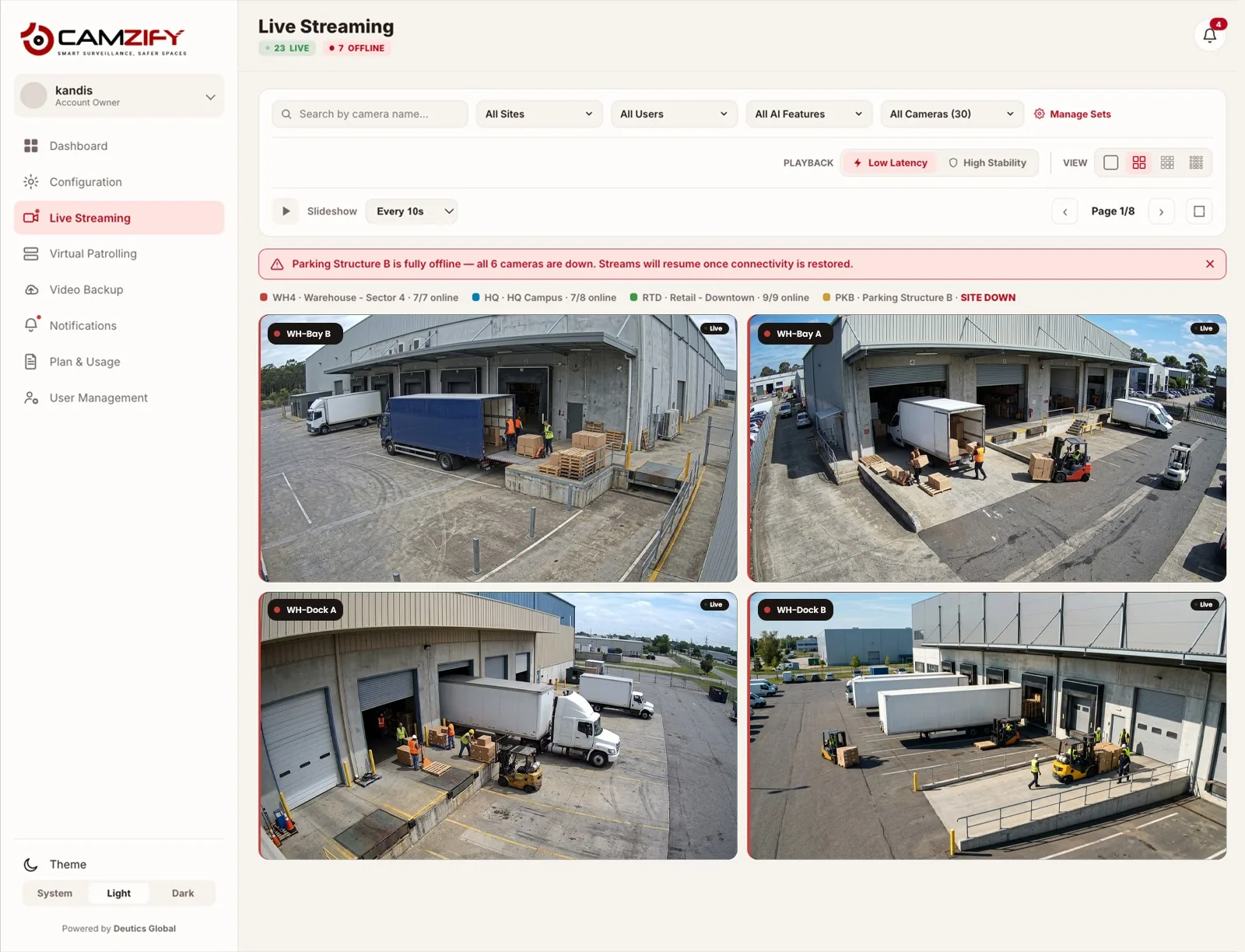
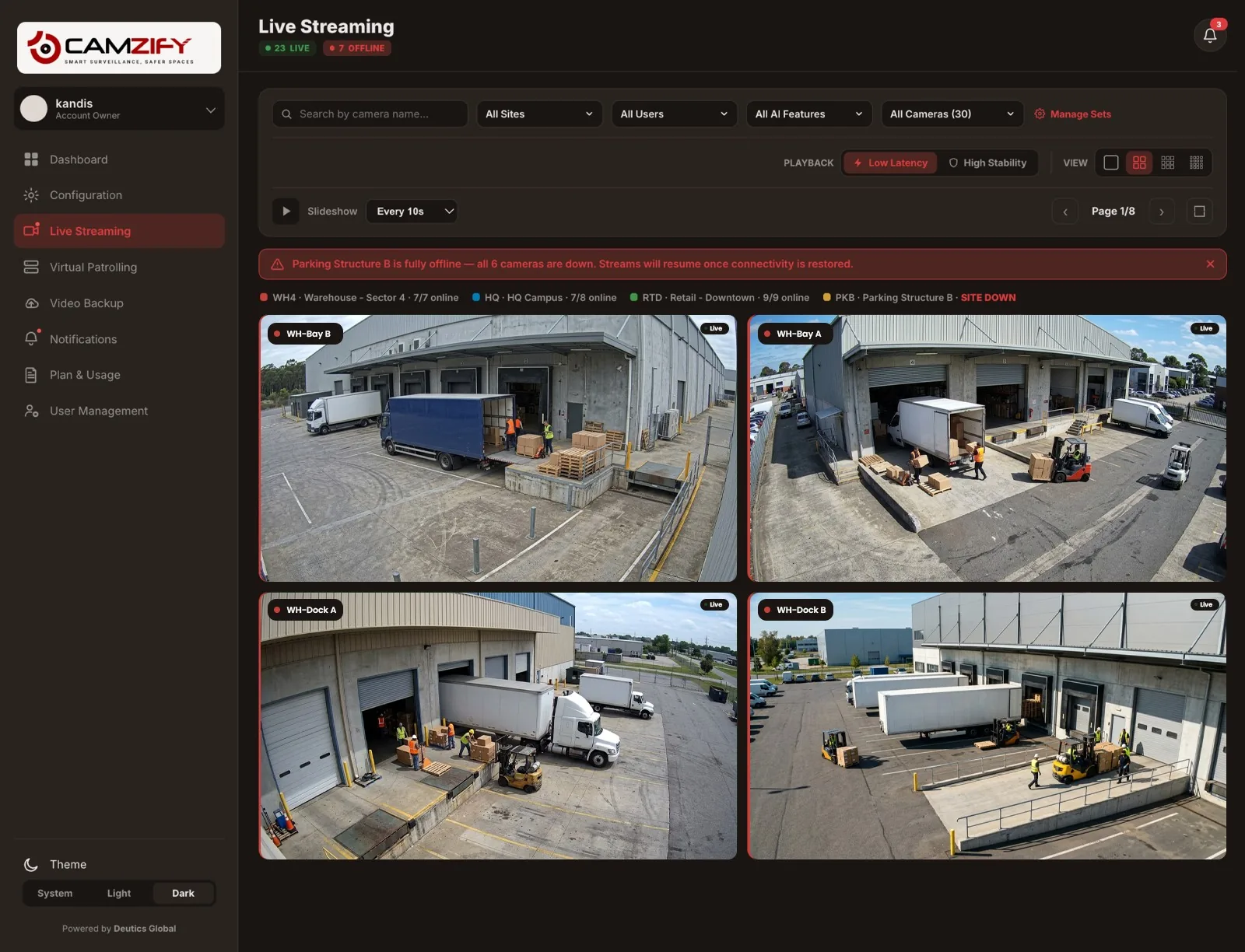
Two differences do not fit a row and cut in opposite directions. Rhombus has native iOS and Android apps, and its cameras keep recording to onboard storage when the internet drops. Camzify is used from the browser on a phone or desktop, with native apps in development and not yet released, and a camera that loses its connection is shown offline until it returns. If either of those is a deciding factor, it decides before the table does.
| Aspect | Camzify | Rhombus |
|---|---|---|
| What you buy | A software subscription. No hardware is sold; the only on-site software is the optional Camzify Connector on a PC | Cameras, door controllers, readers, intercoms and sensors engineered in-house, each with a Professional or Enterprise license |
| Cameras | The ONVIF, RTSP, RTMP or HTTPS cameras you already own, connected directly or through the Connector | Rhombus dome, fisheye, bullet and multisensor cameras with a ten-year warranty; existing ONVIF and RTSP cameras through the Relay Core N100 appliance |
| Recording and retention | Cloud recording, continuous or scheduled, with retention per camera in days or a storage cap; storage sold per terabyte | Onboard camera storage that keeps recording through an internet outage, retention listed per model; cloud archiving purchased on Professional, thirty days included on Enterprise |
| AI detections | 23 detections on confirmed object tracks, licensed per camera: intrusion, loitering, weapons, fire and smoke, PPE, tailgating, behavior described in plain language, and more | Smart alerts for motion, people and vehicles on both tiers; facial recognition, license plate recognition, AI video search and line crossing on Enterprise; occupancy, heat maps, audio and visual deterrence |
| Patrol rounds and compliance reporting | Scheduled rounds with a checklist per camera, a guard notified on a failure, and a timestamped report with a compliance percentage for every round | Not described on the Rhombus pages we read; alerts, AI search and automated workflows are the review tools it describes |
| Multi-site and users | Every site on one account; sub-users scoped to their own sites with quota allocated from the parent and permission groups per user | Unlimited locations and unlimited users on both tiers, with granular access and permissions in one console |
| Access control and alarms | None. Doors, sensors and alarm panels stay with their current provider; a guard or monitoring center is notified from the round | Door controllers, readers and a video intercom; audio, environmental, entry and panic sensors; alarm monitoring by live agents with video-verified response or automatic dispatch, in all U.S. states |
| Pricing model | Per instance per month, quoted per site: a stream instance per camera from $5, a detection instance per AI feature per camera, storage per terabyte | Published list prices for hardware and per-camera licenses, on one, three, five or ten year terms, in Professional and Enterprise tiers |
| Best fit | A site keeping working cameras that wants detections and a verified, reported round without new hardware | A site replacing or adding cameras, or that wants cameras, doors, sensors and monitoring from one vendor |
Where Rhombus is the better choice
- You are replacing cameras anyway. Rhombus designs its own hardware, backs it with a ten-year warranty and same-day RMA, and records to the camera during an internet outage, none of which a software-only product can offer.
- You want doors and video from one console. Rhombus sells door controllers, readers, a video intercom and card, fob and mobile credentials that tie access events to live video. Camzify has no access control.
- You want a monitoring center included. Rhombus alarm monitoring uses live agents who verify on video and dispatch, applied as a license to the devices you choose. Camzify notifies your guard or monitoring center; it does not supply one.
- You want sensors in the same system. Audio, environmental, entry and panic sensors are part of the Rhombus range, and environmental readings feed the same alerts as video.
- You want a published price and a broad integration catalog. Rhombus lists hardware and license prices on its site, offers native iOS and Android apps, and describes more than fifty integrations and an open API on Enterprise.
Where Camzify is the better choice
- The cameras already work. Camzify connects the ONVIF and RTSP cameras on the wall, through the Connector where they sit on a private network, with no appliance to buy or license. The supported cameras page covers what connects.
- You need proof that a round happened. A Camzify round checks a defined list at each camera, notifies the guard on a failure, and files a report with the frame behind every result and an overall compliance percentage. The Rhombus pages we read describe alerts and search, not a round with a report.
- You license detections camera by camera. Each of the 23 AI features is an instance on one camera, so a corridor can record and nothing more while the gate runs intrusion and weapons detection, instead of a tier applied to every device.
- You run several clients, not just several sites. Sub-users can create their own sub-users, each scoped to their sites, with license quota allocated from the parent account, which is the shape a security agency or monitoring center needs.
- Retention is a per-camera decision. Storage is one pool the account spends as it chooses, ninety days on a gate and seven on a corridor, rather than a per-model figure and a per-tier archiving rule.
The bottom line
The decision is mostly made before the feature comparison starts. If the cameras are being replaced, Rhombus is a complete system with its own hardware, doors, sensors, monitoring and published prices, and Camzify would be asking you to buy cameras elsewhere and then add software. If the cameras are staying, Rhombus needs an appliance and a license to bring them in, and Camzify needs a stream instance and, where the site is private, a PC running the Connector.
The second question is what you want the video to prove. Both products detect and alert. Only Camzify runs a scheduled round with a checklist and a report, which is the record a client, an auditor or an insurer asks for after the fact. Model the round against the guard hours it replaces on the ROI calculator, then request a quote for your camera count. If the choice is really between the cloud and a recorder on site, cloud VMS vs on-premise is the comparison to read first.
Sources, checked 17 September 2026
Every statement about Rhombus on this page was read from one of these pages on that date. Check the page before relying on a cell.
- Rhombus homepage: product categories, integrations, open API
- Rhombus cameras: in-house hardware, onboard storage, warranty
- Relay Core N100: third-party ONVIF and RTSP cameras
- Rhombus Console: unlimited locations, users, alerts, mobile apps
- Rhombus AI analytics: search, recognition, occupancy, deterrence
- Rhombus access control: controllers, readers, credentials
- Rhombus alarm monitoring: live agents, verification, dispatch
- Rhombus integrations: categories and API reference
- Rhombus pricing: hardware and license prices, license terms
- Rhombus license comparison: Professional vs Enterprise
Frequently asked questions
See your cameras in a cloud VMS
A 15-minute demo of the live console: cloud recording with retention per camera, live view and AI detections on the cameras you already have. Pricing starts from $5 per camera per month.