

AI security for self-storage
Self-storage facilities run without staff most of the day, so gates, hallways and drive-up aisles go unwatched, and a unit break-in is often found only at the tenant's next visit. Camzify's virtual patrolling runs scheduled rounds on the cameras already on site, checks gates, hallways and drive-up aisles, messages the right person when a check fails, and keeps a timestamped record of every round.
- Unmanned office hours leaving hallways and gate access…
- Gate codes shared or tailgated by vehicles that never checked in
- Unit break-ins that go unnoticed until the tenant's next visit
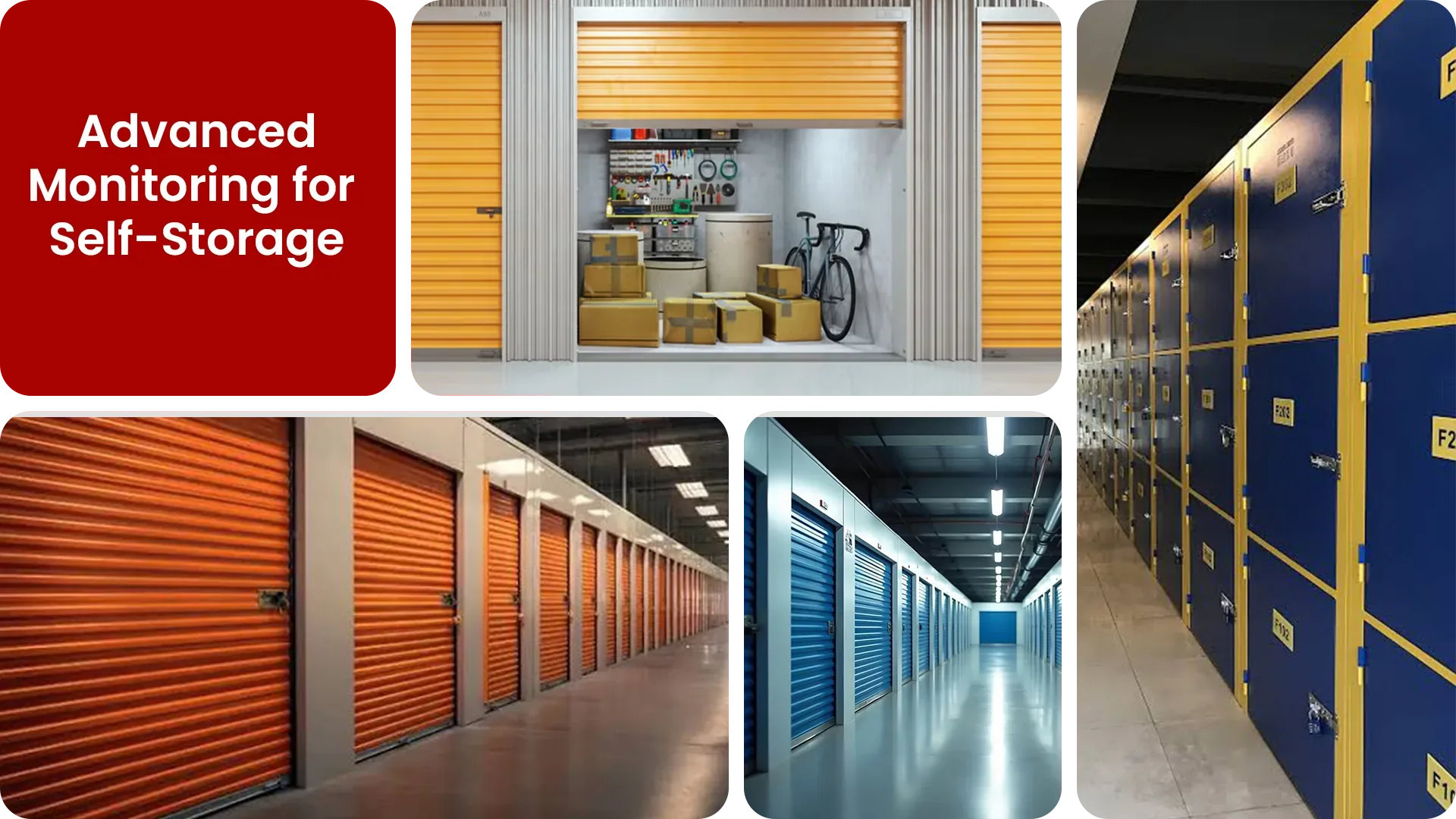
Common self-storage security gaps Camzify closes:
- • Unmanned office hours leaving hallways and gate access unwatched most of the day
- • Gate codes shared or tailgated by vehicles that never checked in
- • Unit break-ins that go unnoticed until the tenant's next visit
- • Perimeter fencing with no continuous overnight coverage
- • Camera outages in remote drive-up aisles going unnoticed for days
- • No audit trail proving a patrol actually happened
Why self-storage needs continuous AI monitoring
Most self-storage facilities are unmanned outside a short window of office hours, yet tenants can access units around the clock. That leaves gates, drive-up aisles, and hallways running unsupervised for the majority of every day, on a site that's often spread across several acres and multiple buildings.
A gate code or keycard controls entry, but it doesn't stop tailgating, and it doesn't tell anyone if a unit door has been forced open in an aisle no one walks past until the next scheduled visit. Plain CCTV records the aisle either way, it just doesn't tell anyone in time to matter.
Virtual patrolling covers the gap by running scheduled AI checks across every gate, aisle, and perimeter camera on the property.
- It flags tailgating as it happens.
- It flags forced entry as it happens.
- It flags camera tampering as it happens, instead of leaving it for the next manual walkthrough.
Three questions self-storage security teams ask
"Is someone at the facility who shouldn't be there?"
Camzify answers this with Zone Intrusion Detection and automated patrol verification.
"Has the gate been breached overnight?"
Camzify answers this with Line Intrusion Detection and automated patrol verification.
"Were all hallway cameras checked in the last patrol?"
Camzify answers this with Motion Detection and automated patrol verification.
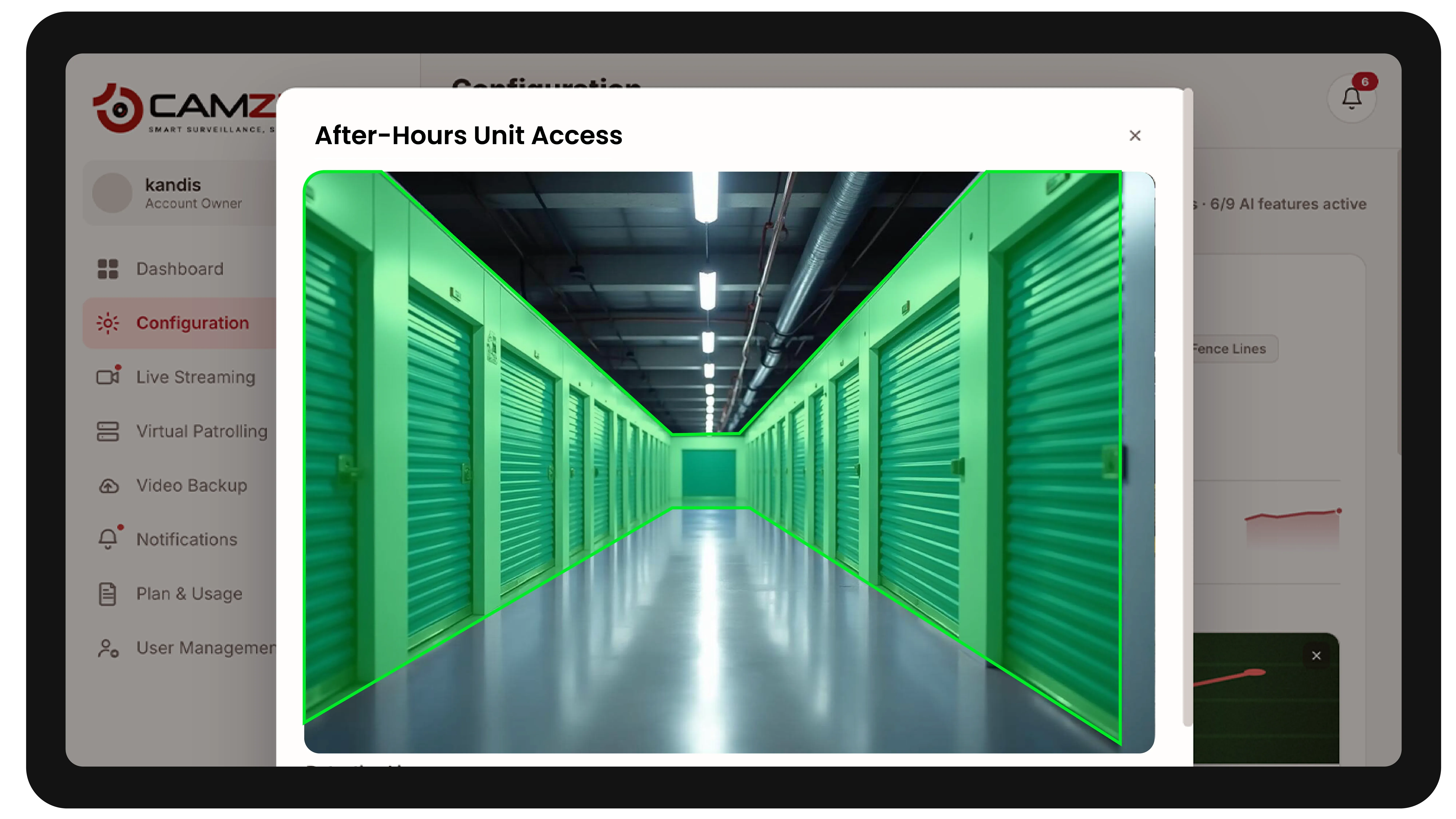
How Camzify works for self-storage
Building the patrol route
A patrol sequence is set up once, ordering every camera stop, entry gate, drive-up aisles, interior hallways, perimeter fence line, into a single route that runs on a configurable schedule.
Checking each stop
At each stop, the AI checks the defined conditions for that camera using zone and line intrusion detection alongside motion detection.
- It checks whether the gate is secure.
- It checks whether the aisle is clear.
- It checks whether anyone is present who shouldn't be.
Routing the alert
A failed check creates an actionable alert with a snapshot and timestamp, routed to the on-call facility contact, and logged alongside every other result in that round's patrol report.
What to configure for a self-storage site
Most self-storage deployments start with:
- • Gate and entry zones with a notification window tied to posted access hours
- • Line rules across drive-up aisles and vehicle gates
- • Hallway motion schedules covering interior corridors between buildings
- • After-hours patrol frequency, typically every 30-60 minutes overnight
- • Escalation routing to the on-call facility manager for critical alerts
Common scenarios
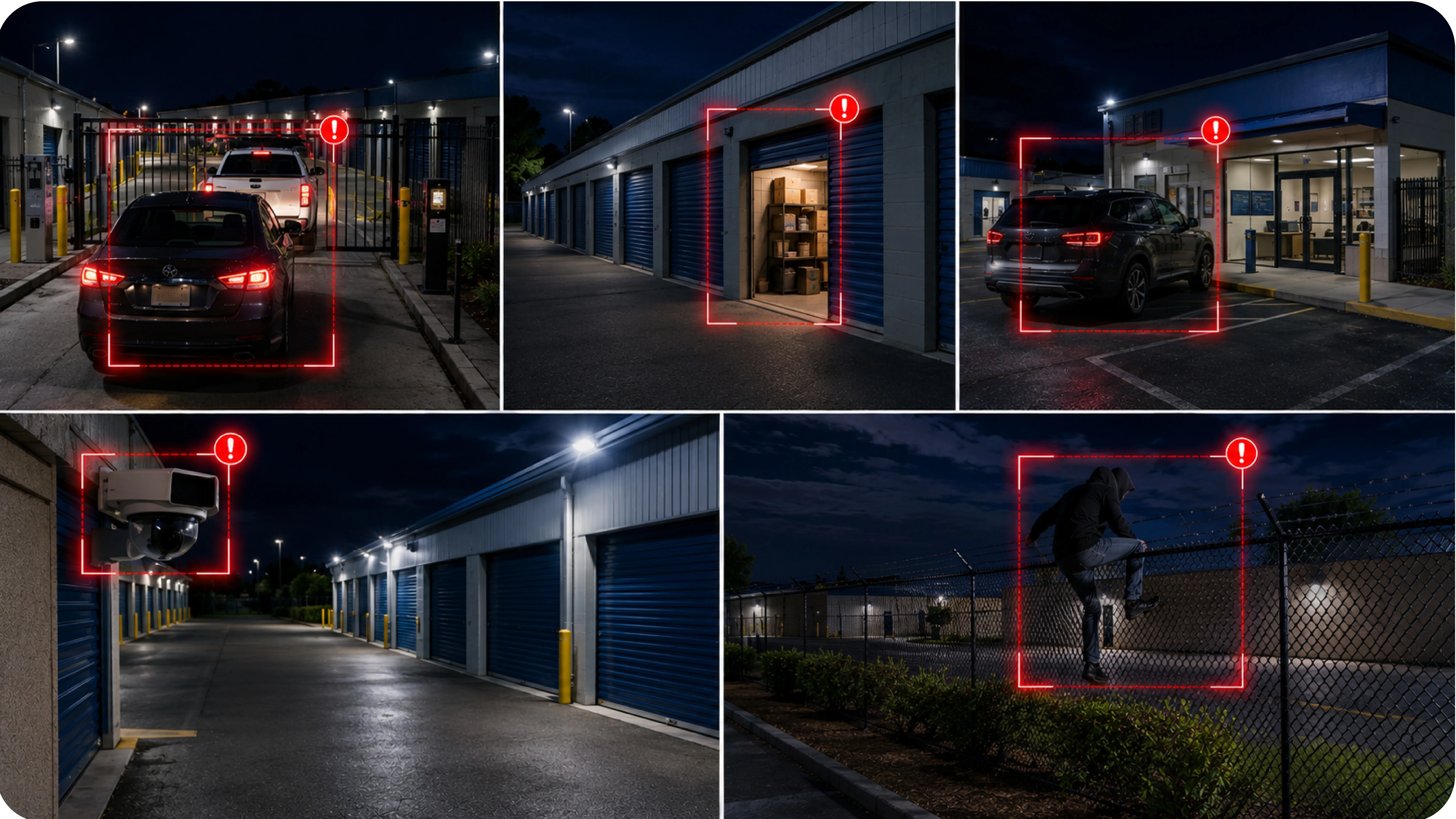
- • A vehicle tailgating through the gate behind a tenant with valid access
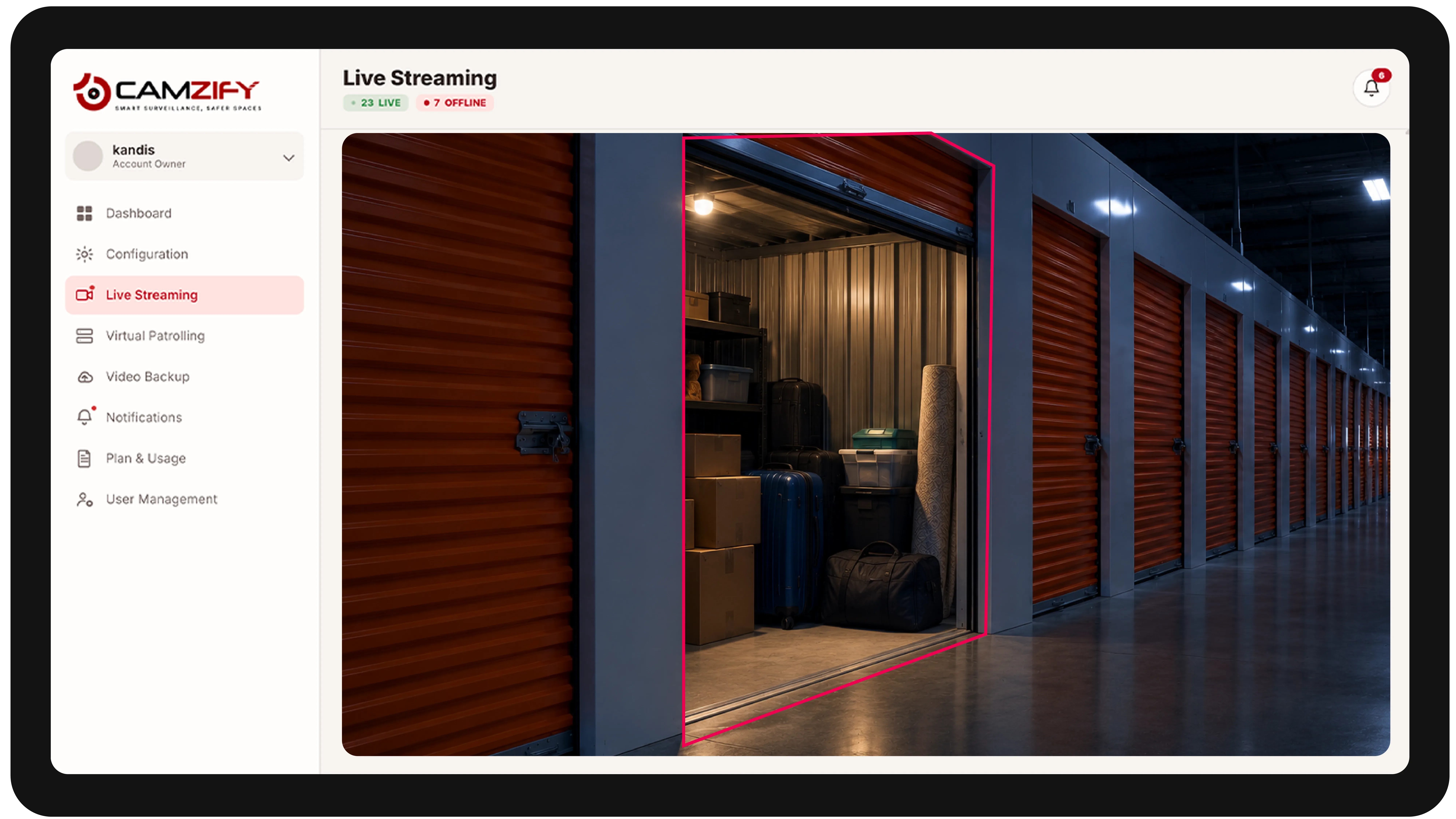
- • A unit door found open outside a tenant's scheduled visit
- • A vehicle idling near the office after posted access hours
- • A camera in a remote drive-up aisle going dark or losing focus
- • Perimeter fence crossings during overnight hours
Deployment notes
Self-storage facilities are typically unmanned outside office hours. Cameras cover perimeter gates, hallways, and loading areas. Camzify provides the overnight monitoring that would otherwise require an on-site guard.
What a first deployment looks like
- Step 01
Cover the corridors and gate
Access gate, corridors, lift lobbies and external unit rows are onboarded first — largely unstaffed spaces where cameras already exist but nothing watches them live.
- Step 02
Patrol continuously, not just overnight
Because these sites are lightly staffed all day, rounds run on a frequent schedule around the clock rather than only after hours.
- Step 03
Log every access anomaly
Tailgating at the gate, presence in a corridor outside access hours and tampered cameras are recorded against the round, giving a dated record for any customer dispute.
See how the numbers work for your self-storage facility with the ROI calculator, or review pricing to understand the per-instance licensing model. Recording and retention for the same cameras are covered on cloud video surveillance.
AI Features used here
Related use cases
Related industries
Frequently asked questions
Ready to patrol your site 24/7?
Book a 15-minute demo and see a live patrol run on your own cameras.