

Guard tour systems explained
 By Muhammad Talha · Product Manager and CTONine years building computer vision and automated surveillance systems · Updated
 A guard tour system is a method of proving that a security guard visited a set of checkpoints on a patrol route at the times the route required. Each checkpoint carries a tag, a code or a beacon; the guard reads it with a wand or a phone, and the reading produces a timestamped log of where the guard was and when.
This guide explains how those systems work, the kinds that exist, what the log they produce does and does not prove, and where they remain the right tool. It then sets out how a virtual patrol round differs, and, because the difference cuts both ways, where a physical tour is still the better choice. The side-by-side table is on the comparison page.
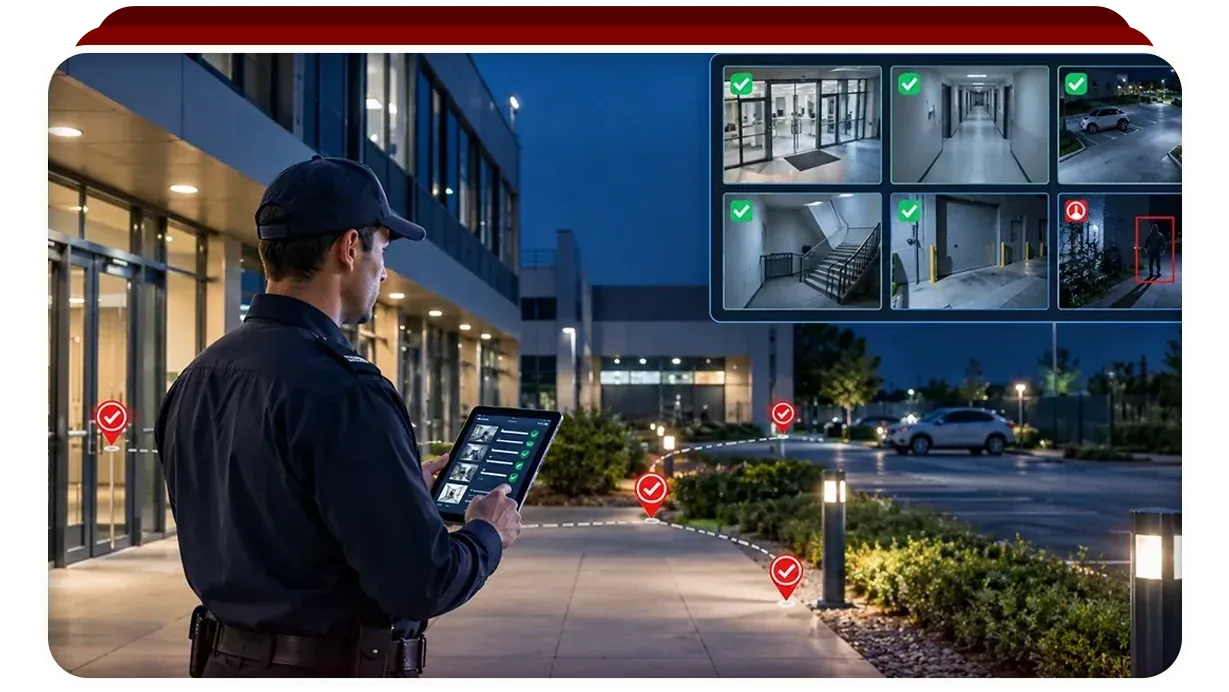
How does a guard tour system work?
A guard tour system works by fixing an identifier at each checkpoint and giving the guard a reader that records the identifier and the time whenever the two meet. The route is defined as an ordered list of checkpoints with a time window for each, and the readings are compared with that list to produce a report of what was visited, what was missed and what was late.
Every system, whatever its hardware, has the same five parts.
- Checkpoints: a tag, button, code or beacon fixed at each point on the route, usually where a guard should stop and look at something, such as a door, a gate, a plant room or a fire panel.
- A reader: a dedicated wand, or a phone running the system’s app, that records each checkpoint it is presented to together with the time and, on some systems, the guard’s identity and position.
- A route: the ordered list of checkpoints a round should cover, with a window for each so that a scan made too early or too late is reported as such.
- A schedule: how often the route runs, at what hours, and on which days, so that a round that never started is reported as clearly as a checkpoint that was missed.
- A report: for the round, which checkpoints were visited on time, which were late and which were missed; for the period, how many rounds were completed and by whom.
What kinds of guard tour system are there?
Guard tour systems differ mainly in how the checkpoint is read: by touching a metal button with a wand, by holding a reader near an RFID or NFC tag, by scanning a QR code with a phone, or by walking within range of a Bluetooth beacon or a GPS position. Each trade-off is between the cost of the checkpoint, the cost of the reader, and how hard the checkpoint is to fake.
- Touch-button wands. A sealed wand touches a small metal button fixed at each checkpoint and stores the reading until the wand is docked. No network is needed and the hardware survives weather and rough handling.
- RFID and NFC tags. A reader, or a phone with NFC, is held near a tag screwed or glued at the checkpoint. The tag is cheap, needs no power, and can be hidden behind a plate.
- QR codes. A printed code is scanned with the phone camera. Cheapest to deploy and easiest to replace, and also the easiest to photograph and scan from somewhere else, which is why phone-based systems often pair the scan with a GPS position.
- Beacons and GPS. The reader records that it came within range of a beacon, or reached a position, without the guard touching anything. This suits outdoor and vehicle patrols where fixing a tag is impractical.
- Mobile apps. Most current systems run on a phone the guard already carries, combining one of the methods above with a checklist, a photograph and a note at each stop, and reporting to a supervisor in real time.
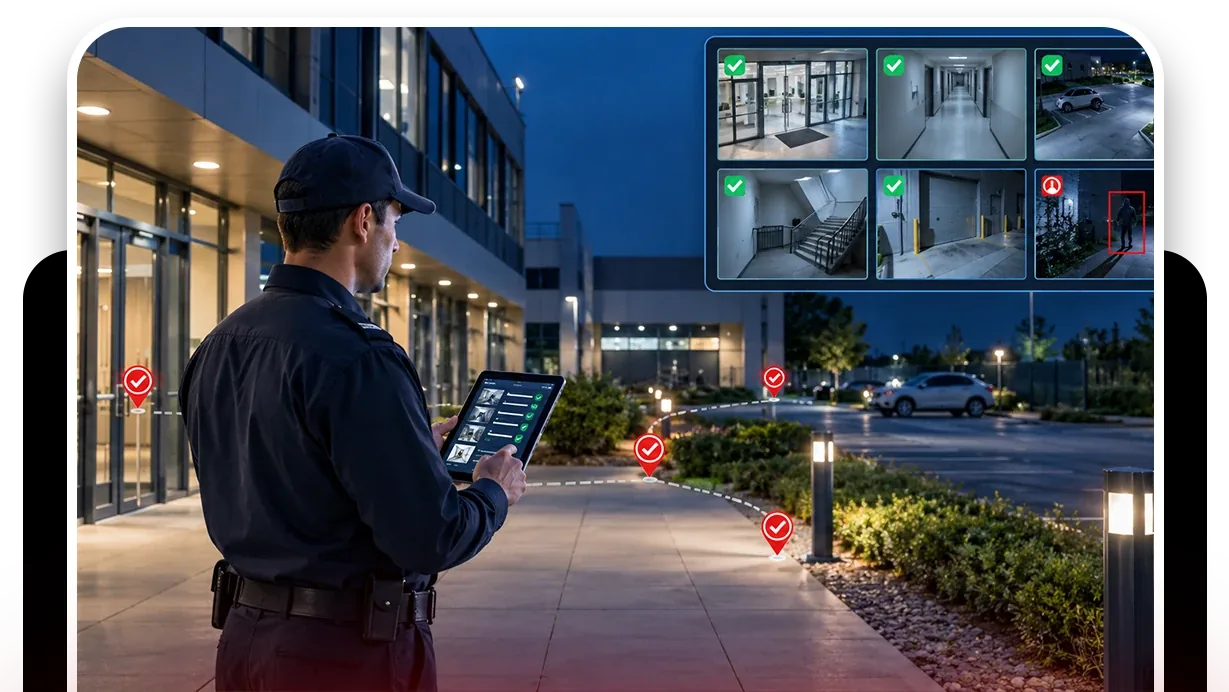
What does a guard tour system prove, and what does it not?
A guard tour system proves presence: that the reader was at the checkpoint at the recorded time. It does not prove attention, meaning what the guard looked at while there, and it does not prove condition, meaning whether the door was locked, the area was clear or the gate was closed. The log shows the guard was at the door, not that the door was checked.
That is not a flaw in the design; it is what the design set out to do. Guard tour systems were built to answer a contractual question, was the round walked, at a time when the alternative was a signature on a sheet. The gap opens when a client reads the report as proof that the site was in order, which is a different claim that the scan cannot support.
Phone-based systems narrow the gap by asking the guard to answer a checklist and take a photograph at each stop, which moves the record from presence toward condition. It still depends on the guard being present at every stop on every round, and the photograph shows what the guard chose to point the phone at.
Where does a guard tour system remain the right choice?
A guard tour system remains the right choice wherever the check cannot be made by looking, wherever there is no camera, and wherever the client is paying for a person to be present rather than for a condition to be confirmed. Those three cases cover a large part of guarding work, and a camera does not replace any of them.
- Checks that need hands. Pulling a padlock, pushing a fire door to confirm it latches, testing a barrier, reading a gauge in a plant room or noticing a smell of gas cannot be done from a frame.
- Places with no camera. Stairwells, basements, roof spaces, remote fence lines and the inside of locked stores are usually on the route precisely because nothing else watches them.
- Contracts that specify presence. Where the client is paying for a guard to be seen walking the site, as a deterrent or as a term of insurance, the tour system is the record that the term was met.
- Sites with no reliable connectivity. A wand that docks at the end of the shift works where a stream cannot leave the building.
How is a virtual patrol round different?
A virtual patrol round checks the condition at each point rather than the presence of a person there. The route is a sequence of cameras instead of tags, each stop carries a checklist of conditions to confirm, and the record is the frame the check was judged against, kept beside the result. It runs on a schedule whether or not a guard is on shift.
Camzify is one example of the model. A scheduled round moves through the cameras in sequence, checks a defined list at each one, notifies the guard assigned to any failing camera, and files a report with a compliance percentage per round and the snapshot behind every item. The round does not replace the guard; it replaces the walk to the points a camera can already see, and it sends the guard to the ones that fail.
The two records therefore answer different questions. The tag log answers whether the round was walked. The patrol report answers whether the door was closed, the area clear and the gate locked at the time of the round, and it shows the picture. Where a client asks the second question, the first record cannot answer it, however complete the scans are.
When is a physical tour still the better choice?
A physical tour is the better choice when the checkpoint has no camera, when the check is physical rather than visual, when a person on site is part of what the client is buying, and when the site cannot carry its cameras to the cloud. A virtual round cannot do any of those, and a vendor who says it can is selling rather than advising.
There is also a middle case. Many sites have cameras on the entrances, the perimeter and the main floors, and none in the plant rooms, the stairwells or the yard behind the bins. The honest design for such a site is a virtual round over the points the cameras cover and a shorter physical tour over the points they do not, with the guard’s time going to the checks that need a person.
The two records also verify each other. Run the virtual round over the same points the guard scans, at the same times, and the frame shows the guard at the checkpoint or does not. That is what the guard tour verification use case describes, and it is the most common way the two systems end up running together.