

A Verkada alternative that keeps your cameras
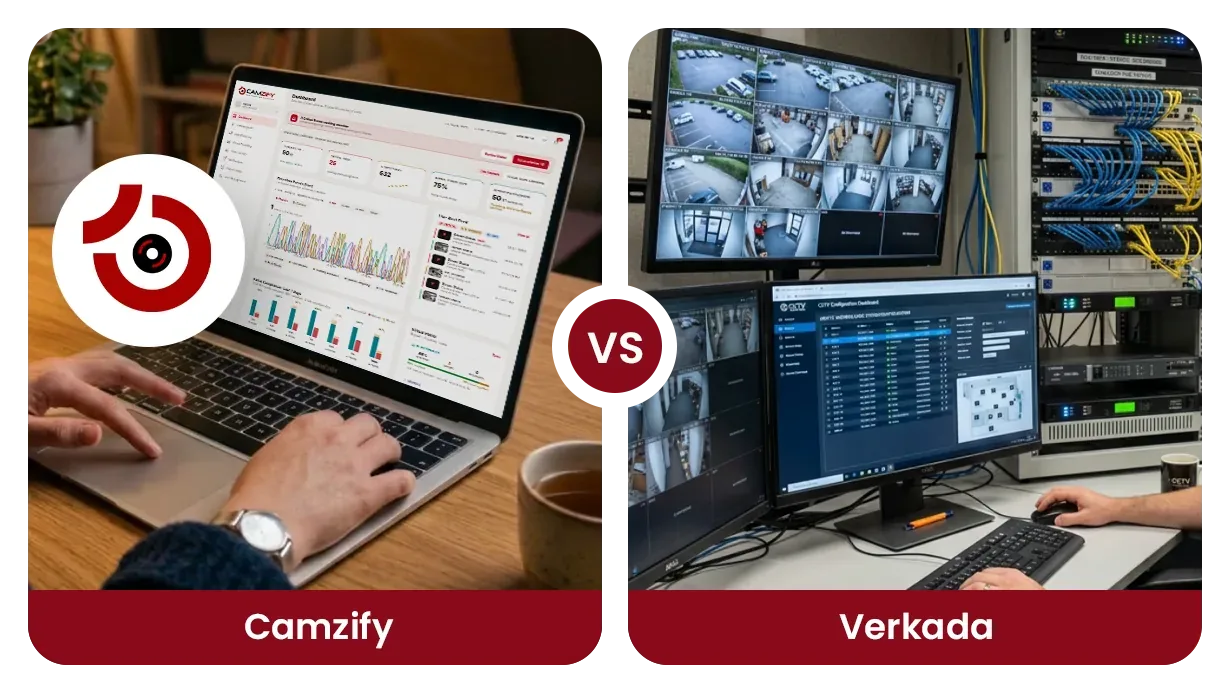
Camzify is a Verkada alternative for the buyer who does not want to replace the cameras already on the wall. It is cloud video surveillance that runs on the ONVIF and RTSP cameras a site already owns, with cloud recording, 23 AI detections and scheduled patrol rounds that produce a compliance report. The even-handed comparison sets the two side by side; this page takes the switcher's angle.
That means three questions: what you keep, what you give up, and how the move works. Every statement about Verkada comes from a Verkada page opened on 18 September 2026 and listed at the bottom. Where their pages did not describe something, the row says so.
Why buyers look for a Verkada alternative
Verkada's own pages describe what it sells: its own cameras in eight families, plus access control, alarms, intercoms and sensors, managed in its Command platform. Its pricing page lists cameras as hardware with an additional license required, and shows one-year license terms. A buyer weighing it is weighing a hardware purchase and a license per device together.
For a site whose cameras still work, that is the sticking point. The cameras are paid for and the cabling is done, and the question is whether the gap is the cameras or what sits behind them. Verkada does describe a Command Connector appliance for other makers' cameras, and its page lists what those cameras do not get: automatic firmware updates, full camera tampering detection, low-latency AI analytics and license plate alerts.
The other reason is the round. Command describes real-time alerts, footage search and audit logs. None of the pages we checked describes a scheduled round that checks a list at each camera and files a report with a compliance percentage.
What you keep and what you give up
A switch is a trade. The first list is what a Camzify account gives a site that keeps its cameras; the second is what Verkada's pages describe that Camzify does not offer.
What you keep
- The cameras. Any ONVIF or RTSP camera connects directly, and RTMP and HTTPS streams connect too. Nothing is replaced to get cloud recording and detection on them.
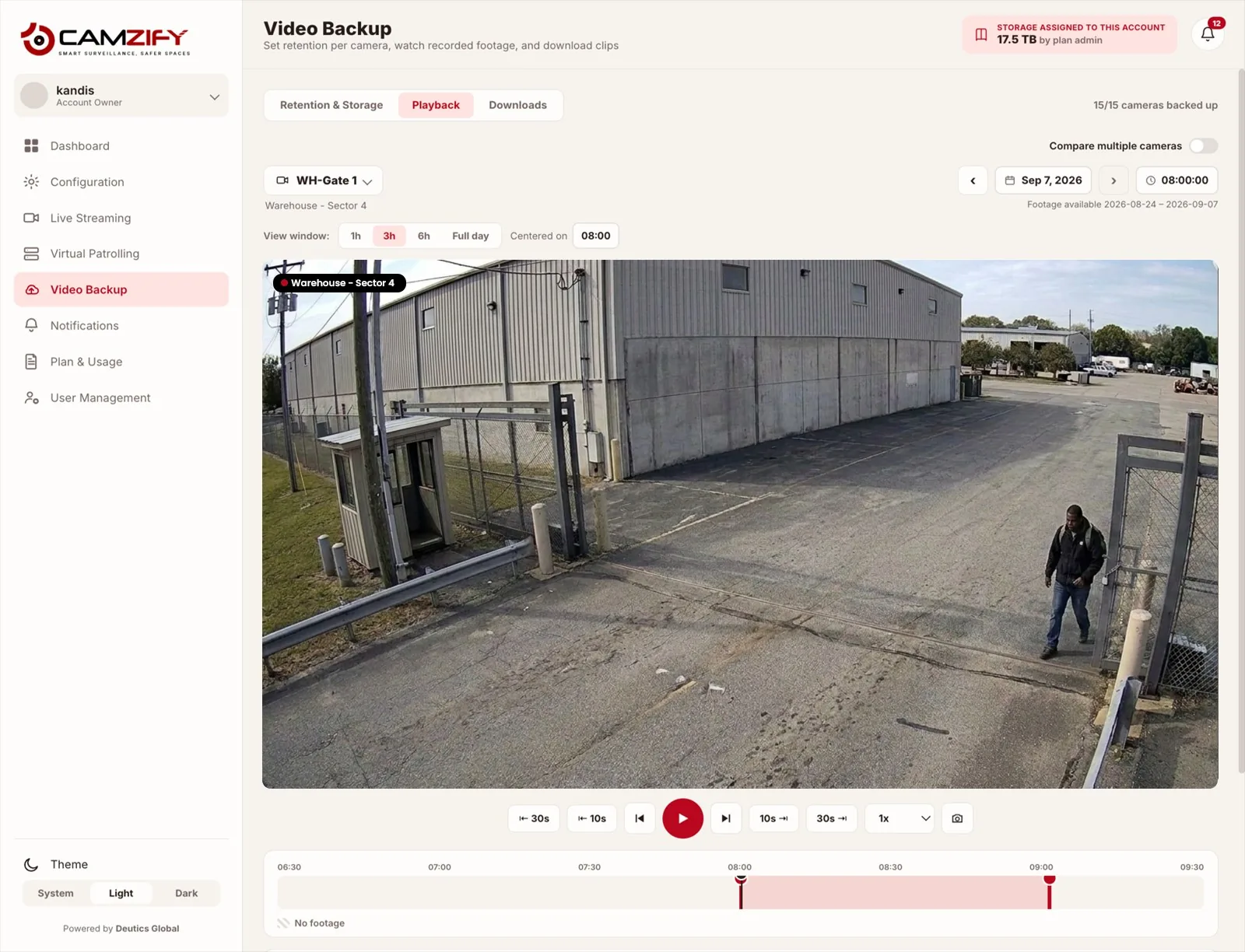
- Retention per camera. Storage is a pool sold per terabyte per month, and each camera takes its own retention window in days or as a storage cap. A camera that matters keeps more; a camera that does not keeps less.
- Scheduled patrol rounds. A round runs on a schedule, checks a list at every camera, notifies the assigned guard when an item fails, and files a timestamped report with a compliance percentage.
- One account across every site. Each site is set up on its own and read from one console, with sub-users scoped to their own sites. Alerts go out by email, SMS, WhatsApp or push.
What you give up
- Native access control. Verkada lists Access Control among its product lines, managed in Command. Camzify has none; your doors stay with whoever runs them now.
- Alarms. Verkada lists Alarms as a product line, and its pricing page shows an alarm license. Camzify sells no alarm panel and runs no monitoring center; it notifies your own guard.
- Sensors, intercoms and sound. Verkada lists air quality sensors, intercom and sound systems among its products. Camzify is video only.
- Onboard storage on the camera. Verkada states that all its cameras include onboard storage of 30 to 365 days. Camzify records to the cloud from the stream and puts nothing on the camera.
- A published list price. Verkada publishes list prices for hardware and licenses. Camzify publishes one floor, from $5 per camera per month, and quotes the rest per site.
If the second list holds something you need, read the Verkada pages themselves before going further. If it does not, the table below is the shape of the move.
Side by side for a switcher
The comparison page covers the two products feature by feature. This table covers only what changes when a site with working cameras moves.
| Aspect | Camzify | Verkada |
|---|---|---|
| The cameras you own today | Stay on the wall. Any ONVIF or RTSP camera connects at full capability; RTMP and HTTPS streams connect too. | Verkada sells its own cameras in eight families. Other makers' cameras enter Command through a Command Connector appliance, with the limits that page lists. |
| Hardware to buy | None. The only on-site software is the optional Camzify Connector, an application on a PC. | Cameras are listed as hardware with an additional license required. The Command Connector is a separate appliance in three sizes: CC300, CC500 and CC700. |
| How third-party cameras connect | By stream address, or through the Camzify Connector for a private network, with no port forwarding. | Through the Command Connector: up to 10, 25 or 50 channels at 5MP per unit. Verkada states it continues to test and add compatible third-party cameras. Protocols are not described on the pages checked. |
| License and pricing model | Per instance per month, quoted per site, from $5 per camera per month. No hardware line on the quote. | Published list prices for hardware and licenses, sold separately; the license terms shown are one year. Every purchase includes AI-based analytics, unlimited users, automatic updates and 24/7 technical support. |
| Retention control | Per camera, in days or as a storage cap, from a storage pool sold per terabyte per month. | Onboard storage on every Verkada camera, stated as 30 to 365 days, with data stored on the device and in the cloud. |
| Patrol rounds and reports | Scheduled rounds with a checklist at each camera, a guard notified on a failure, and a timestamped report with a compliance percentage. | Not described on the pages checked. Command describes real-time alerts, footage search and audit logs. |
| Doors, alarms and sensors | Not offered. Access control, alarm panels and the monitoring center stay with whoever provides them today. | Native. Product lines include Access Control, Alarms, Intercom and Air Quality Sensors, all managed in Command. |
| Best fit for a switcher | A site whose cameras work and whose gap is detection, retention control and proof that rounds were done. | A site replacing its cameras that wants video, doors and alarms from one vendor. |
How the move works
Six steps, in the order they happen. Camera connectivity covers the connection types, the Camzify Connector covers private networks, and using existing cameras with a cloud VMS is the guide behind step one.
Inventory the cameras and confirm RTSP or ONVIF
List every camera with its make, model and firmware, and confirm each one publishes an RTSP stream or answers ONVIF. Most IP cameras from the last decade do.
Decide how each camera reaches the cloud
A camera with a reachable stream address connects directly. A camera on a private network connects through the Camzify Connector, an application on a Windows, macOS or Linux machine, with no port forwarding.
Set retention per camera
Size the storage pool, then give each camera a retention window in days or a storage cap. Cameras that matter for evidence keep more; corridor cameras keep less.
Choose detections per camera
Motion and camera tampering come with every stream instance. Each other detection is an instance on the camera it runs on, so a loading dock can carry line intrusion and PPE while the lobby carries loitering only.
Schedule the patrol rounds
Order the camera stops, write the checklist for each one, name the guard to notify and set the schedule. From the first run there is a report per round with a compliance percentage.
Run both in parallel while you check
Keep the current system until the recordings, alerts and reports have been checked over a period you decide. Export anything you will need from the old archive before it is switched off.
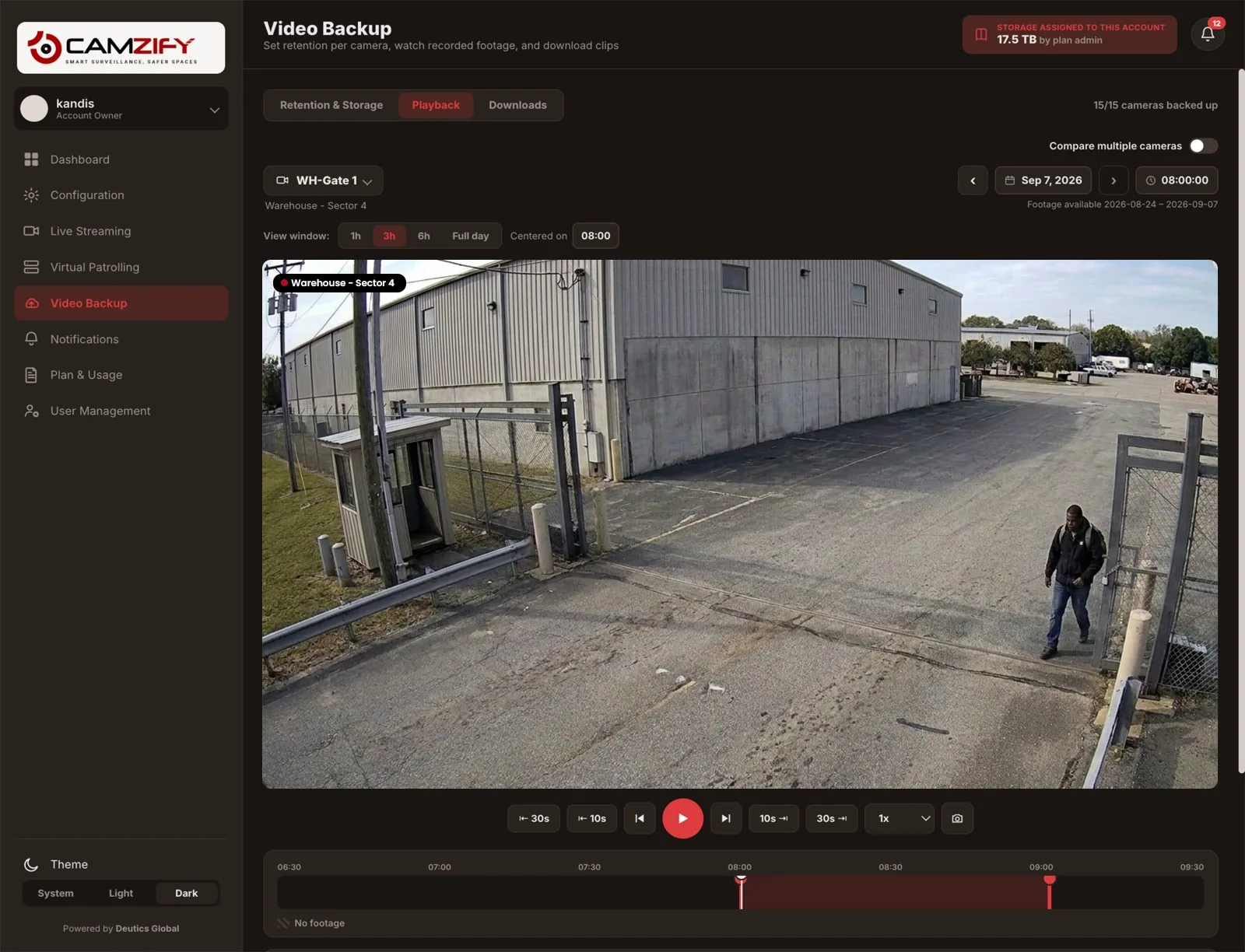
Video backup and retention shows the per-camera retention screen behind step three, and virtual patrolling explains the round and its report behind step five.
Where Verkada is the better choice
Verkada is the stronger option when the hardware is part of what you want to buy, or when the things Camzify does not do are on your list.
- You are replacing the cameras anyway. Verkada states that its cameras include onboard storage of 30 to 365 days and receive software and firmware updates over the air, and that every purchase includes AI-based analytics.
- You want doors, alarms, intercoms and sensors in the same console as video. Verkada lists all of these as product lines managed in Command; Camzify offers none of them.
- Completed certifications matter to your procurement today. Verkada's security page states annual SOC 2 Type 2 examinations and ISO 27001:2022 certification for Command. Camzify's SOC 2 Type II and ISO 27001 work is in progress and not held.
- You want a list price before you talk to anyone. Verkada publishes hardware and license prices on its pricing page; Camzify publishes one floor and quotes the rest.
Where Camzify is the better choice
Camzify is the stronger option when the cameras stay and what is missing is detection, retention control and a record of the rounds.
- Your cameras work and you do not want new ones. Camzify connects any ONVIF or RTSP camera at full capability, rather than through an appliance with a reduced feature set.
- You need proof that a round was done. A scheduled round checks a list at every camera, messages the guard on a failure and files a report with a compliance percentage, which no Verkada page we checked describes.
- You are a security agency or monitoring company covering other people's sites. Each client is a sub-user scoped to its own cameras, with a report per round for that client.
- You want retention decided camera by camera from a storage pool you size yourself, rather than by what each camera model ships with.
The bottom line
If you are replacing your cameras and want doors, alarms and sensors on the same platform, Verkada is built for exactly that. If your cameras work and the gap is detection, retention you control and proof that the rounds were done, Camzify puts all three on those cameras without a hardware purchase. The two answer different questions about the same building.
The cost basis is on the pricing page: from $5 per camera per month, quoted per site within one business day. A demo runs on your own camera list. If the system you are leaving is an alarm and monitoring contract rather than a camera platform, the ADT alternative page covers that move instead.
Sources, checked 18 September 2026
Every statement about Verkada above comes from one of these pages, read on that date. If a line here disagrees with what Verkada's site says today, its site is current and this page is not.
- Verkada home pagehttps://www.verkada.com/
- Verkada Commandhttps://www.verkada.com/command/
- Verkada security camerashttps://www.verkada.com/security-cameras/
- Verkada Command Connectorhttps://www.verkada.com/security-cameras/command-connector/
- Verkada pricinghttps://www.verkada.com/pricing/
- Verkada trusthttps://www.verkada.com/trust/
- Verkada security and compliancehttps://www.verkada.com/trust/security/
Frequently asked questions
See your cameras in a cloud VMS
A 15-minute demo of the live console: cloud recording with retention per camera, live view and AI detections on the cameras you already have. Pricing starts from $5 per camera per month.