

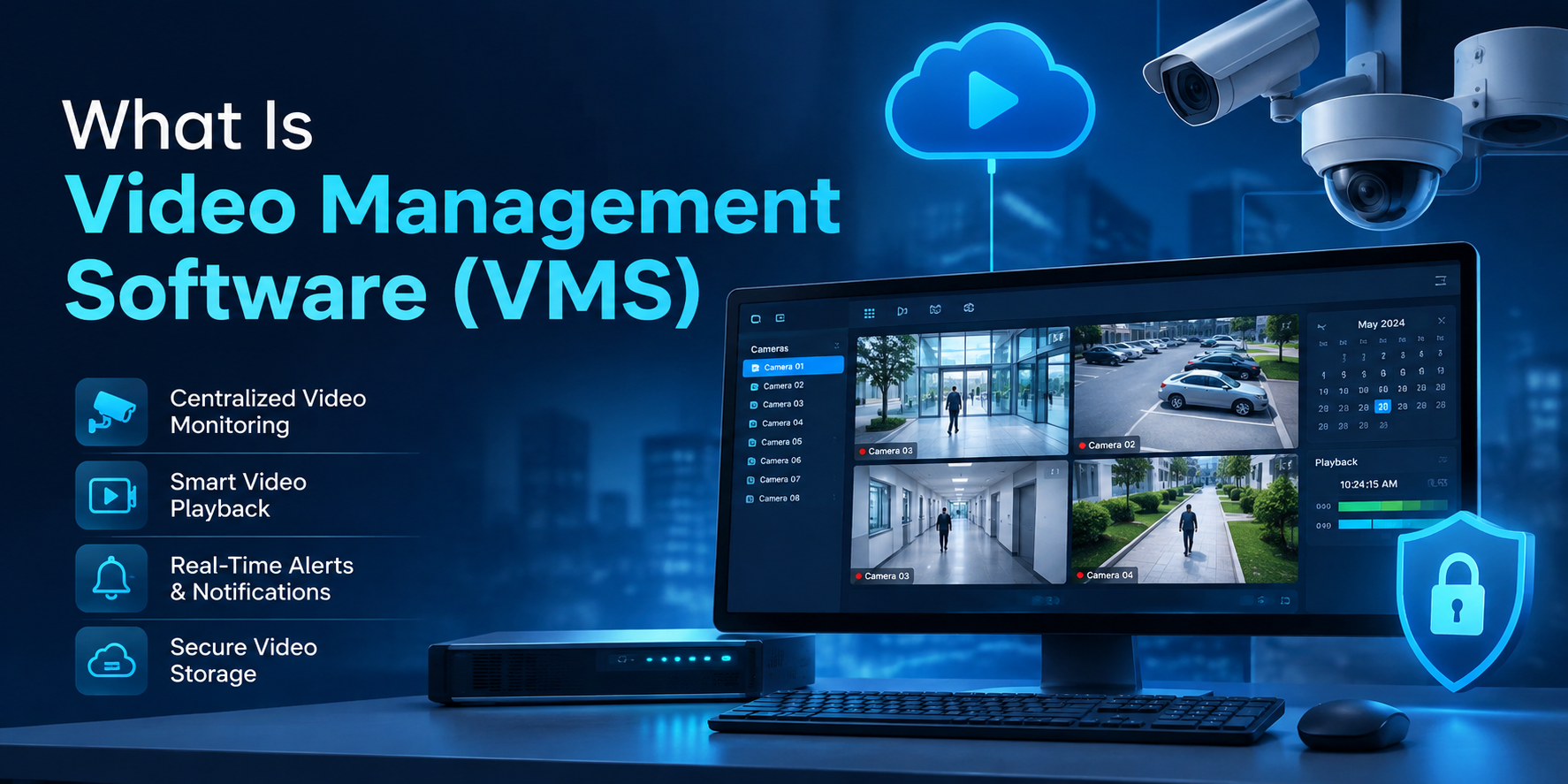
Video management software is the platform that connects every camera on a site into a single system for live viewing, recording, search and analysis. It is the layer that turns a wall of separate camera feeds into one interface a person can actually work in.
Most organizations do not buy a VMS because they lack cameras. They buy one because they have thirty cameras, four sites, two brands of hardware and no way to answer a simple question like “who was at the loading bay at 3am on Tuesday” without someone scrubbing through footage for an hour.
This guide covers what the software does, how it differs from the recorder in your comms cabinet, and the questions worth asking before you shortlist anything.
What does video management software actually do?
A VMS handles four jobs: it ingests video from cameras, stores it, makes it searchable, and acts on what it sees. Everything else a vendor lists is a variation on one of those four.
In practice, that breaks down into:
- Live viewing and playback — multiple feeds on one screen, with timeline scrubbing and clip export.
- Recording and retention — continuous or event-based, with rules for how long footage is kept.
- Search — finding an event by time, camera, zone, or object type rather than by watching.
- Alerting — pushing a notification when something matches a rule you set.
- User permissions — controlling who can see which cameras, with an audit trail of who watched what.
- Integrations — linking video to access control, alarms, and point-of-sale systems.
The permissions and audit trail matter more than they sound. In healthcare, education and financial services, being able to show who accessed which footage is often the difference between a system that passes an audit and one that does not.
What is the difference between an NVR, a DVR and a VMS?
An NVR or DVR is a recorder: a fixed box that stores video from a set number of cameras. A VMS is software that manages recording across many devices and sites, and is not limited by the port count on a single appliance.
The practical distinctions:
- A DVR works with older analog cameras and encodes the video itself.
- An NVR works with IP cameras and records streams they have already encoded.
- A VMS sits above both. It can manage recorders, cameras, and cloud storage together, across locations.
If you have one building and eight cameras, an NVR is often enough. The moment you have a second site, a mix of camera brands, or people who need access from outside the building, the recorder becomes the constraint.
Will a VMS work with the cameras we already have?
Usually, yes — if both your cameras and the software conform to the same ONVIF profile. ONVIF is the open standard that lets IP cameras from one manufacturer talk to video management software from another, and conformance is the only thing that actually guarantees that compatibility.
This is the question worth spending real time on, because it is where most of the money is either saved or wasted.
A few things are worth knowing before a vendor tells you their system is “compatible with everything”:
- ONVIF was established in 2008 and there are now more than 33,000 profile conformant products across cameras, video management systems and access control.
- Profiles are specific. Profile S and its successor Profile T cover video streaming; Profile G covers recording and storage; Profile M covers the metadata and events that analytics applications rely on.
- ONVIF has announced it is ending support for Profile S, the profile it introduced in 2011, because the authentication method it specifies no longer matches current cybersecurity recommendations. Profile T, introduced in 2018, is the recommended replacement, and most conformant products on the market today support both.
- Conformance claims are self-declared by member manufacturers. The ONVIF conformant products database is the authoritative record, and conformance is tied to a specific firmware version — so a camera model can be listed while the firmware on your wall is not.
That last point is the one that catches people out. “ONVIF compatible” on a spec sheet and “ONVIF conformant, on this firmware, in this database” are not the same claim, and only one of them is checkable.

Cloud VMS or on-premise VMS — which should we choose?
On-premise keeps video and processing on your own servers; cloud hosts them offsite and delivers access over the internet. The right answer depends less on preference than on your bandwidth, your retention requirements, and who is available to maintain the system.
| On-premise VMS | Cloud VMS | |
|---|---|---|
| Where video lives | Your servers, your building | Provider’s infrastructure |
| Upfront cost | Higher — hardware and licenses | Lower — subscription |
| Ongoing cost | Maintenance, replacement hardware | Predictable monthly fee |
| Bandwidth needed | Minimal for recording | Sustained upload per camera |
| Remote access | Requires configuration | Built in |
| Updates | Manual, scheduled by you | Handled by the provider |
| Multi-site management | Harder — often one system per site | One interface across all sites |
| Best suited to | Single sites, strict data residency rules, limited connectivity | Multiple sites, small IT teams, remote operations |
Hybrid deployments are common and often sensible: record locally so nothing is lost when the connection drops, and sync events and clips to the cloud for search and remote access.
Bandwidth is the constraint people underestimate. Cloud video surveillance moves footage continuously, and a site with a modest upload link and twenty cameras will need either lower bitrates, event-only upload, or a local recorder doing the heavy lifting.
What does AI video analytics add to a VMS?
AI video analytics automates the watching. Instead of a person monitoring feeds, the software classifies what it sees — people, vehicles, objects, movement into a restricted zone — and raises an alert only when something matches a rule.
The realistic benefits are narrower and more useful than the marketing suggests:
- Fewer false alarms. Filtering out weather, shadows, and animals so alerts stay meaningful.
- Faster search. Finding footage by object type or zone rather than by timestamp.
- Operational data. Queue lengths, dwell time and footfall patterns, which are often worth more than the security function.
- Consistency. Software does not lose attention at hour six of a shift.
Two honest caveats. Accuracy varies with camera placement, lighting and angle far more than with the model behind it, so a poorly positioned camera will produce poor analytics regardless of vendor. And features like facial recognition are regulated differently across jurisdictions and sectors — if you are deploying in healthcare, education or financial services, treat the legal and privacy review as part of the project rather than an afterthought.
How much does a video management system cost?
Pricing is almost always per camera and per month, or per camera as a perpetual license, with storage charged separately. The honest answer is that no vendor can quote you accurately without knowing your camera count, retention period and deployment type.
The variables that move the number:
- Camera count, usually the primary unit of pricing.
- Retention period — 30 days of footage costs roughly twice what 15 days costs to store.
- Resolution and frame rate, which drive storage and bandwidth.
- Analytics — often licensed per camera, on top of the base VMS license.
- Deployment type — on-premise front-loads cost into hardware; cloud spreads it across a subscription.
When comparing quotes, compare the same retention period and the same analytics scope. Vendors quote different defaults, and a cheaper headline figure frequently hides a shorter retention window.
What is a virtual security guard, and how is that different?
A virtual security guard is a service, not software: trained operators watch live feeds remotely and respond to events, usually by voice-down audio warning or by escalating to police. A VMS is the platform they work in — one is the tool, the other is the staffing model.
Some organizations buy the software and monitor it themselves. Others add remote guarding on top so someone is watching outside business hours. The two are frequently sold together, and it is worth being clear which one a quote covers, because “monitoring included” can mean automated alerts to your phone or it can mean a human being watching.
Where to start
If you are evaluating video management software, the shortest path to a useful shortlist is three questions: what cameras do we already own and are they ONVIF conformant on their current firmware, how long do we need to keep footage, and who will be watching. Answer those and most vendor comparisons resolve themselves.
Camzify is a cloud-based video management system that works with existing IP cameras and adds real-time analytics on top. If you want to see it running on your own cameras rather than on a demo reel, get in touch and we will walk through your camera list first.